Payroll
Month close, without fear or spreadsheets
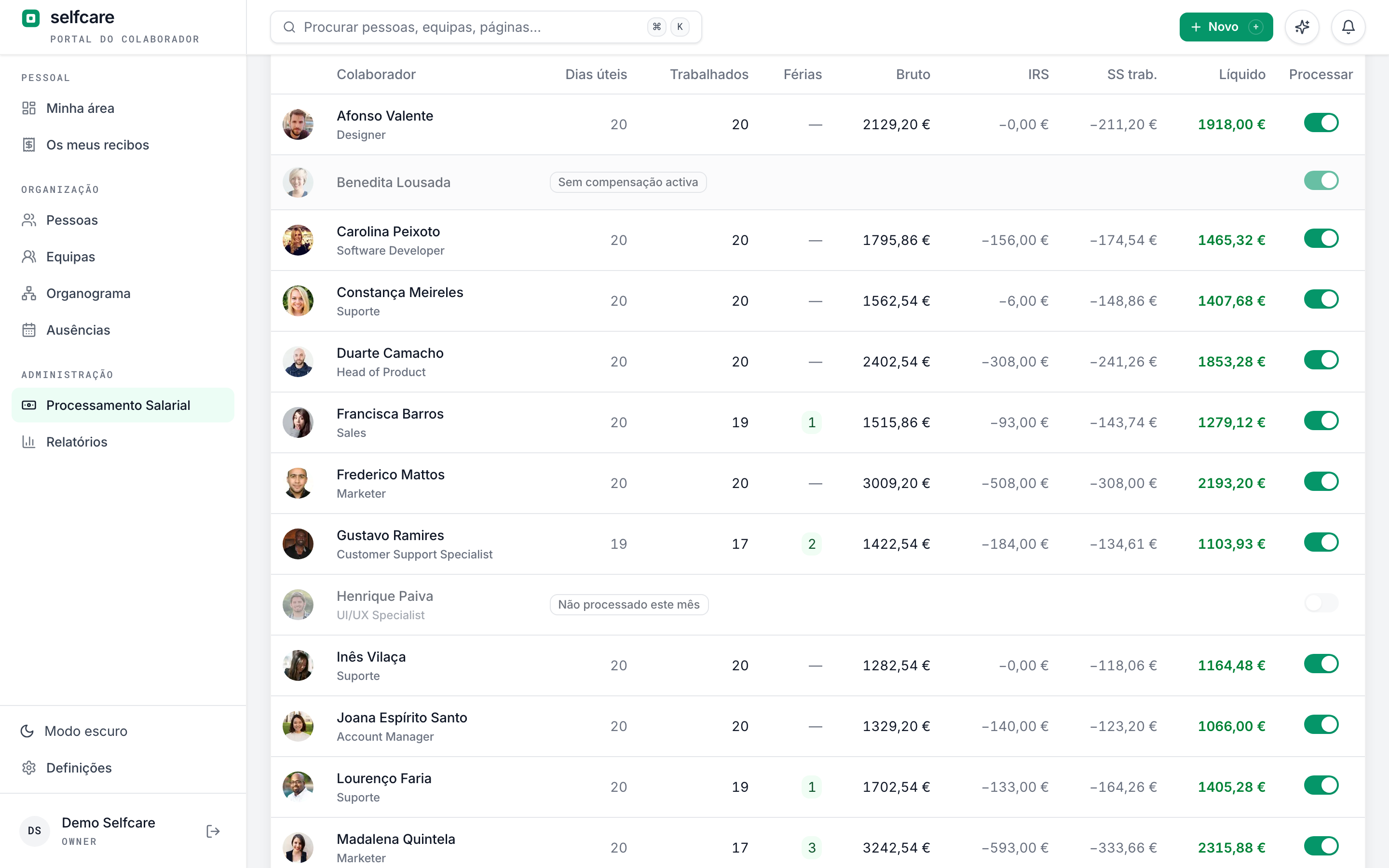
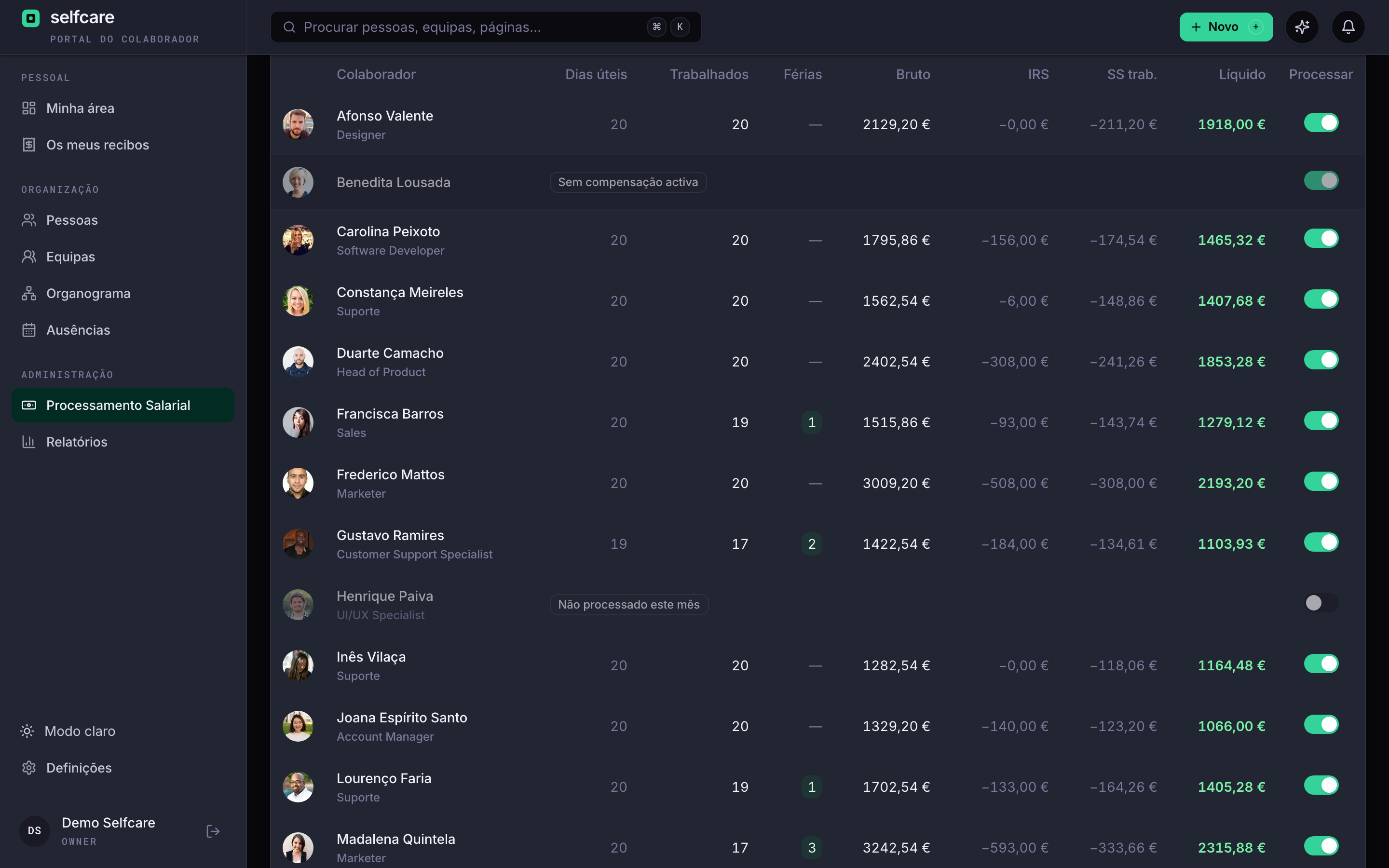
Each employee is processed with their compensation, approved absences and the IRS (income tax) table in force. You review, close the month and leave with the payslips, the DMR (monthly pay return) and the bank file.
Anyone who has rushed a month close knows
Absences arrive by email on the 28th. One person's allowance is paid in twelfths and another's isn't. The IRS table changed in January and nobody can explain why net pay went down. And on the 10th the DMR has to be filed.
Every calculation explained
A payslip that explains itself
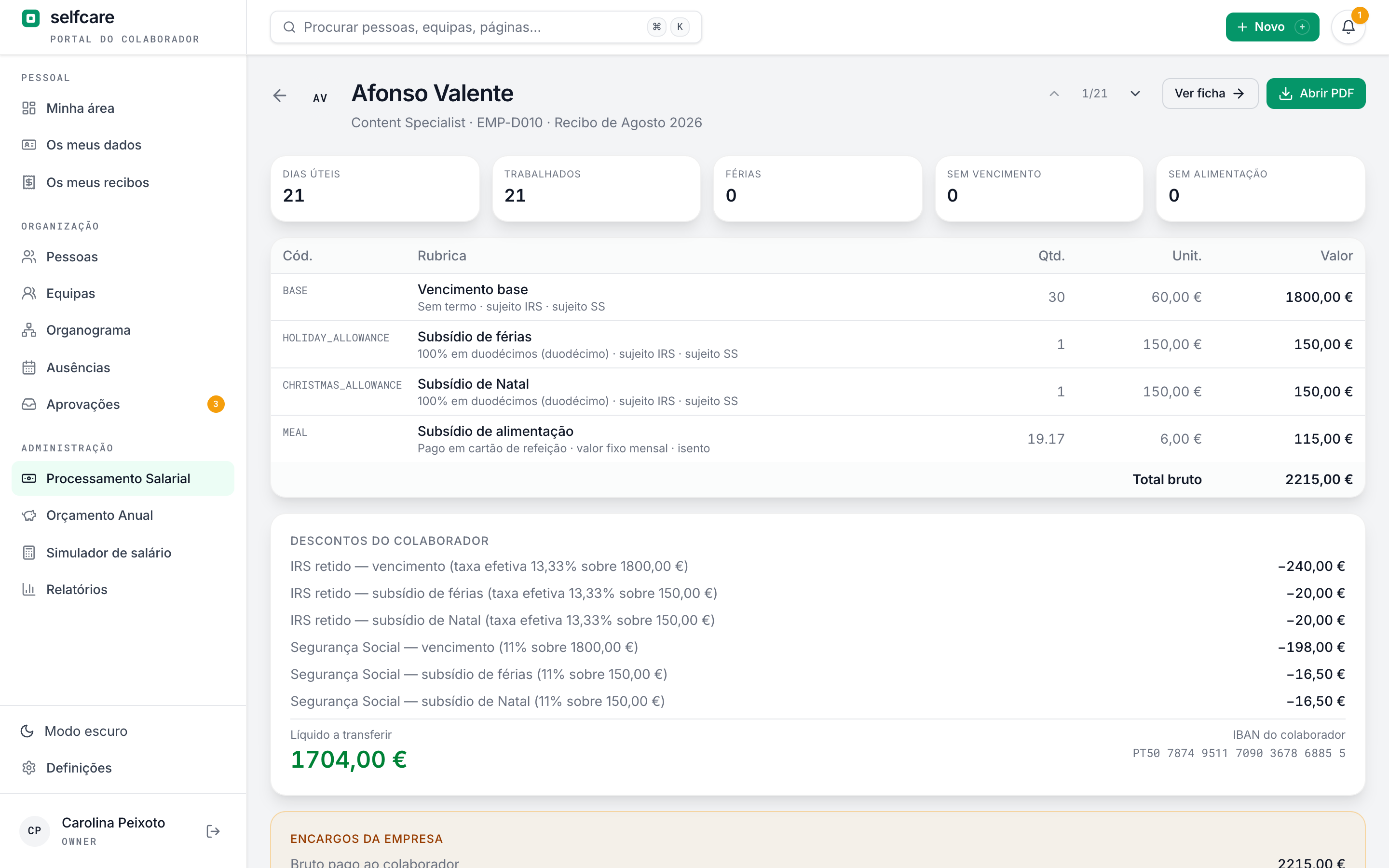
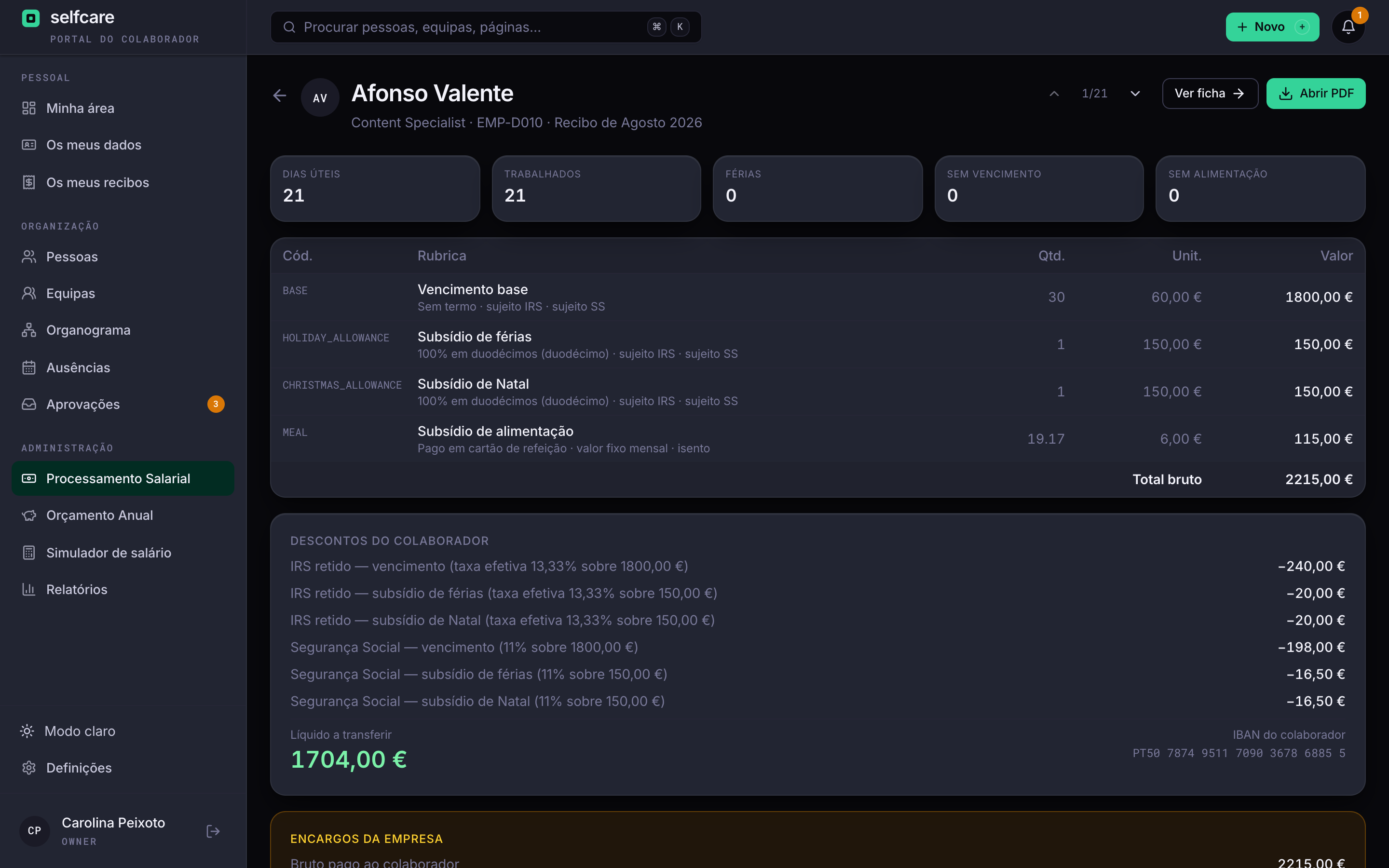
Each line says where it comes from: the IRS rate applied to the salary and to each allowance, the Segurança Social (Portuguese social security) base, days worked, absences. When someone asks why they got this amount, the answer is on the payslip.
- IRS withheld separately on the salary, the holiday allowance and the Christmas allowance
- Effective rate and base of each deduction in view
- Employer costs and total cost per employee
- PDF payslip in each person's portal, with a notice when it's out
Portuguese rules, no shortcuts
The calculation engine has more than 200 automated tests. Each payslip keeps the version of the rules it was calculated with, plus the rates and bases used.
2026 IRS
Withholding tables for mainland Portugal, Madeira and the Azores, from the despachos (government orders) in force, with the right table for each household, including disability and dependants. A manual rate only applies if it's above the legal one.
IRS Jovem
The youth income tax relief: withholding reduced by the percentage for each year of the scheme, from the first to the tenth.
Allowances
Holiday and Christmas allowances in full or in twelfths, as each employee chooses, in the months the company sets. Pro rata in the hiring year.
Exemption from working hours
The three types in art. 219, calculated as a percentage, hours per day, hours per week or a fixed amount, with a warning below the legal minimums.
Subsídio de alimentação
The meal allowance, in cash or on a card, per day worked or as a fixed monthly amount. The part above the exempt limit goes into the IRS and Segurança Social base.
Telework
The telework expense compensation under Portaria 292-A/2023, with the exempt part and the taxed part on separate lines.
Ajudas de custo and km
If the company wants, approved trips (ajudas de custo, or per diem) and mapas de km (mileage logs) go on the payslip. The exempt part goes under A22 in the DMR-AT (monthly pay return to the tax authority), calculated by hours or at €0.40 per km, and the excess as income.
A 30-minute demo with your own data imported live.
Connected to the rest
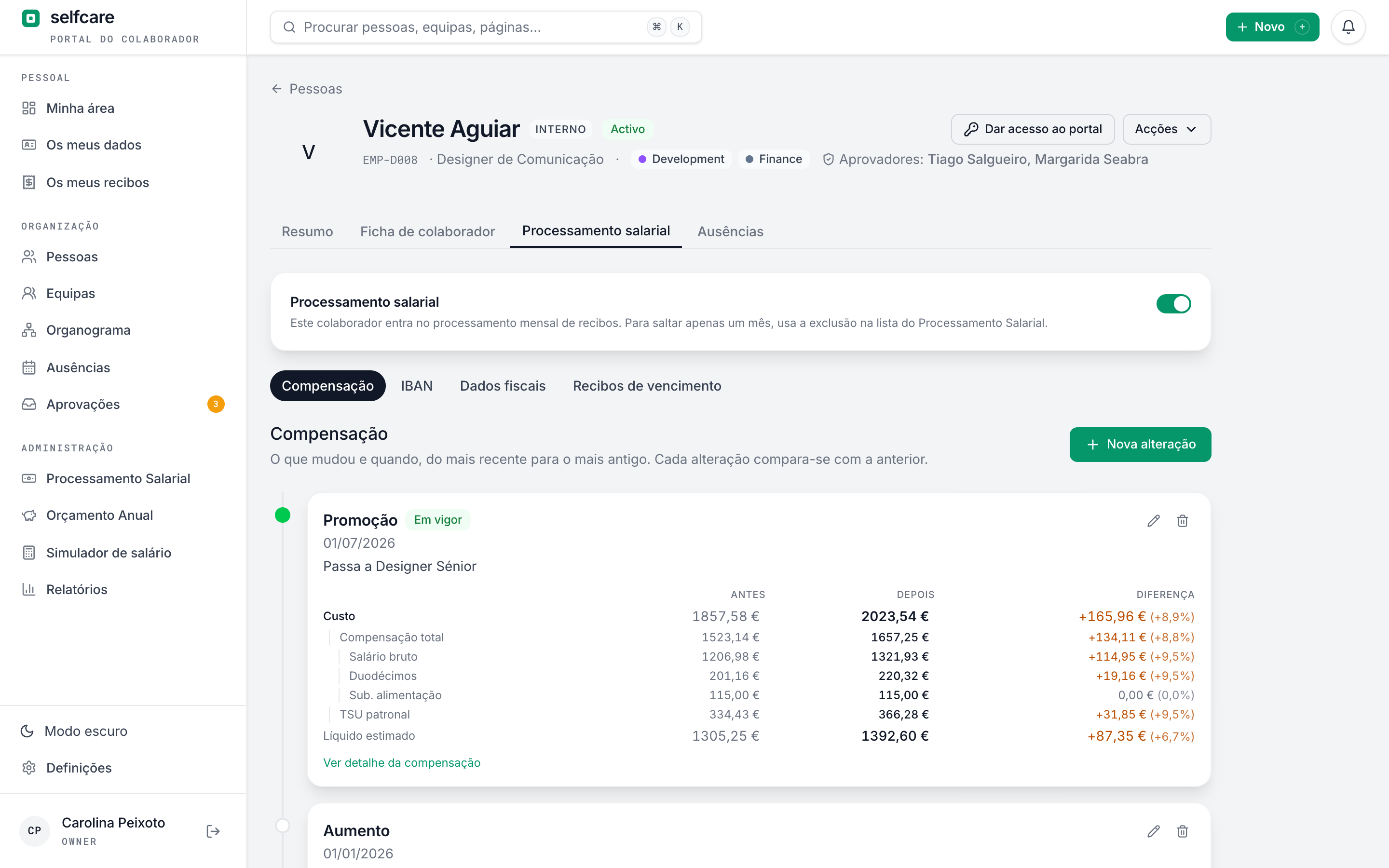
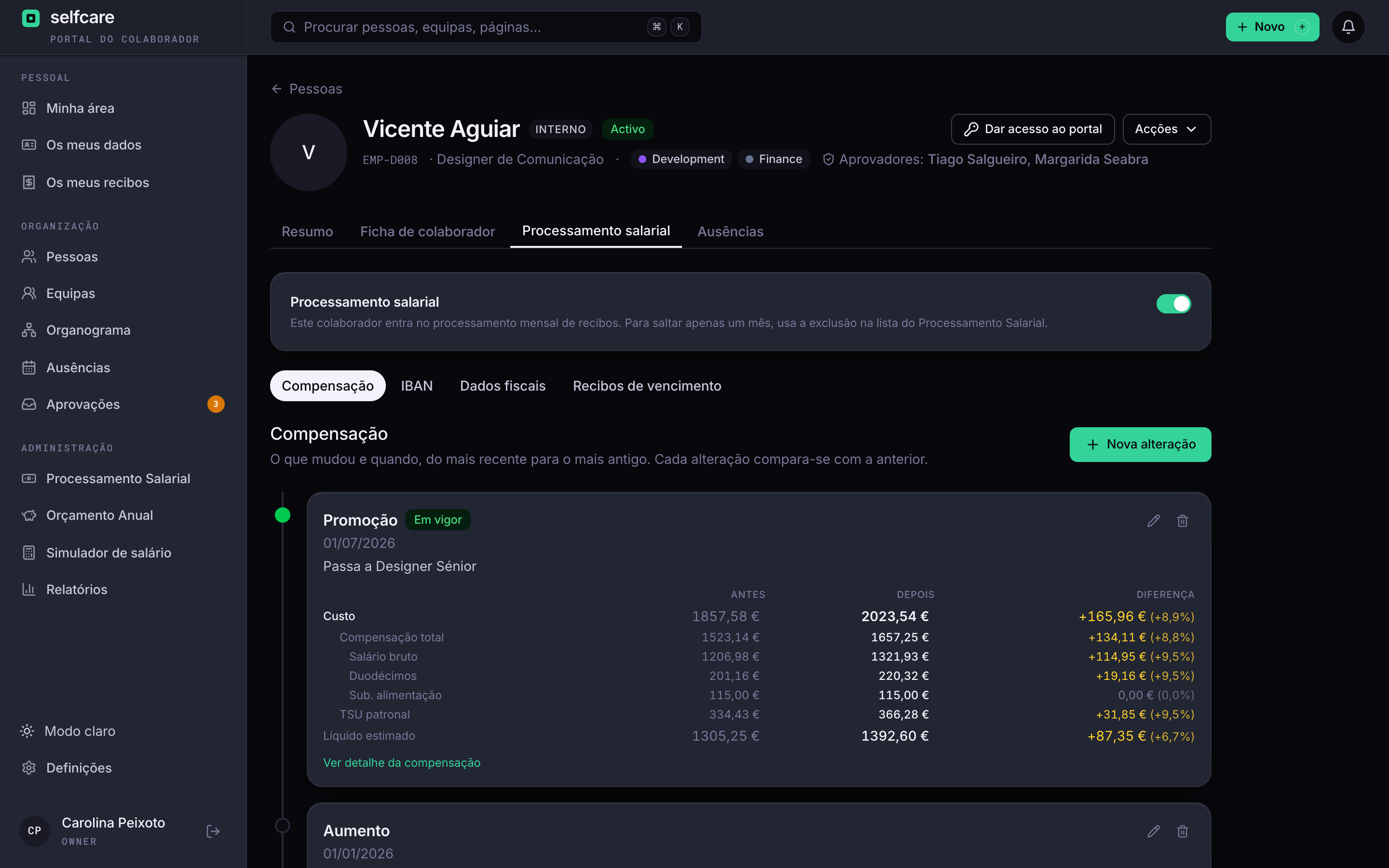
What changed in the month reaches the payslip by itself
Absences come from approved requests, the salary from the compensation history, benefits from the Coverflex report. Nobody copies numbers from one place to another.
- Full and half-day absences deducted, in working or calendar days depending on the type
- Absences approved after close come in as an adjustment the following month
- Dated pay rises and promotions apply in the right month
- Full-month sick leave gives a zero payslip and the person stays on the DMR
Closing the month
You review, you close, and the files are ready
You mark each payslip as reviewed, fix a line if needed (IRS and Segurança Social recalculate) and close the month. From there you generate the DMR and the SEPA file for the bank.
- Choose who's included each month, permanently or just this month
- Clear statuses: draft, closed and paid, with reopening possible until it's paid
- DMR in XML and transfers in SEPA (pain.001.001.03) for online banking
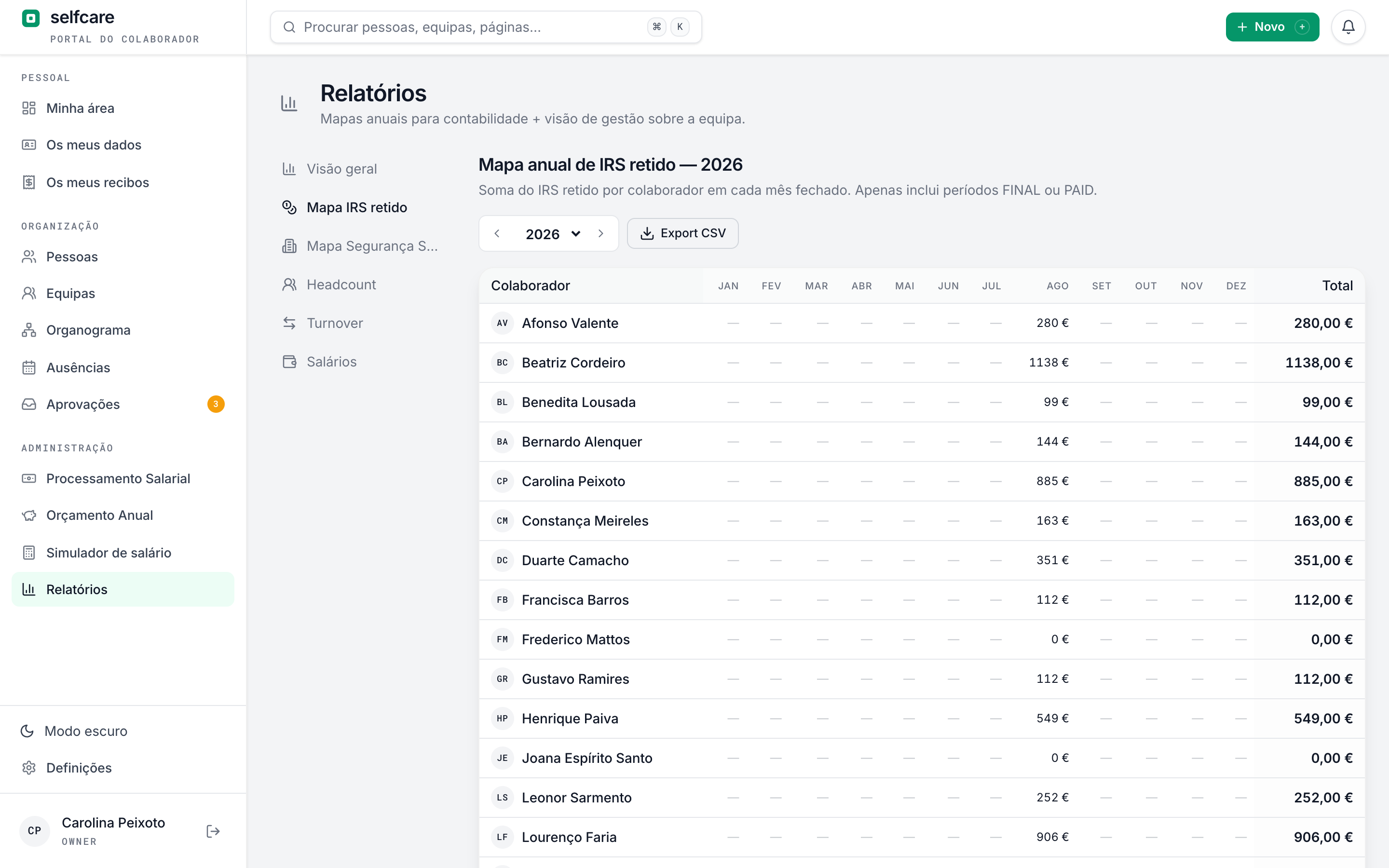
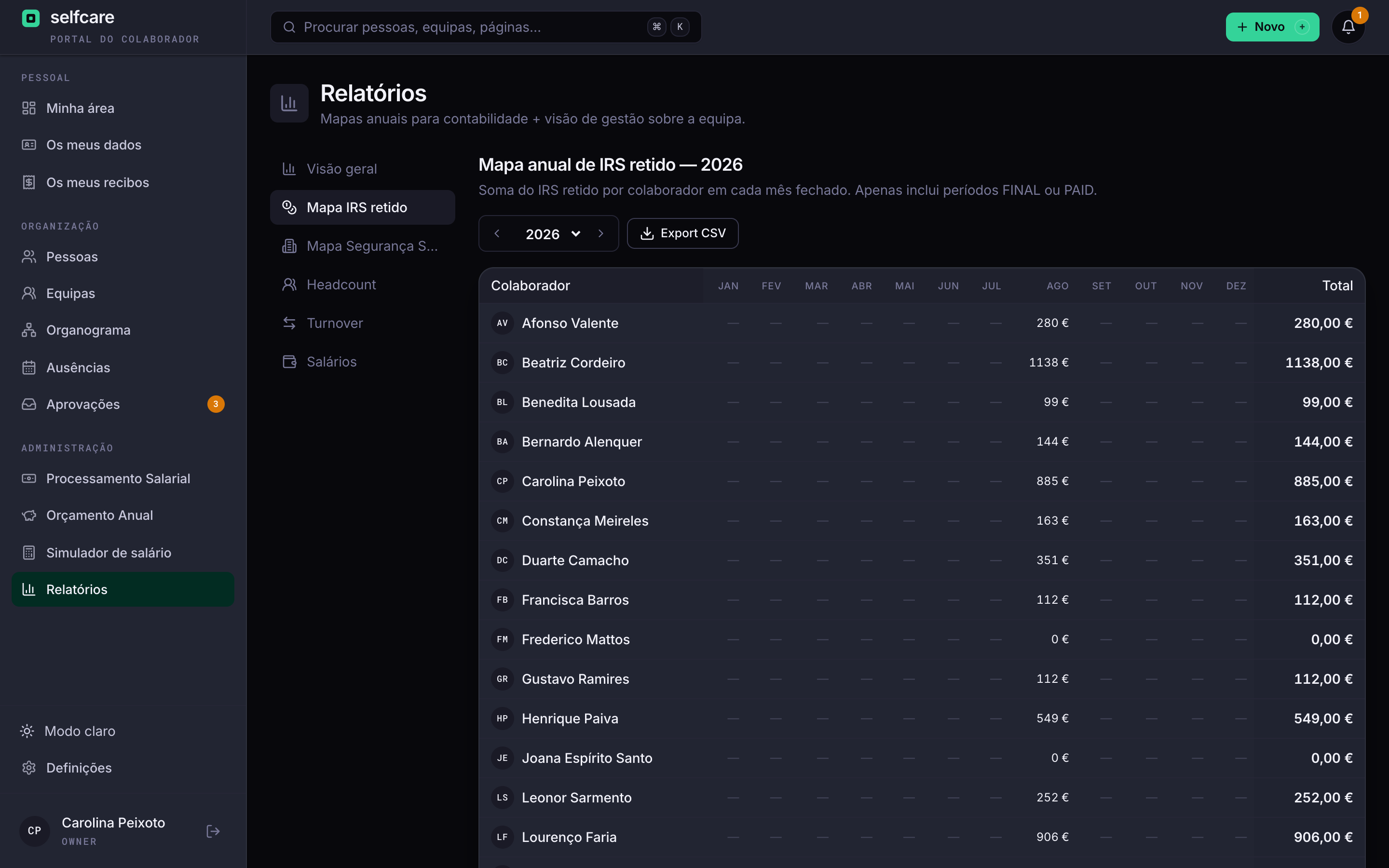
- Annual IRS withheld and Segurança Social maps, month by month and per employee, in CSV
See a month being closed in Selfcare
The cases that tend to go wrong
Final settlement
When someone leaves, the last payslip works out accrued and untaken leave and the pro-rated leave and allowances, and deducts what was already paid in the year.
Year-end close
You close the year's leave, confirm next year's settings and see a list of what's missing, such as the new IRS tables and subsídio de alimentação.
Tailored pay items
A catalogue of pay items with the IRS and Segurança Social treatment of each one, which HR or the accountant adjust to the company.
Have an accountant? See how they work with you in Selfcare →
Frequently asked questions
Which IRS tables do you use?+
The 2026 withholding tables for mainland Portugal, Madeira and the Azores, from the despachos in force. Each payslip keeps the version of the rules it was calculated with, so the sums can be redone later.
Do employees choose twelfths?+
Yes. Each person chooses to receive allowances in full, half in twelfths or all in twelfths.
Can I fix a payslip after closing the month?+
As long as the month isn't marked as paid, you reopen it, fix it and close it again. Once it's paid it can't be reopened.
Does Selfcare pay the salaries?+
No. It generates the SEPA file with each person's net pay and IBAN, which you upload to your bank to make the transfers. If the subsídio de alimentação goes to the meal card account, the same file sends it as one transfer to that account, with the breakdown per person.
What about compensation when someone leaves?+
The final settlement works out leave and allowances. Compensation for contract termination goes on the payslip as a pay item, with the amount the company or the accountant calculates.
What about ajudas de custo and km in your own car?+
They can go on the month's payslip, with the exempt and taxable parts separated and the DMR-AT filled in, or be paid separately with expenses. See per diem and mileage logs.
See a month being closed in Selfcare
In a 30-minute demo we run a month with sample data: payslips, absences, twelfths, DMR and SEPA.