Features
One product for your people and for the month-end close
Selfcare brings together what today is scattered across spreadsheets, shared calendars, paper and the accounting software. Built from scratch for Portuguese law.
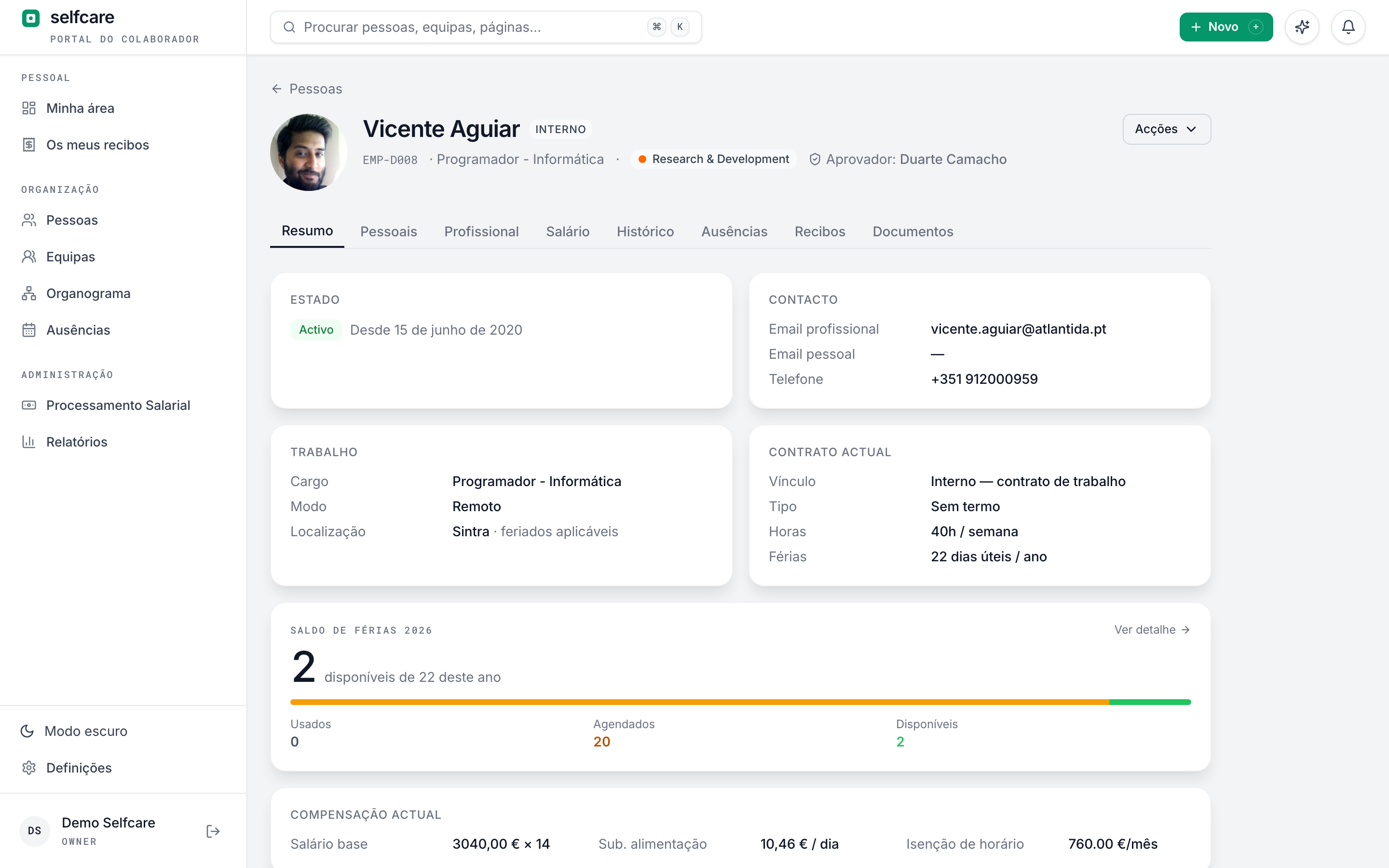
People: a complete profile for each employee
Each person has a 360º profile: personal and contact details, contract, salary, documents and absences. No paper folders, no 'which file is that in?'.
- Contract and salary history on a timeline: each renewal, pay rise or promotion is recorded with a date and a reason
- Sensitive data (NIF, NISS, IBAN, salary) visible only to people with permission. Employees see their own
- Custom fields: add the fields YOUR company needs, without asking for development
- Guided onboarding: each person fills in their details, address, contacts and IBAN, with automatic reminders
- Lists with sorting, filters and detection of data missing for payroll
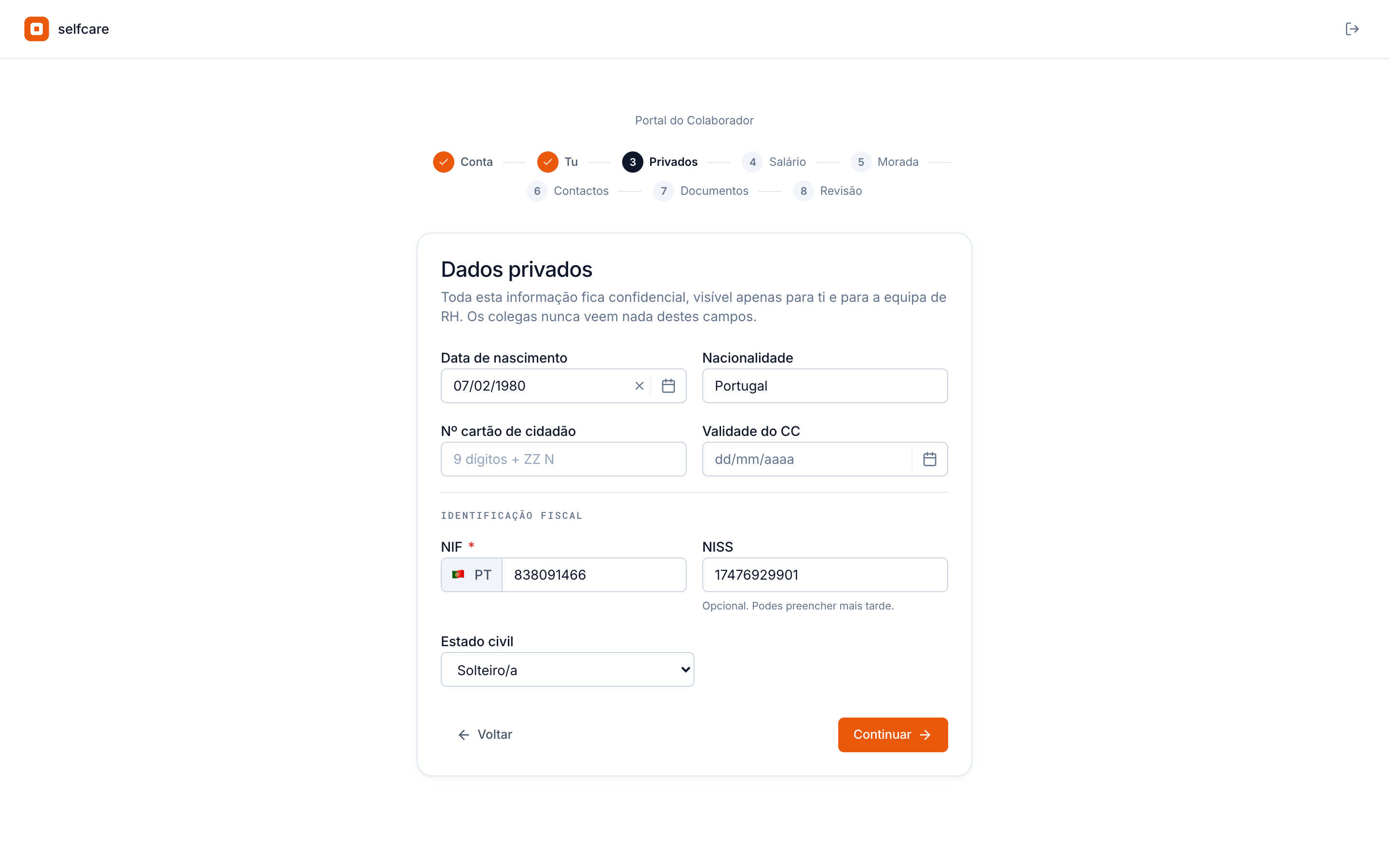
Onboarding: the new person fills in their own detailsNew
You create the profile in three steps and the invite goes to their personal email. The person activates their account and leaves their personal details, IBAN and documents in a 3 to 4-minute wizard, on a computer or a phone.
- NIF (tax number), NISS (social security number) and IBAN validated on entry, typed by the people who know them
- Required documents requested at first login, with a photo from the phone
- Configurable: each field and document Required, Optional or Don't collect, requested from the employee or from HR
- Reminders on day 3 and day 7 for anyone who hasn't finished
- Annual leave for the hiring year and the first payslip pro-rated, with no maths by hand
A 30-minute demo with your own data imported live.
Annual leave and absences, without spreadsheets or arguments
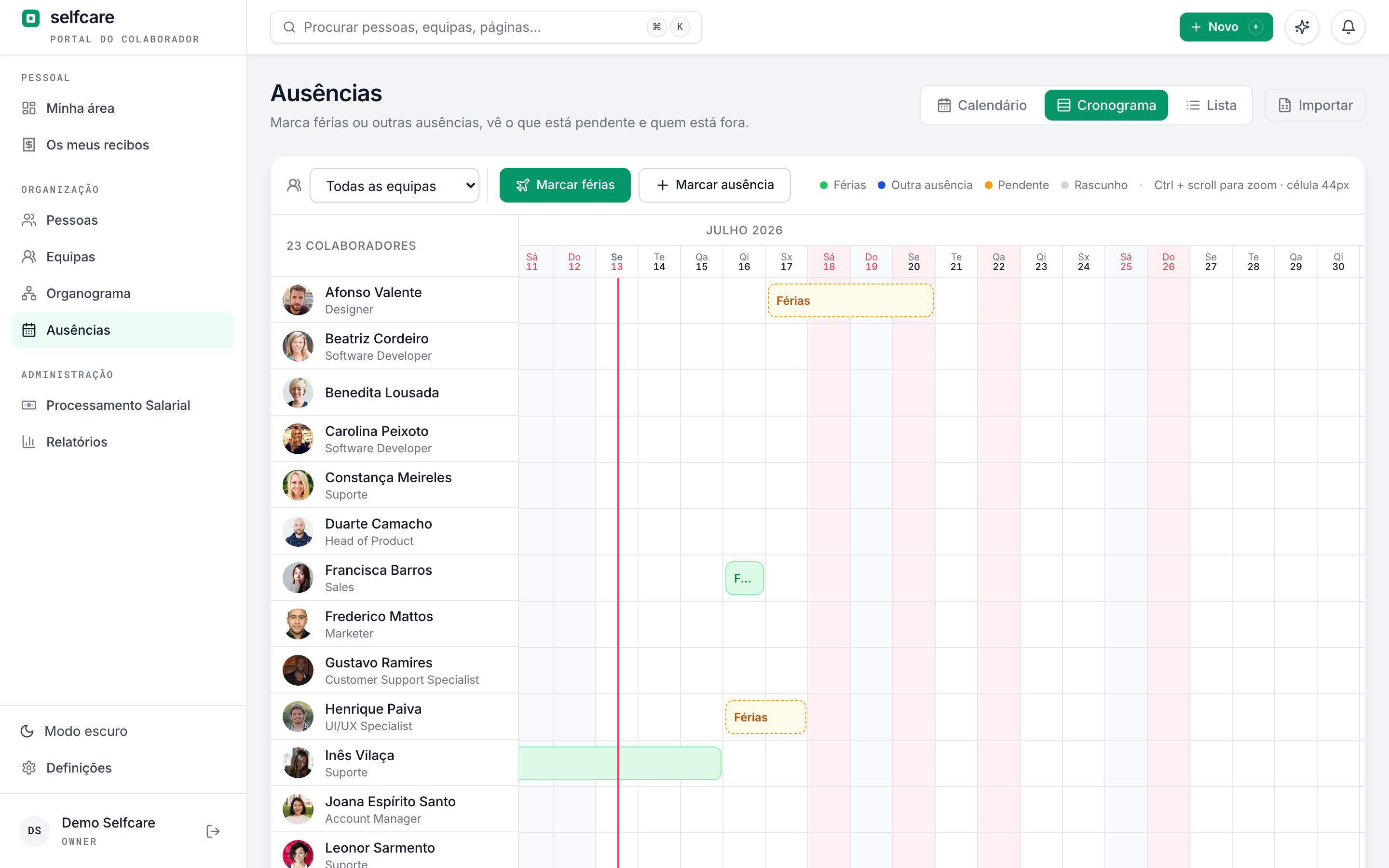
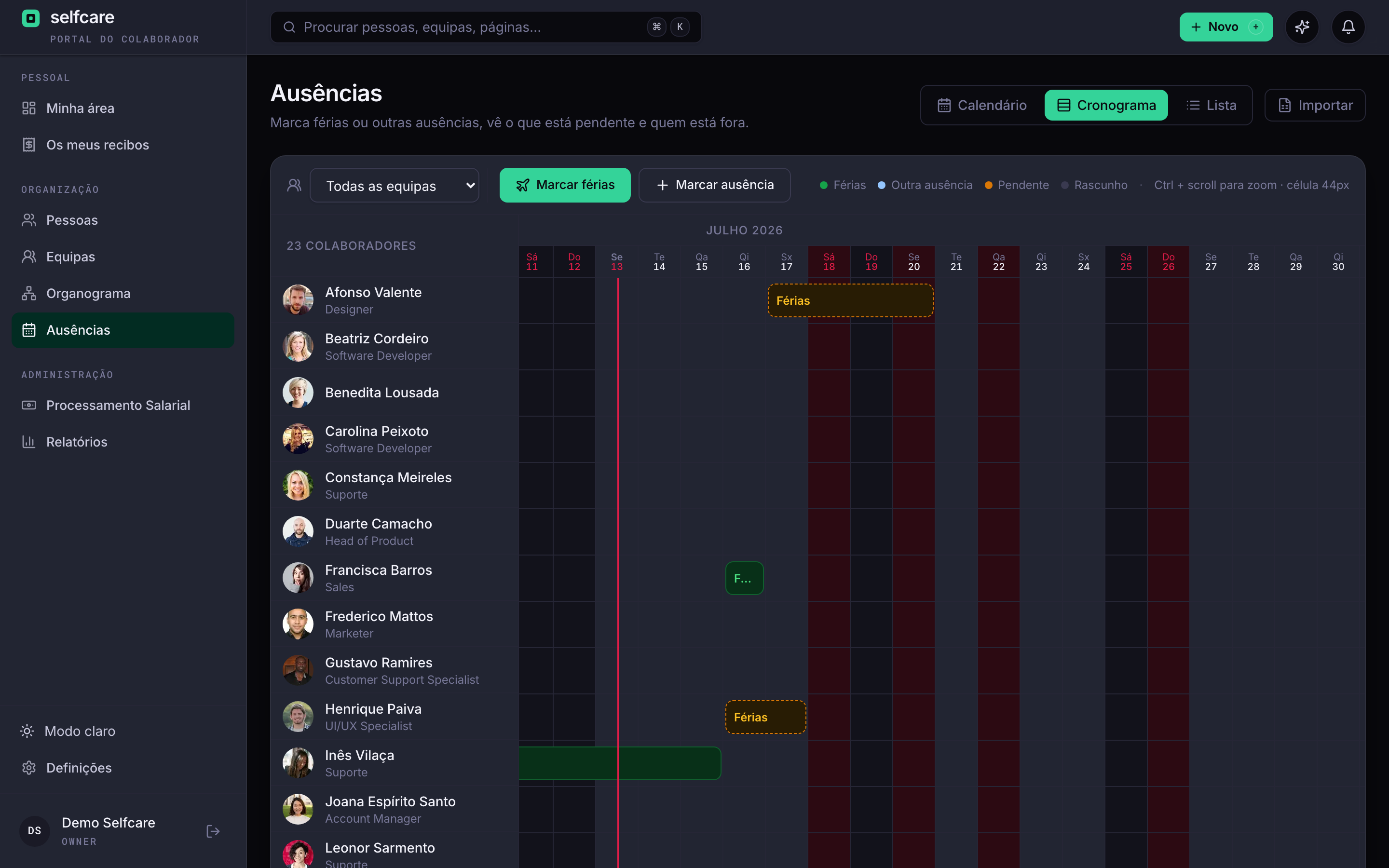
Three views (timeline, annual calendar and list), drag-to-book, and approval by the person who really knows the team: the team leader.
- Timeline of the whole team, with scrolling through history and a legend by absence type
- Balances calculated under Portuguese law: 22 working days, pro-rata in the hiring year, carry-over until 30 April
- Carried-over days deadline to suit you: 30 April by default (as the law says), but if your company is flexible you can extend it to later in the same year
- 13 absence types ready to use: annual leave, sickness, maternity, paternity, bereavement, marriage, justified and unjustified absences, and Home Office with a weekly limit
- Approval by team leaders, with one or several sign-offs (you decide the rule)
- Each request shows who else on the team is away on those days, with the team timeline to hand
- Blocked days in high season and company shutdowns for closures, with art. 242 of the Código do Trabalho (Labour Code) checked
- Automatic national public holidays and municipal holidays by each employee's location
The whole year at a glance
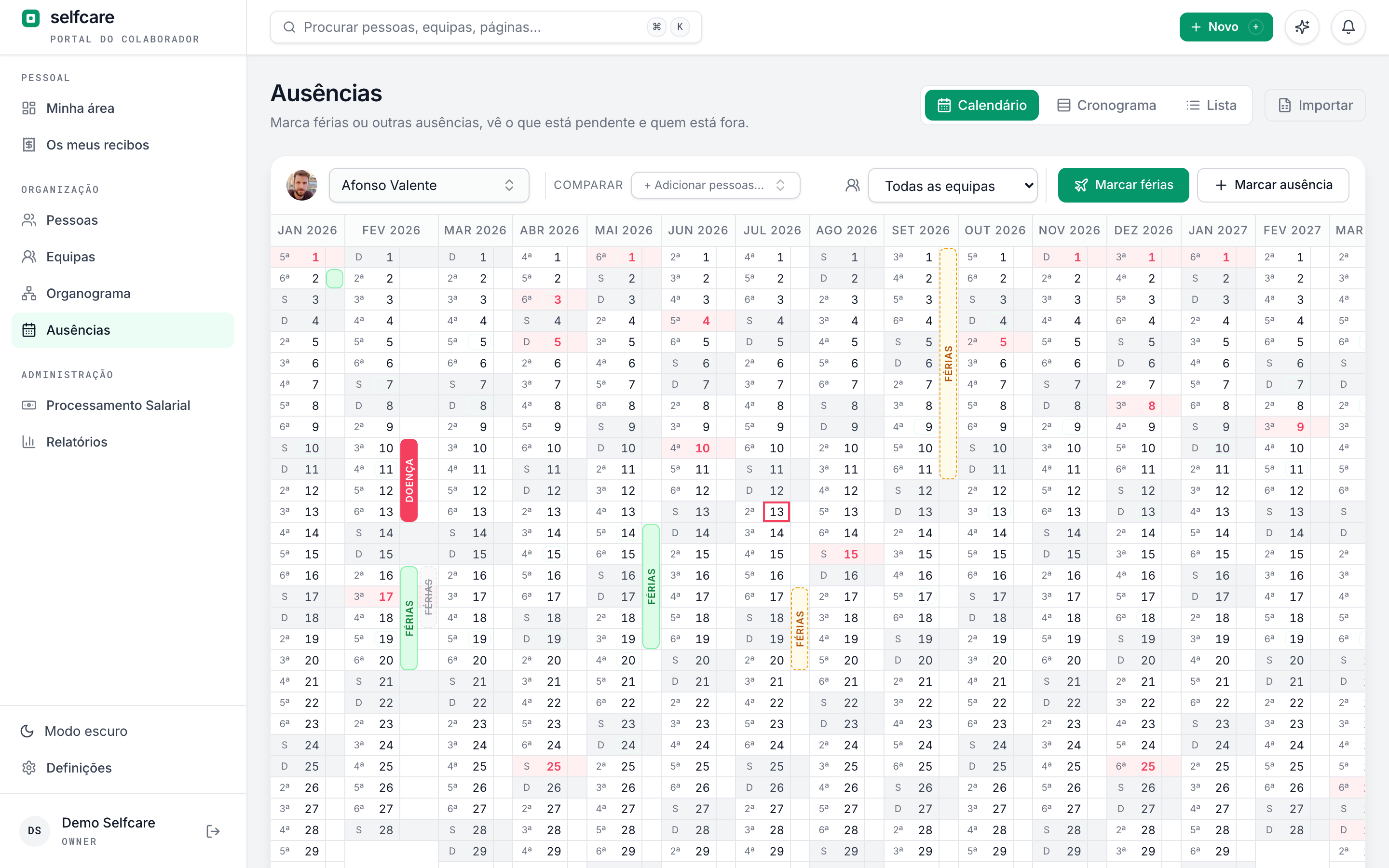
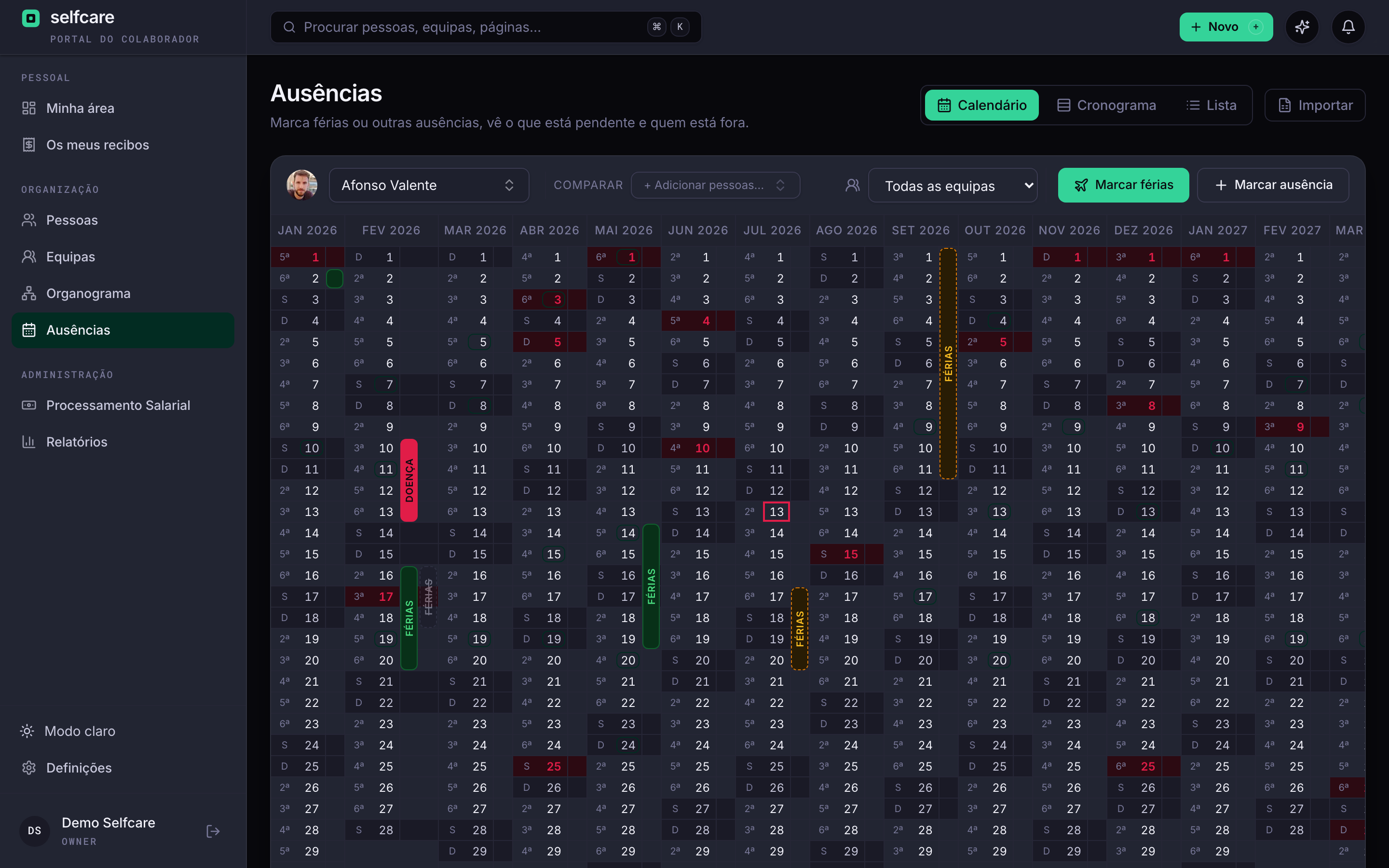
The annual calendar view shows the 12 months side by side. Book leave by dragging, compare with the team and see each location's public holidays straight away.
- The 12 months of the year side by side, with weekends and public holidays marked
- Drag-to-book: click, drag to the last day and confirm
- Your team on the same calendar, so you can book without stepping on anyone's toes
- Legend by type: annual leave, sickness, parental and all other absences
See Selfcare with your own data
Payroll: the month-end close without the fear
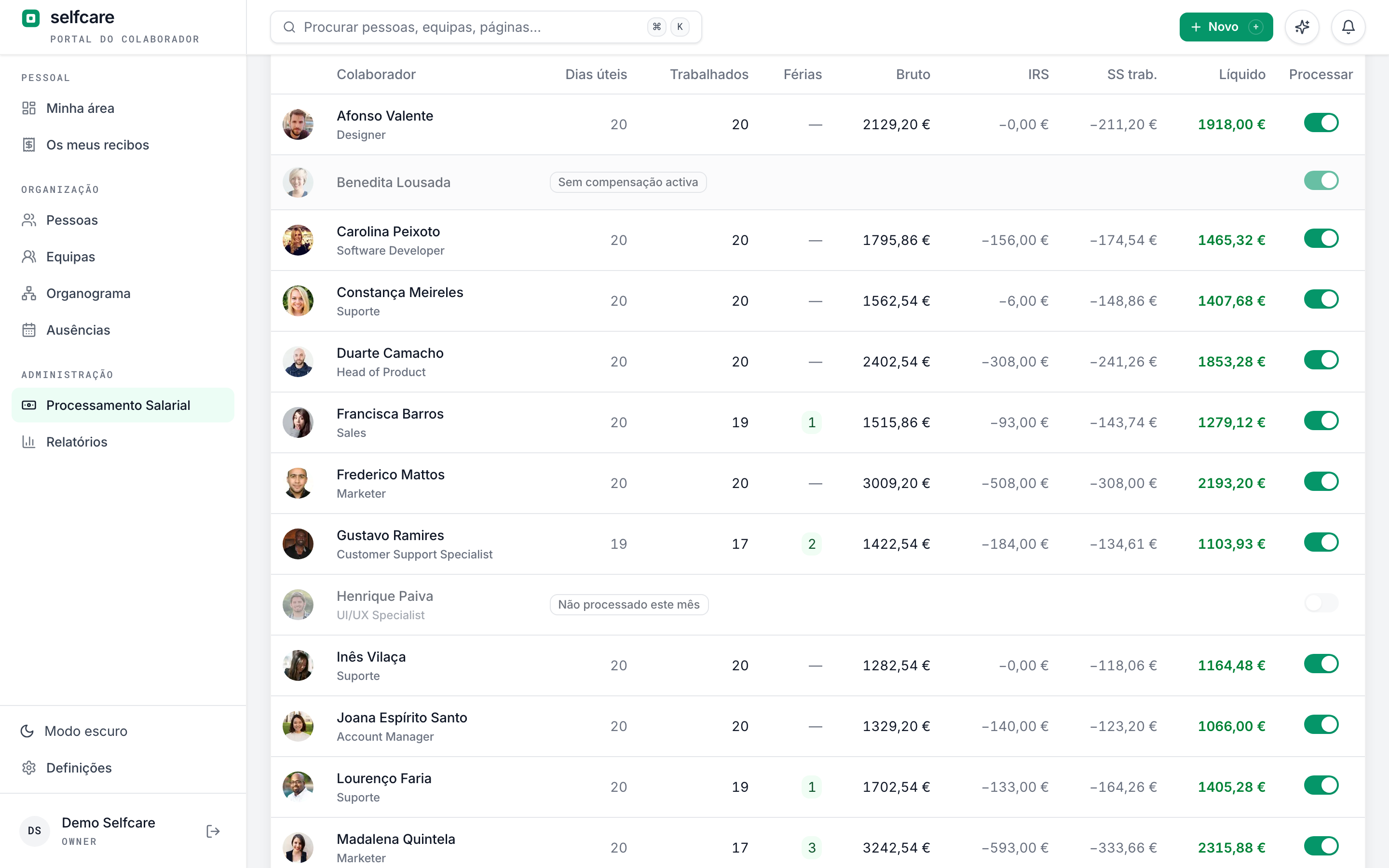
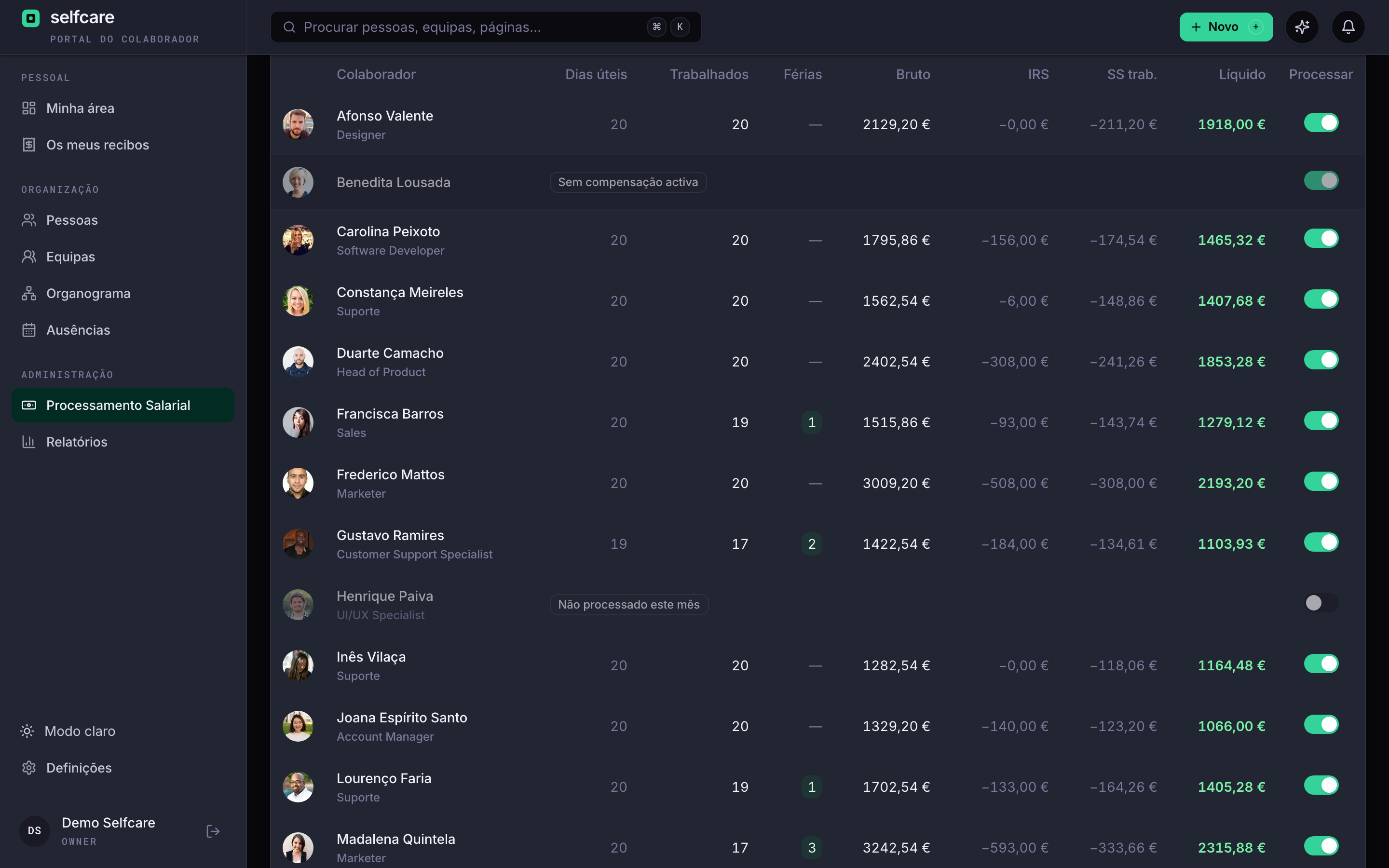
Payslips calculated under the law in force, to the cent, with everything specific to Portuguese law. Each payslip keeps the version of the rules it was calculated with, auditable for good.
- 2026 IRS (personal income tax) withholding tables for mainland Portugal, with IRS Jovem (youth income tax relief)
- Holiday and Christmas allowances paid in full or in twelfths, by company or by employee
- Absences, half-day absences and adjustments from previous months reflected on the payslip automatically
- You choose who goes into each payroll run, employee by employee, month by month
- PDF payslips in each employee's portal, with a notice when they're out and the history always to hand
Returns and payments generated in one click
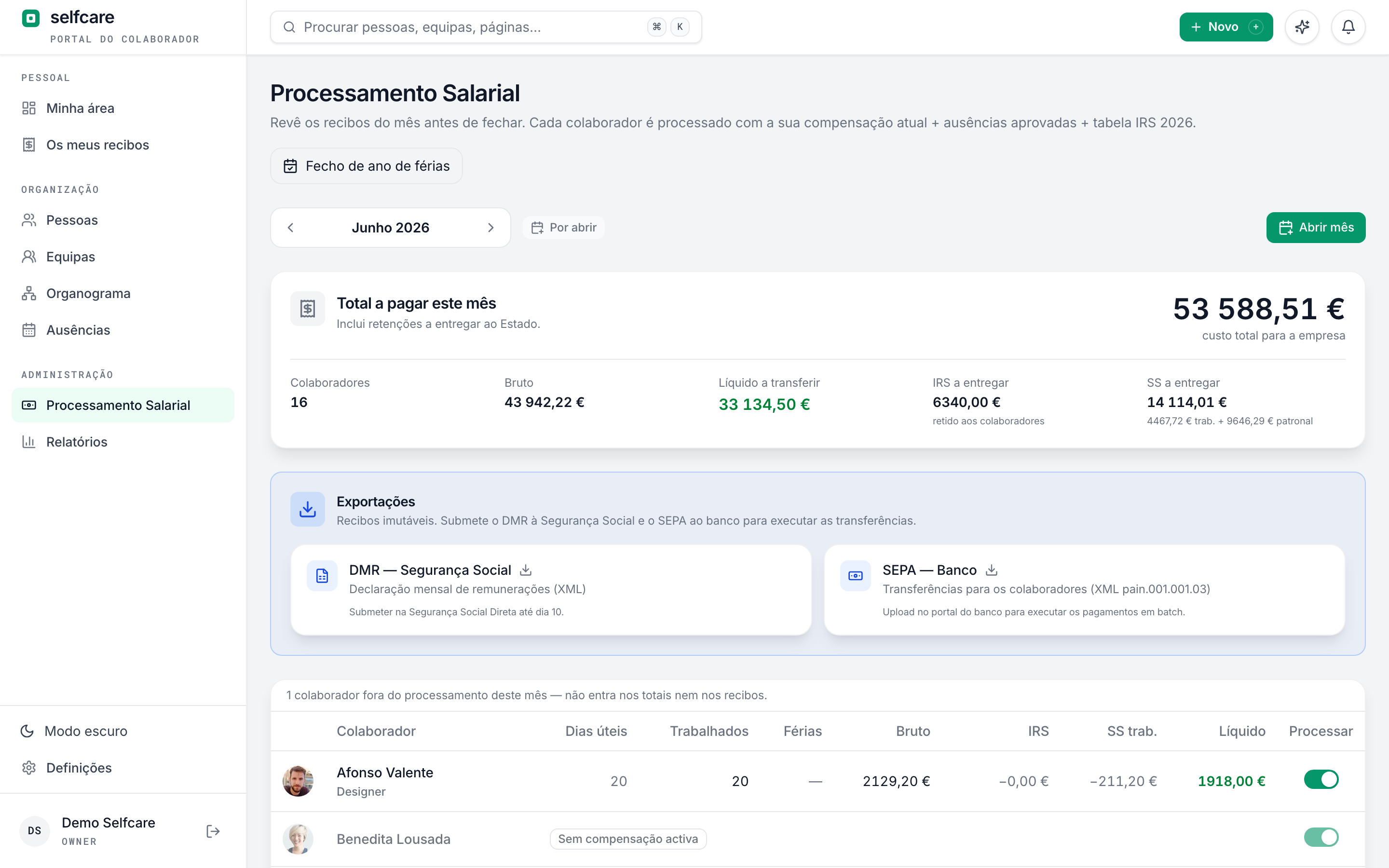
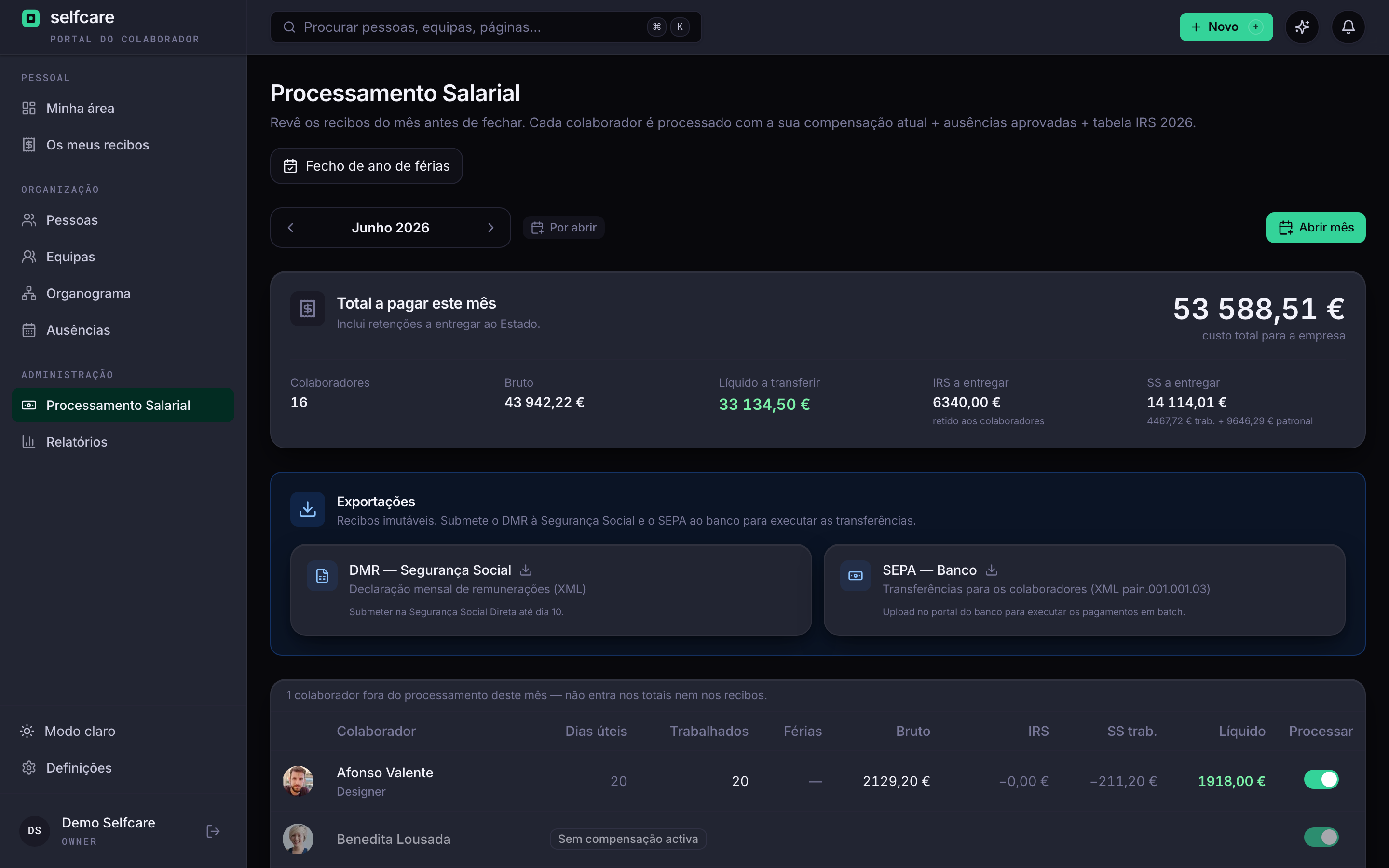
At the end of each payroll run, Selfcare produces the official files your company needs, ready to file and with no retyping.
- DMR (monthly pay return) in the format of Segurança Social (Portuguese social security)
- SEPA file (pain.001) to upload to online banking and pay everyone in one go
- Annual reports of IRS withheld and contributions to Segurança Social
- Clear statuses: draft, finalised and paid, with reopening possible until the month is paid
See all of this working with your own data
Coverflex: benefits on the payslip, without retyping
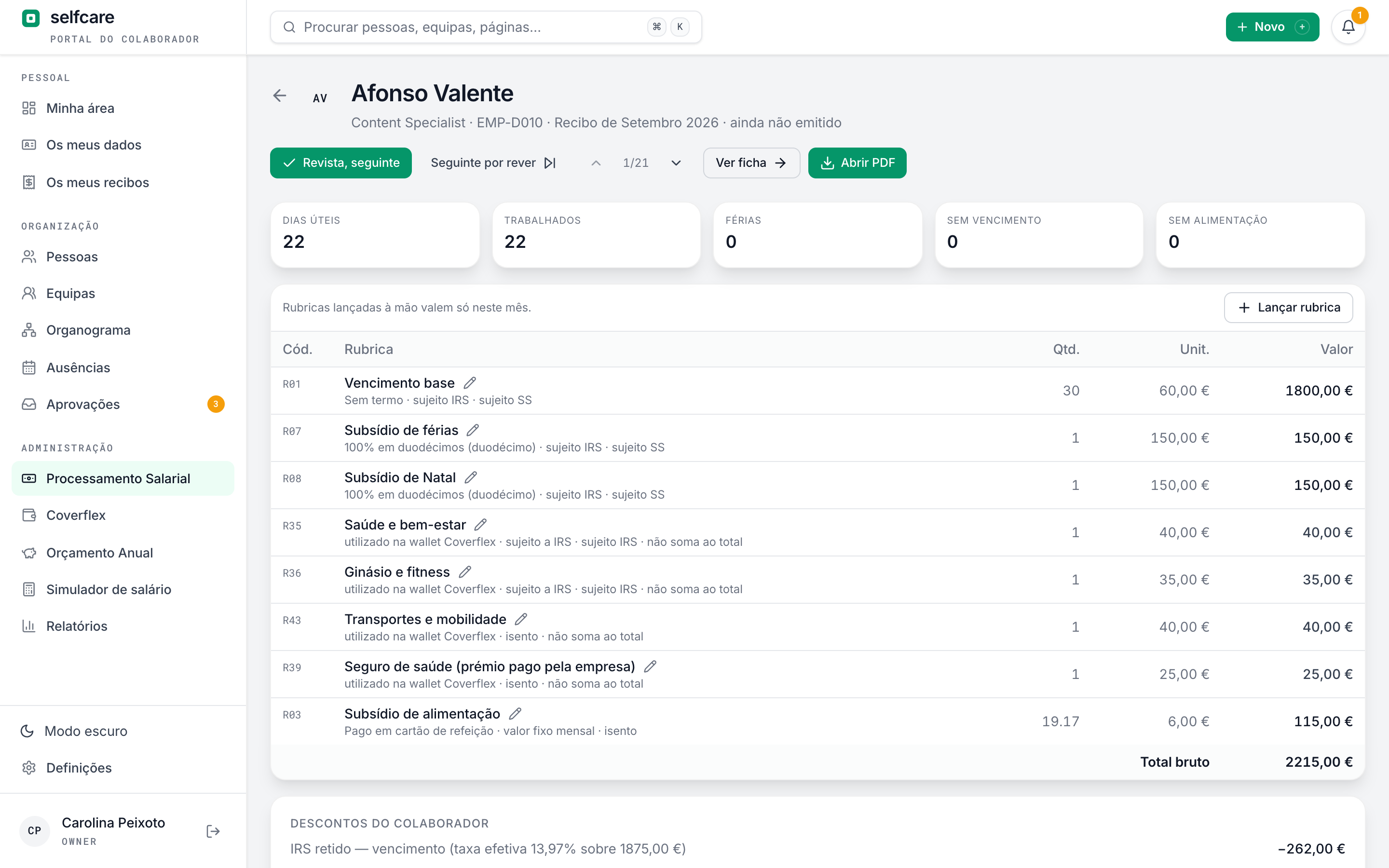
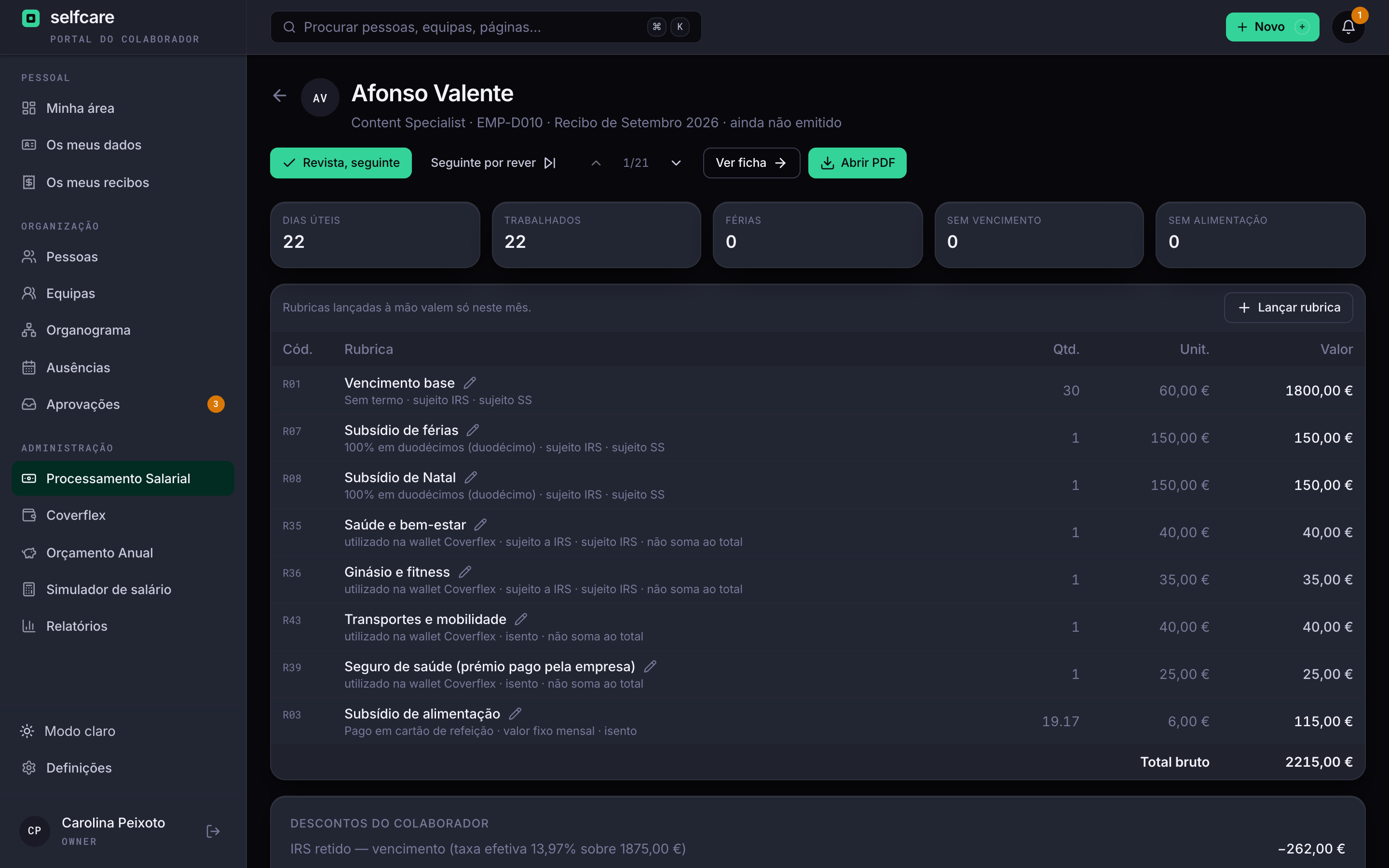
You upload the monthly Coverflex report and each benefit lands on the right person's payslip, in the right month, with the IRS and Segurança Social treatment of its pay item.
- Each person's allowance in the pay history, dated, with the annual cost in view
- Transactions in the month the report ends, or in the first month still open
- Each person recognised by NIF or by employee number
- Benefits on their own lines of the payslip, outside the net amount transferred
Ajudas de custo (per diem): from the trip to the payslipNew
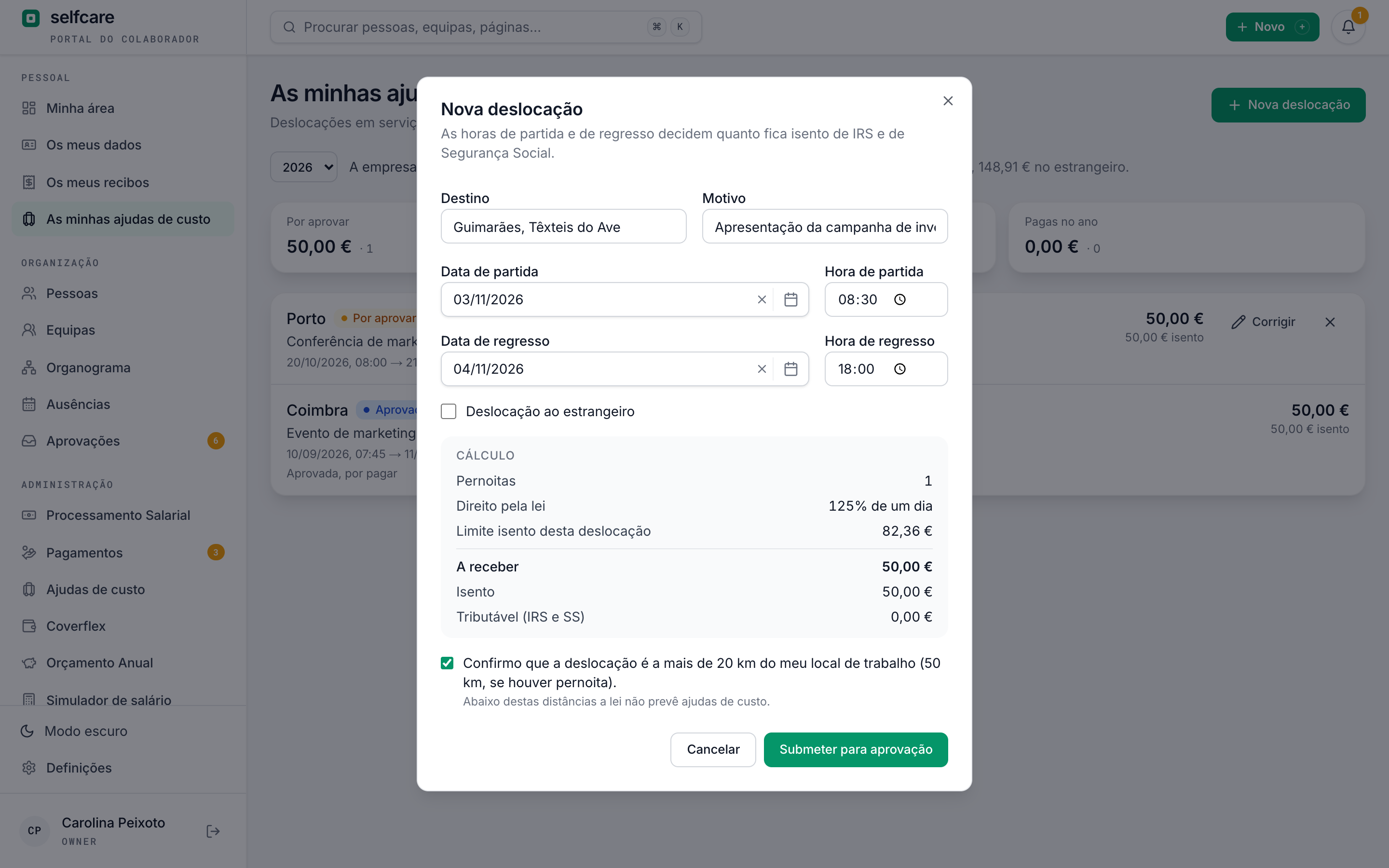
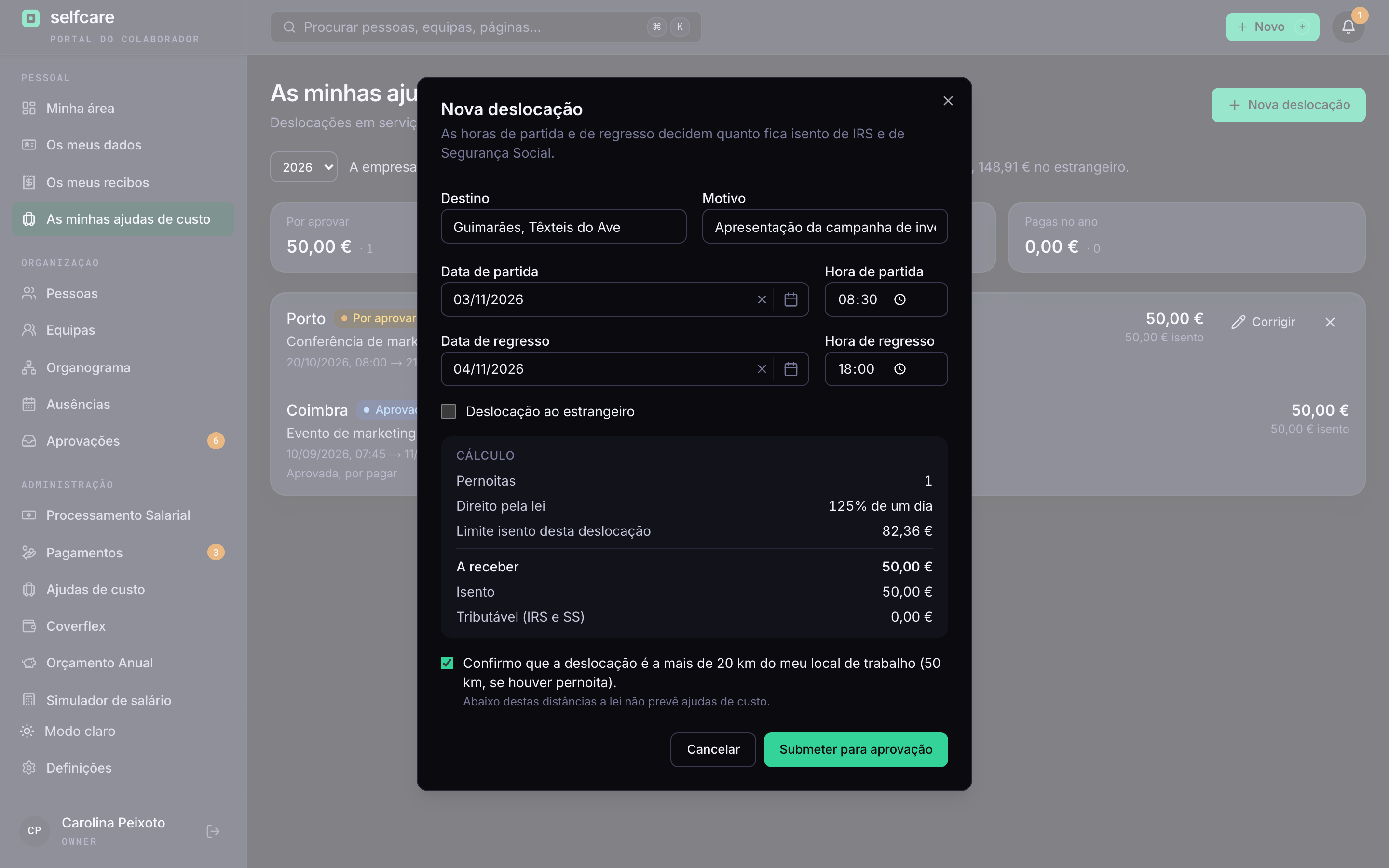
The employee records the trip with departure and return times, the leader approves it in Approvals and the company pays it with expenses, in one transfer. It works with your accountant's payroll.
- A fixed amount per overnight stay or the legal percentages of a daily amount, as the company prefers
- The exempt part calculated from the hours of each trip, as DL 106/98 requires
- Month's file for the accountant, and their payslip distributed through Selfcare
- PDF itinerary map per person and per month, ready to sign
Mapas de kms (mileage logs): your own car at the company's serviceNew
The employee records the month's trips in their car, the leader approves the log in Approvals and the company pays it with expenses, or on the payslip. The exempt and taxable parts always stay separate.
- One log per month with the date, origin, destination, reason, vehicle and km of each trip
- Up to €0.40 per km exempt from IRS and Segurança Social. Anything above that shows as taxable
- Own vehicles only, with number plate, owner and the declaration that they aren't company cars
- PDF log with the fields the tax authority (Finanças) asks for, and proof of payment
In the demo we do the import live, with your own data.
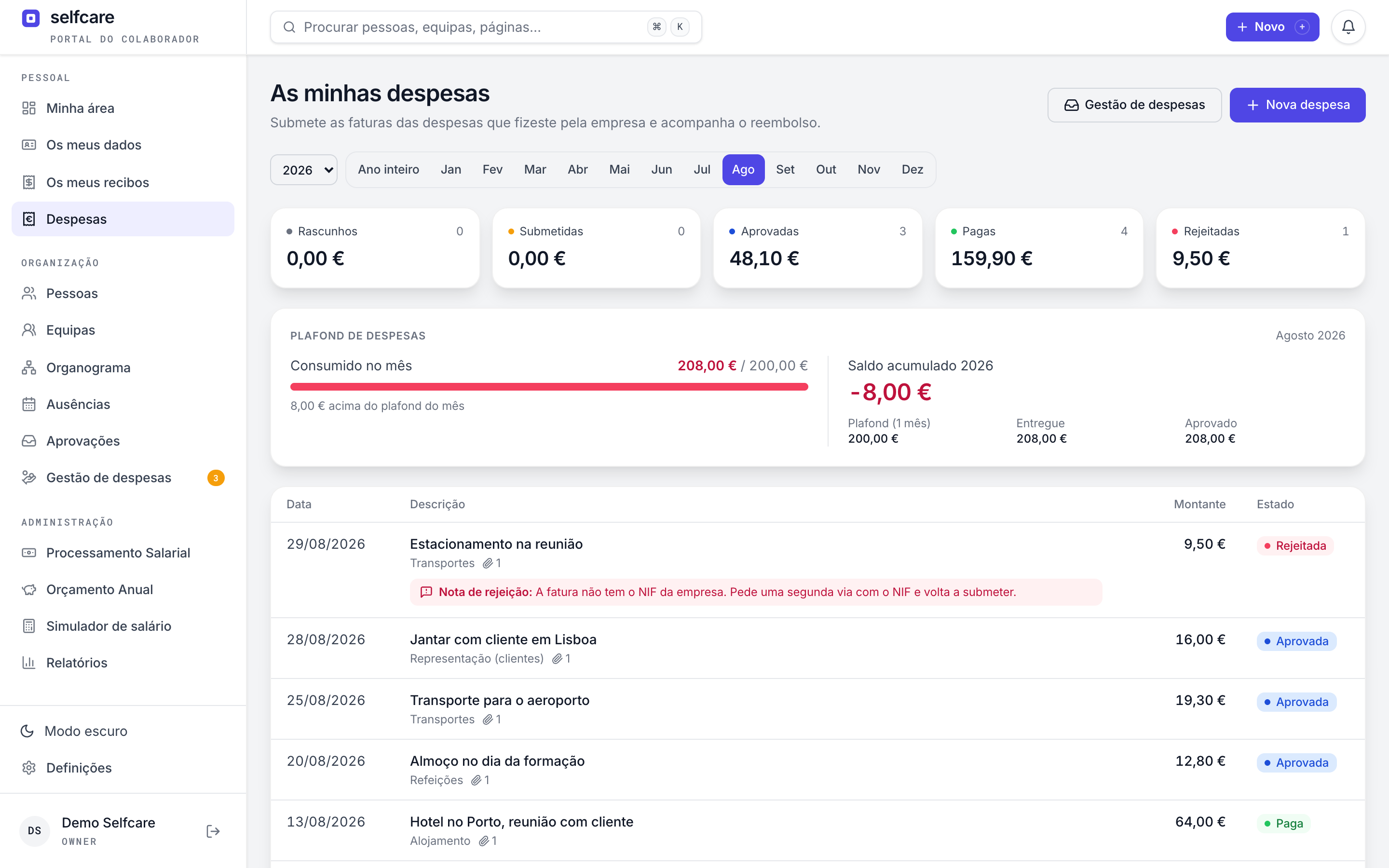
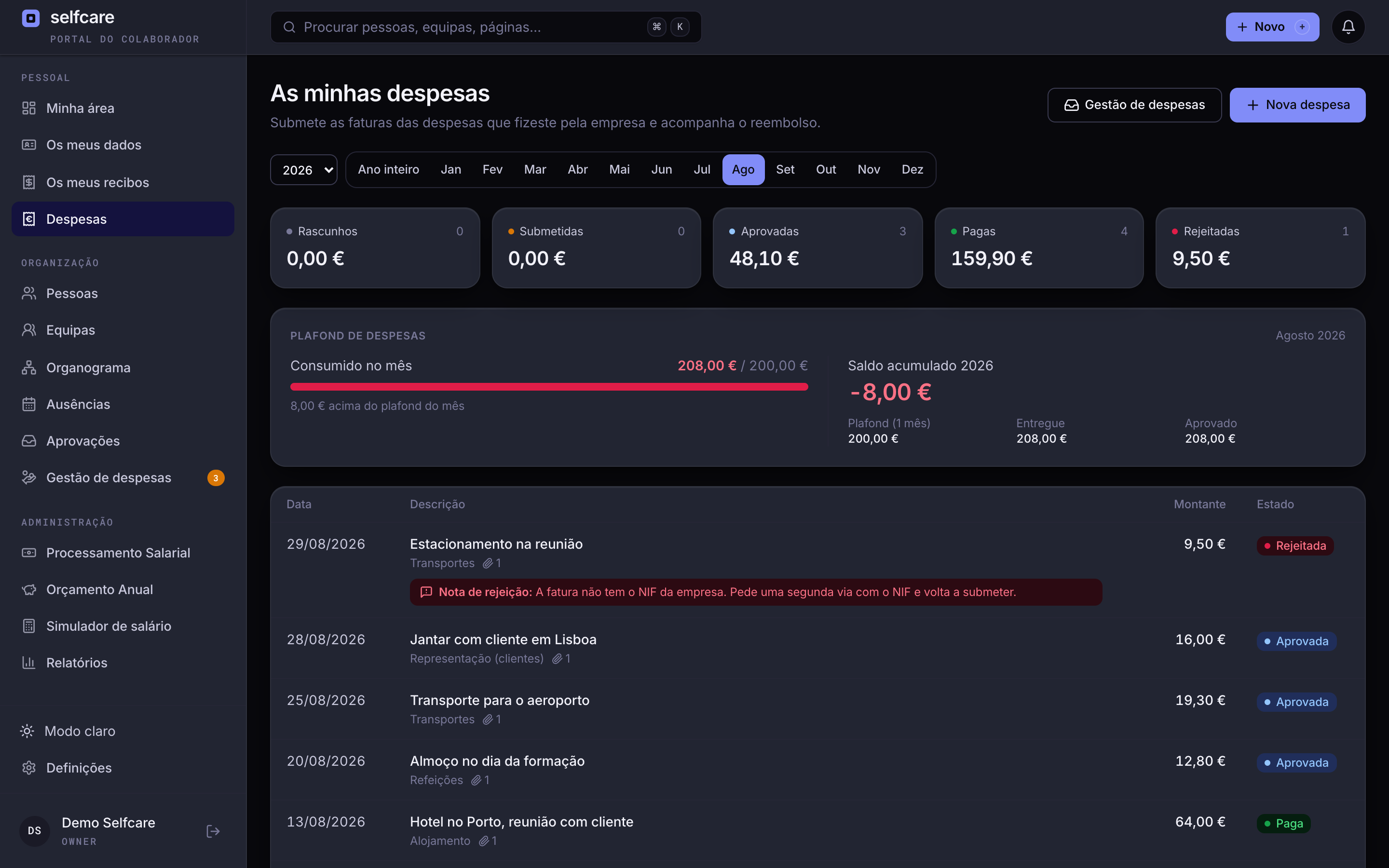
Expenses: from draft to reimbursementNew
The employee submits the invoice in seconds, the approver decides with the document in front of them, and the accountant pays everything at once. Separate from payroll: none of this goes on the payslip.
- Drag invoices anywhere on the screen: images or PDFs, several per expense, and the total is their sum
- Approval by the team leader, whoever the company chooses or HR, in the same inbox as absences, one at a time or in bulk, with an invoice preview
- Rejection with a required note, and decisions you can reverse until the expense is paid
- Monthly allowance per person (optional), with a year-to-date balance that can go negative
- Batch payment: CSV with the IBANs for the bank, which you can resume days later, with mark as paid and undo
- ZIP of approved invoices, arranged by month and by employee, for the accounts
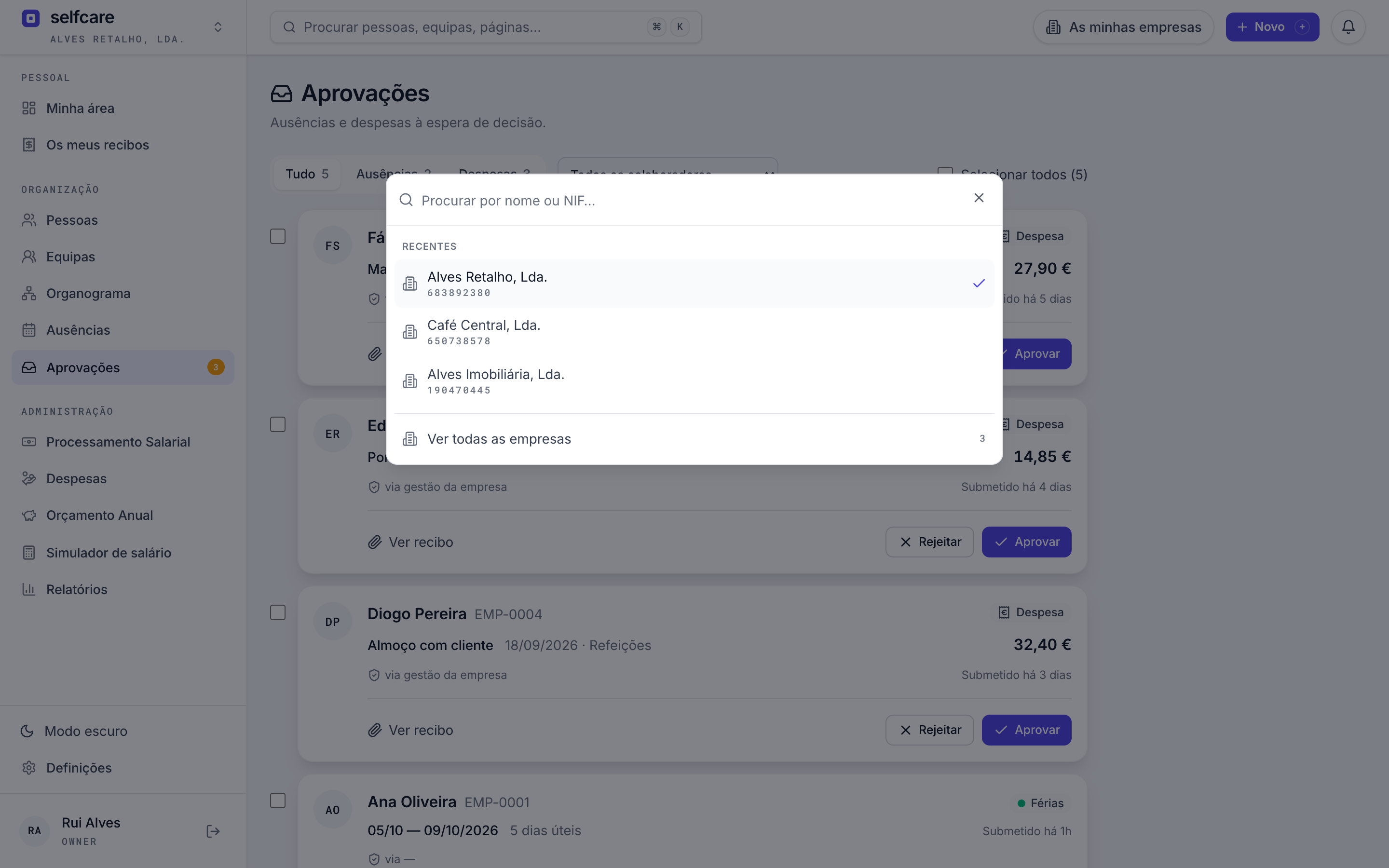
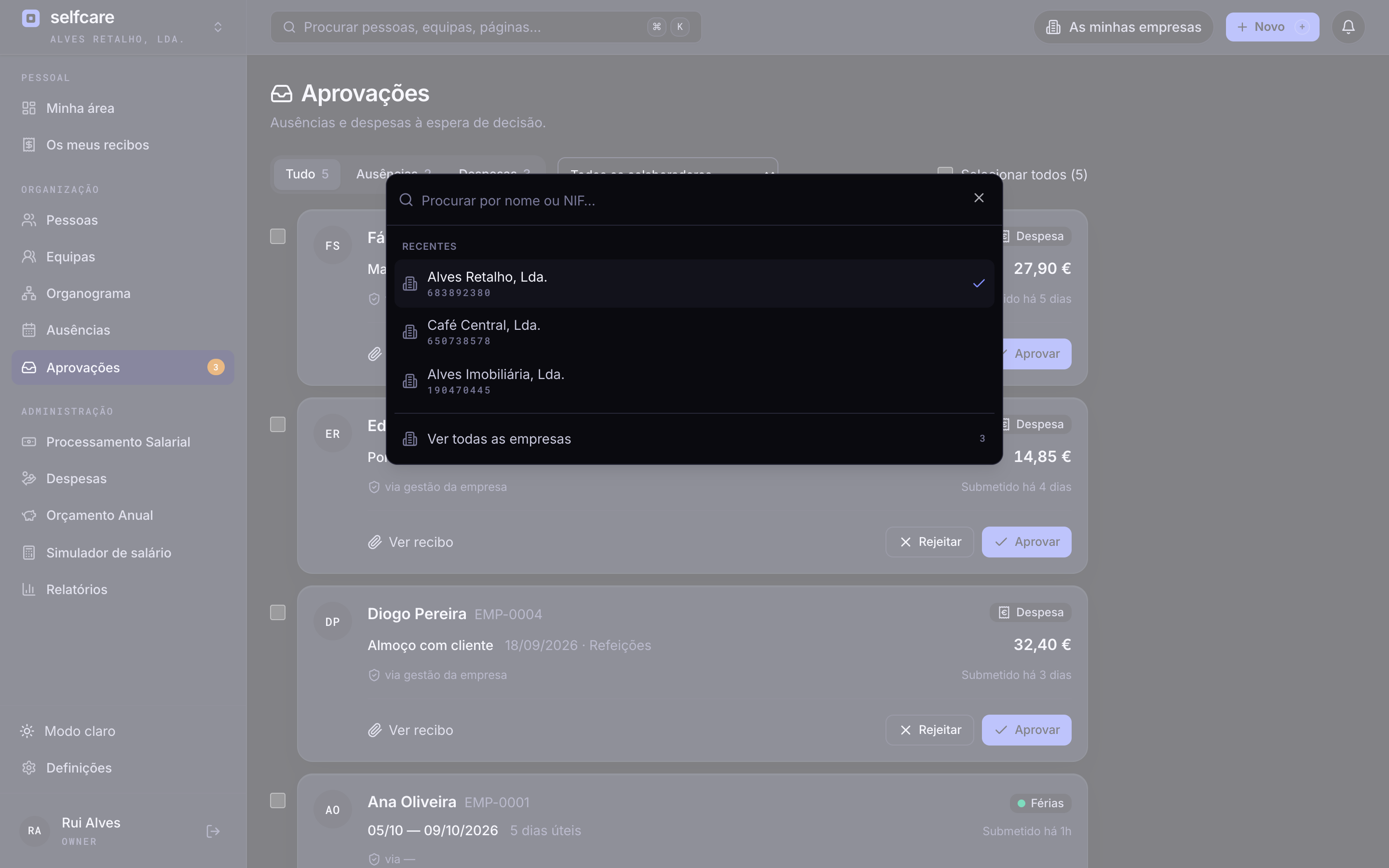
Multi-account: all your companies on one loginNew
Switch company in seconds, with two clicks or one key, and see in a single list what's pending in each. For groups with several companies and for accounting firms with dozens or hundreds of clients.
- Company picker with recent ones at the top and search by name or NIF
- List of all companies with employees, pending approvals and the month's status
- Each company at its own address: two companies open in two tabs without getting in each other's way
- One role per company, separate data and no password shared with the accountant
Several login emails per employeeNew
One person, several company emails, the same profile. When the company changes domain or joins a group, each person keeps signing in to their account, with the old email or the new one.
- HR adds the emails to the profile, with any name before the @
- Signing in with Google or a password with any of them opens the same account
- Each email stays pending until the person confirms it from their main email, and only works once verified
- Automatic linking of emails with the same name on accepted domains, with a notice to the person and to HR
A 30-minute demo with your own data imported live.
Rest schedules, for people who work weekendsNew
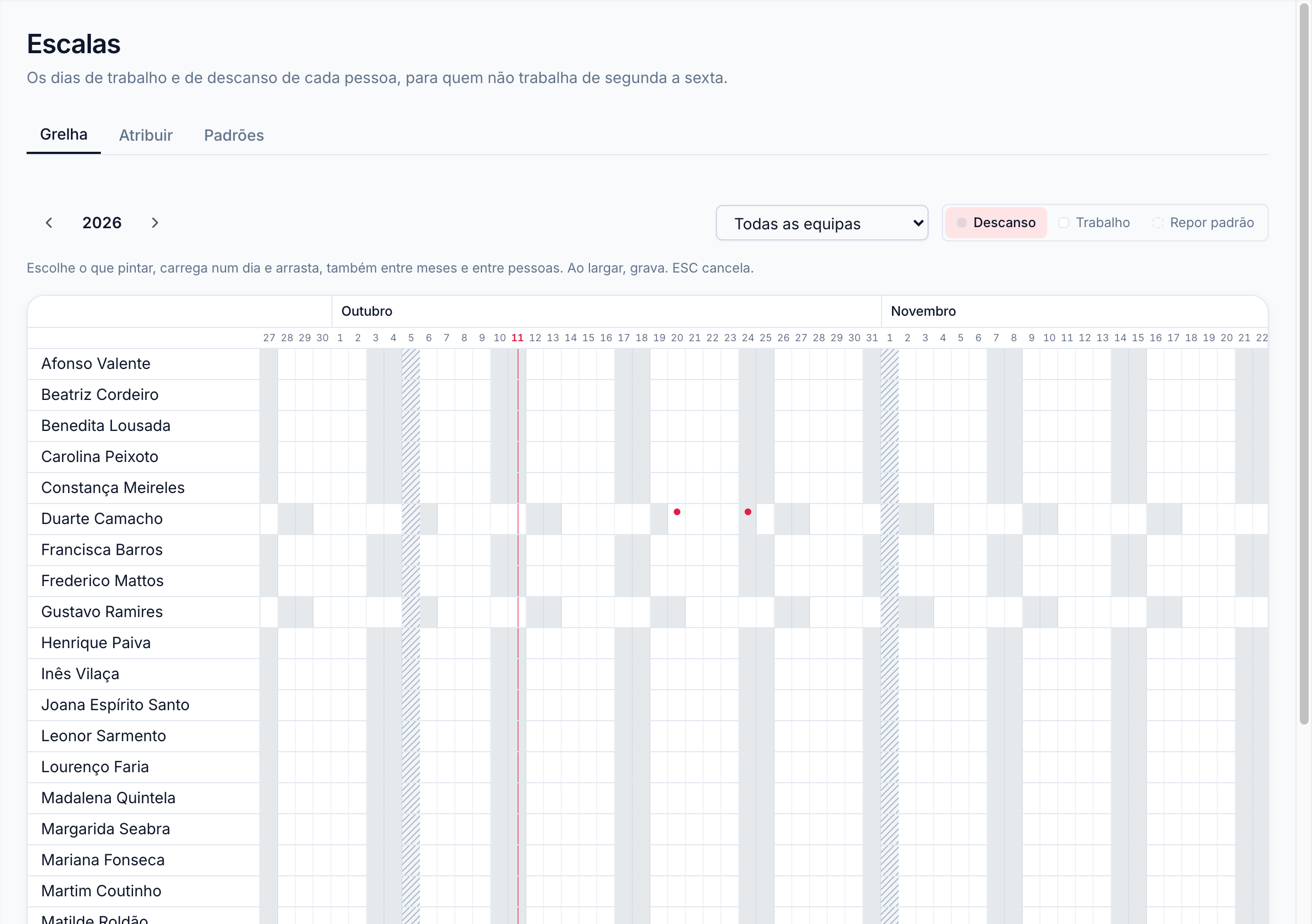
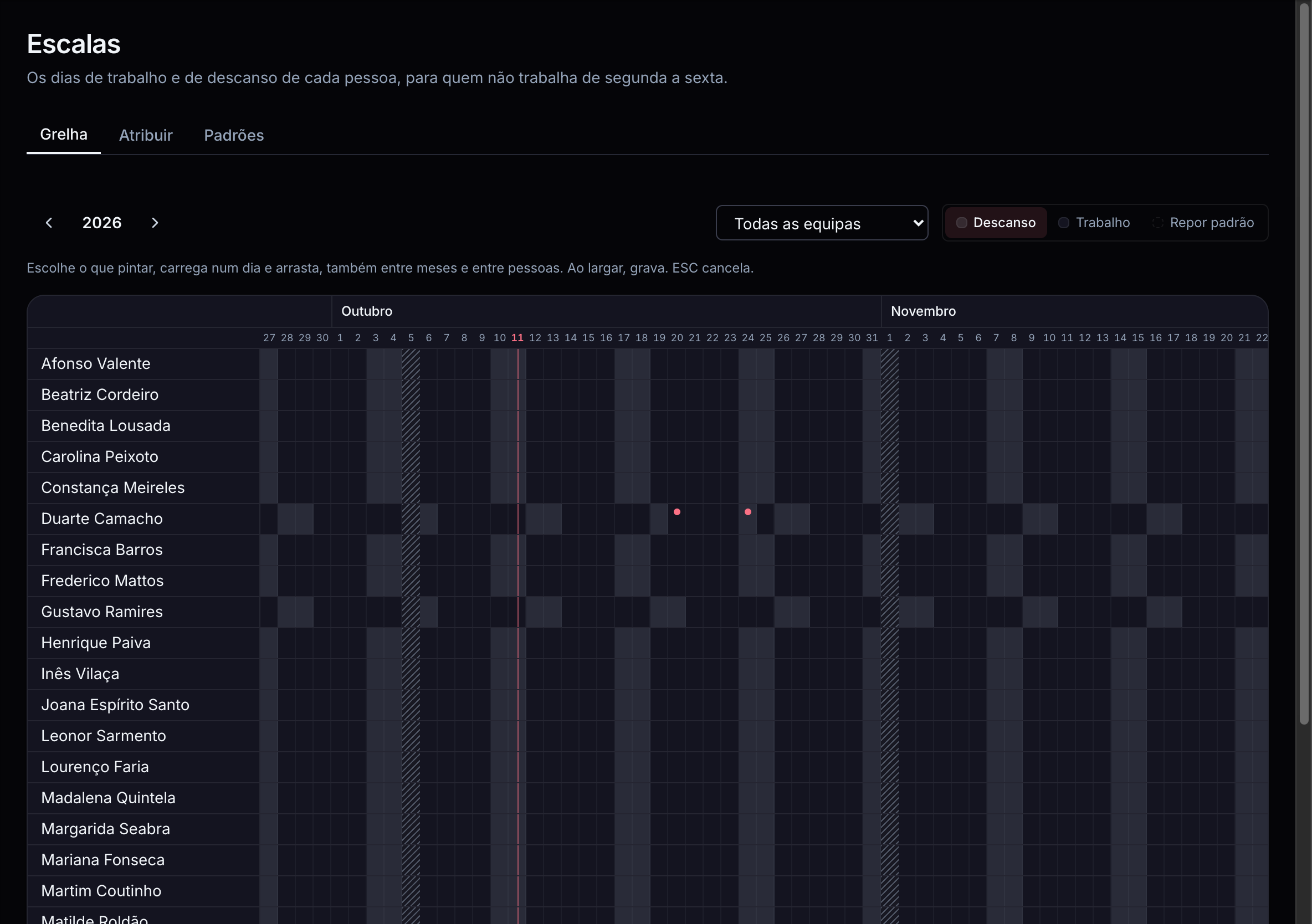
Shops, restaurants, hotels and events rest on other days. Set each person's schedule and Selfcare counts annual leave, absences and the subsídio de alimentação (meal allowance) by their days.
- Patterns like “Wednesday to Sunday”, assigned per person and per period
- An annual grid to paint swapped days off by dragging the mouse
- A week of annual leave always counts as 5 days, as art. 238 of the Código do Trabalho requires
- On all plans, at no extra cost
Org chart and teams: see how the company fits togetherNew
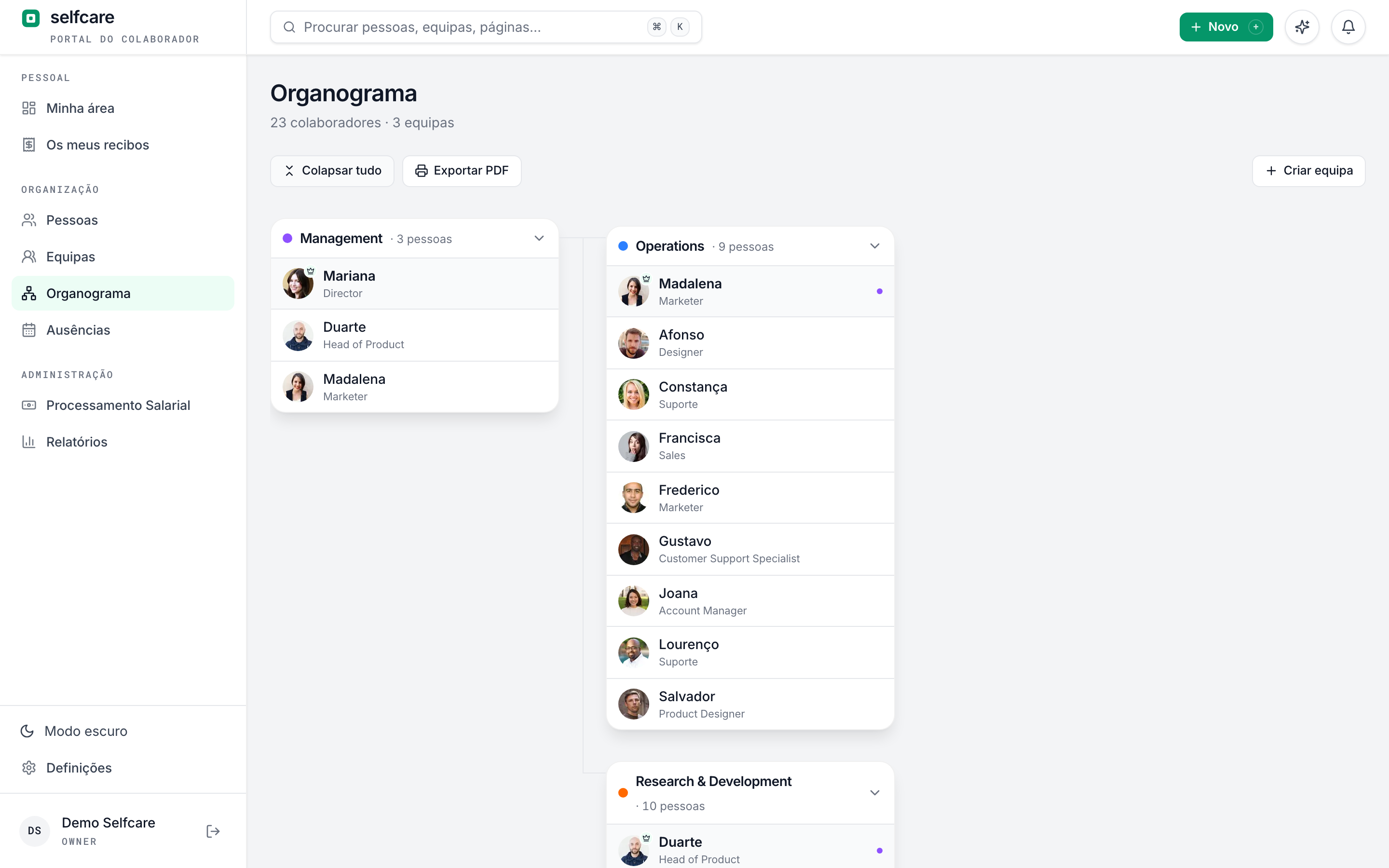
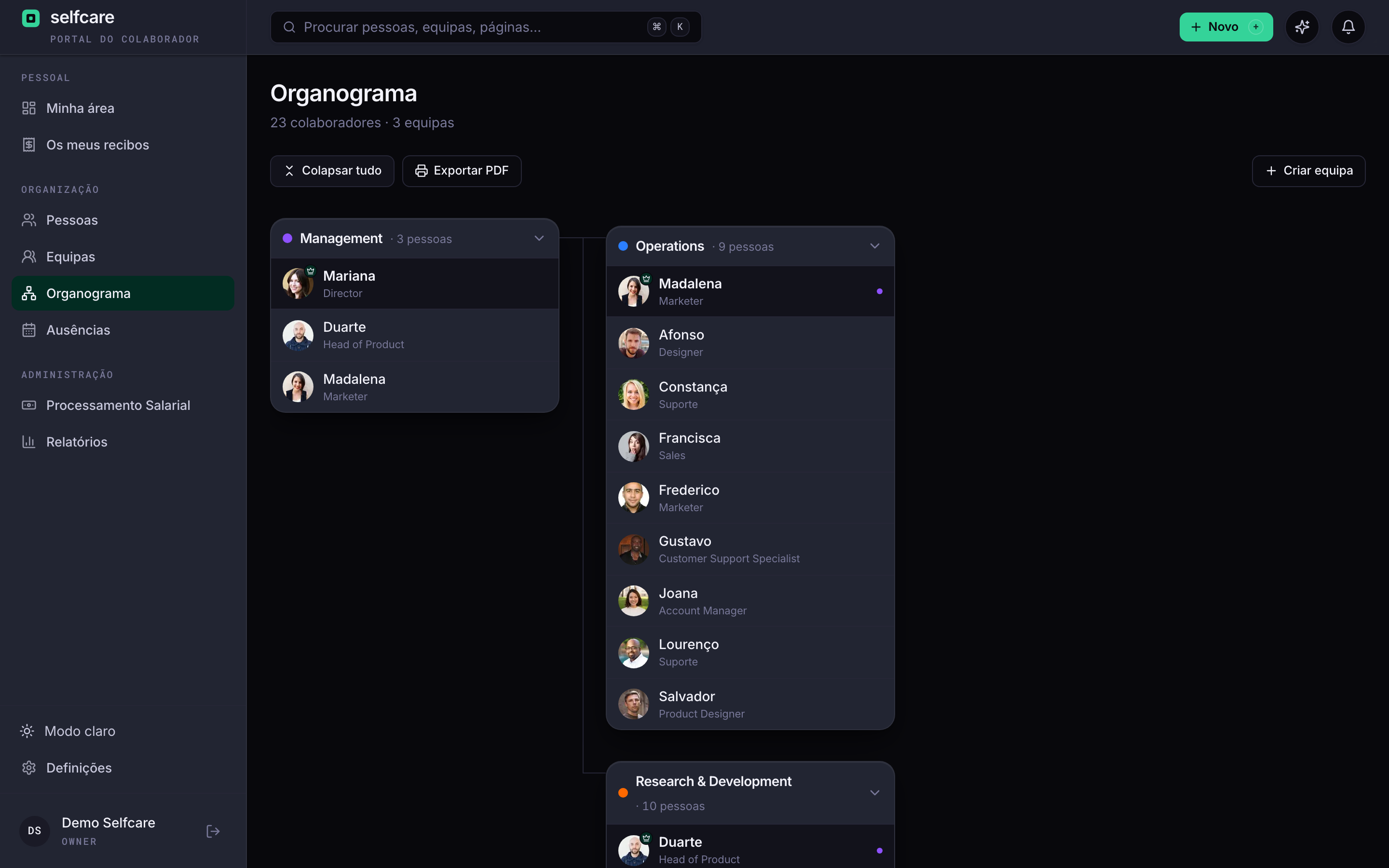
The org chart shows how the company is organised by functional area. Teams say who approves what for whom. Two separate structures, because in real life they rarely match.
- Areas within areas, with someone in charge and people in several areas
- Teams with leaders who approve their members' absences
- Drag anyone with no area or team onto the right card
- Navigable, expandable and exportable to PDF
Two-step verification your wayNew
The email code is still there for everyone. Each person can add an authenticator app or passkeys, which are faster and safer, and recovery codes for when they lose their phone.
- Authenticator app (1Password, Google Authenticator and others) with a QR code
- Passkeys with fingerprint, face or PIN, several per person
- Ten single-use recovery codes, shown only once
- Main method of your choice, and Use another method when signing in
See Selfcare with your own data
Your data comes in and goes out freely
Solid importers to get going in minutes and a full export at any time. The data is yours. We just make it useful.
- Import employees, contracts, salaries and leave history from Excel or CSV
- Smart matching by code, email or name, never creating duplicates
- Export the full list with the fields you choose, ready to import again
- Management reports: headcount, turnover (hires vs leavers) and pay analysis by team, role and location
With your company's look
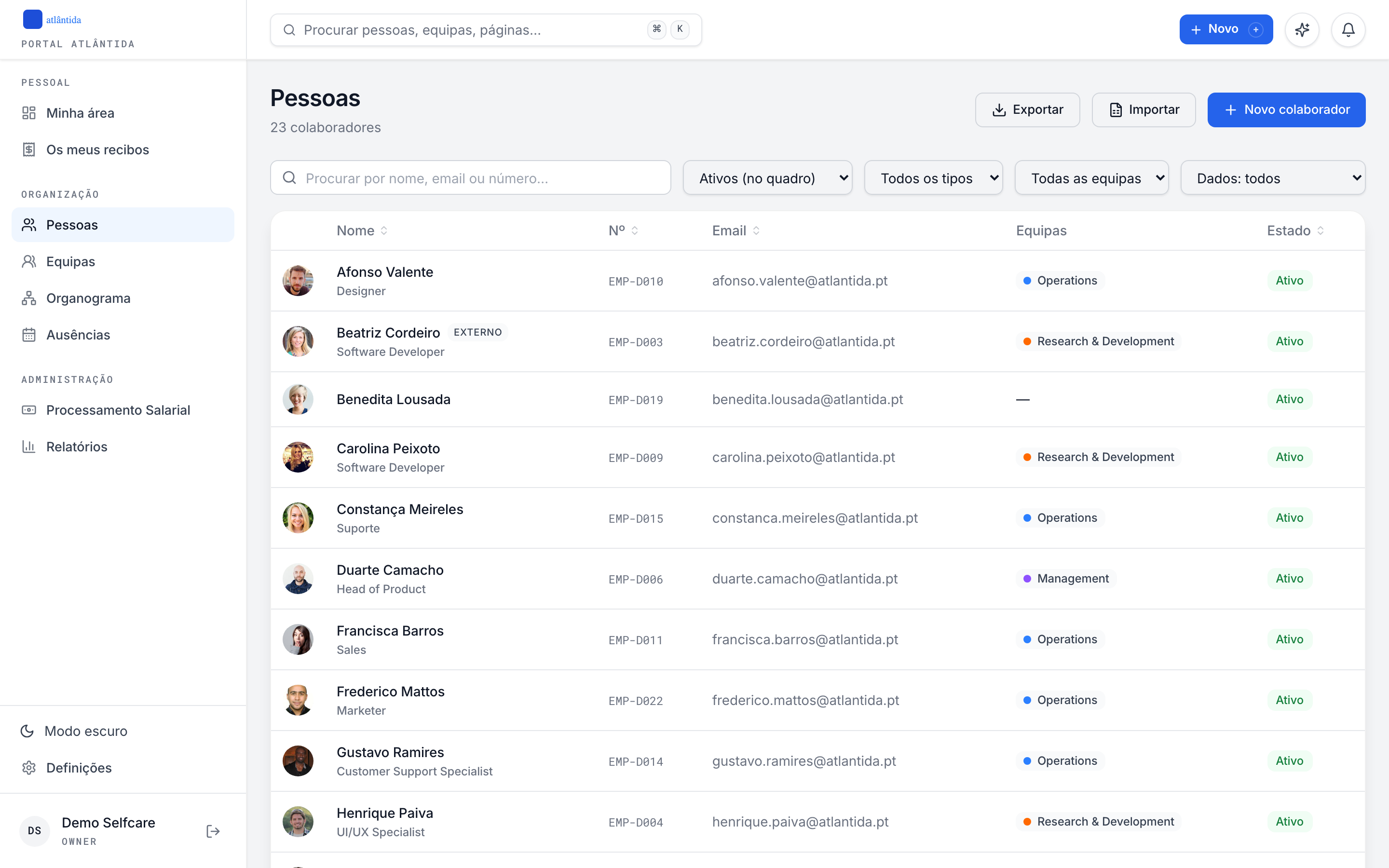
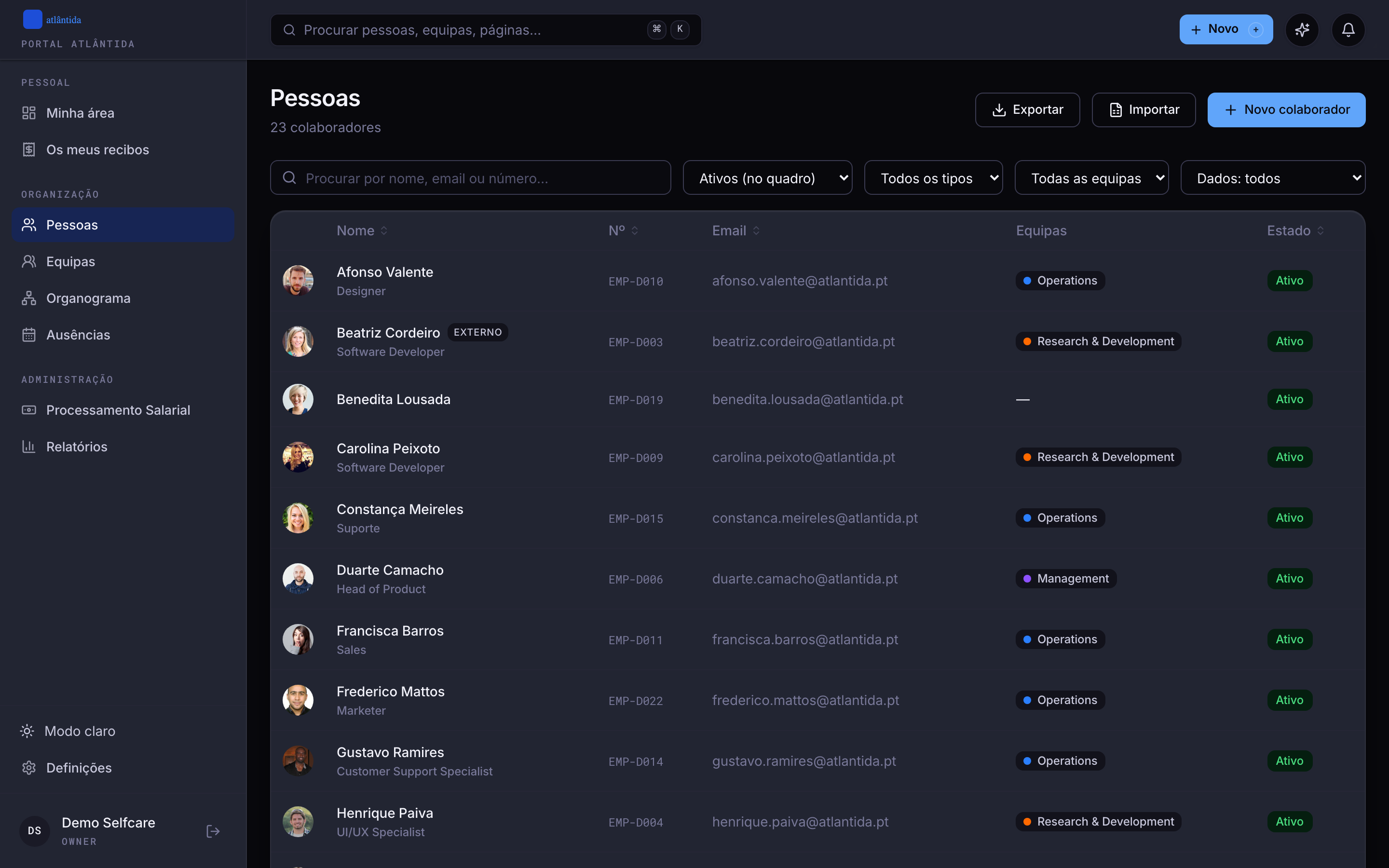
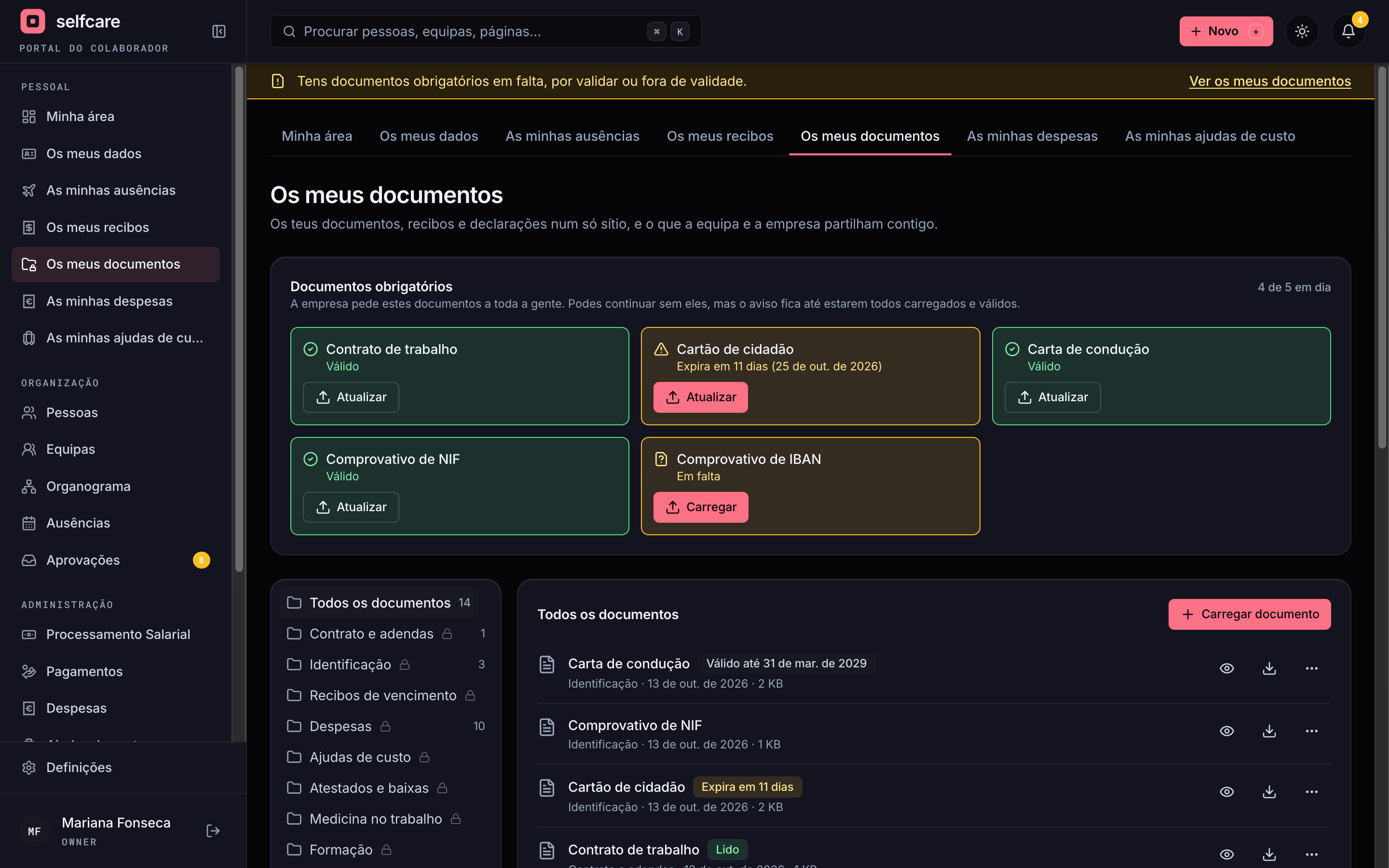
The portal your team opens every day carries your brand: the logo, the name you choose and the colour palette. Each person also picks light or dark mode.
- Company logo on the portal and on documents
- Portal name of your choice (e.g. 'Employee Portal')
- Seven colour palettes for menus and main actions
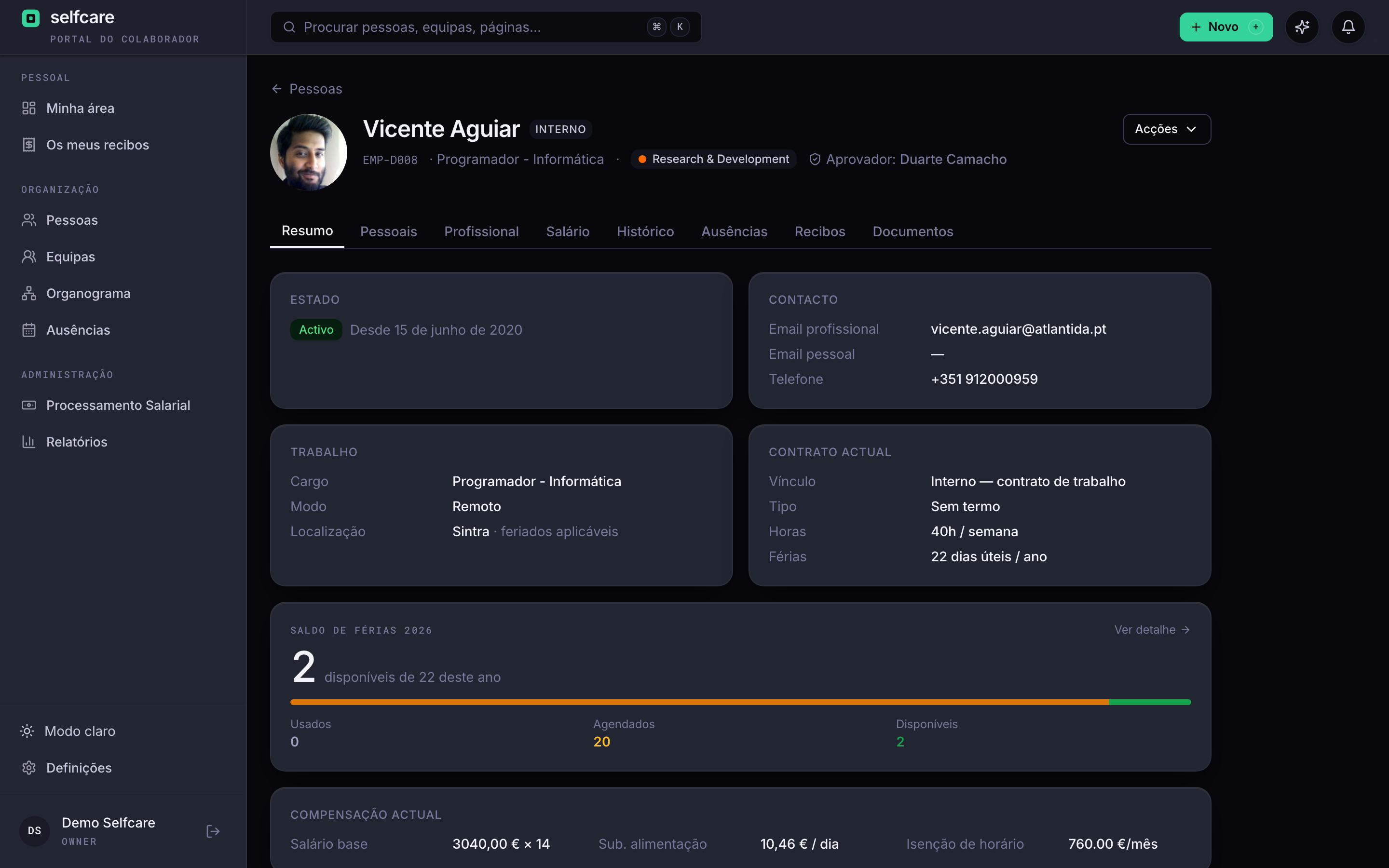
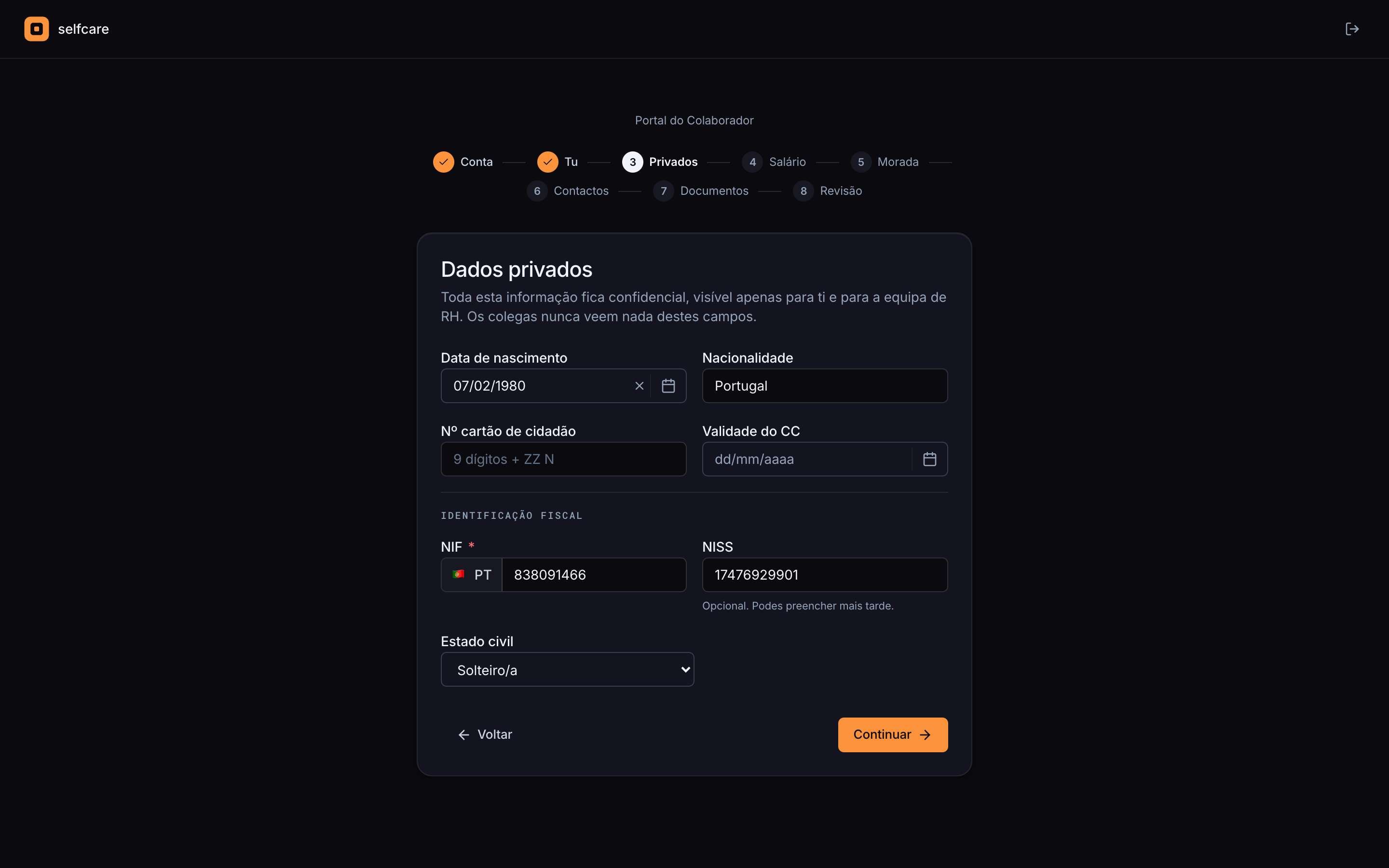
- Light, dark or automatic mode, per user
See all of this working with your own data
Ready for pay transparency
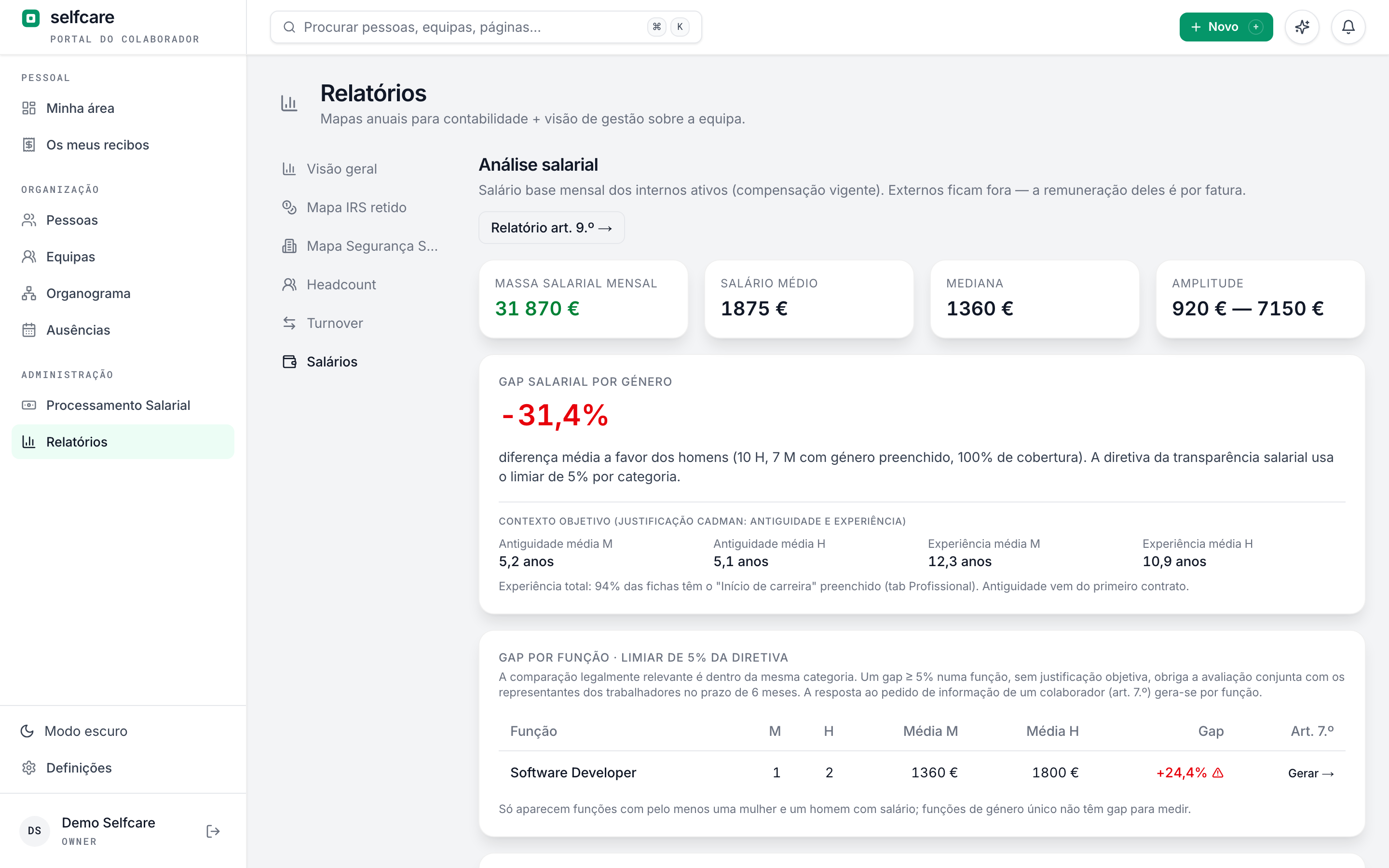
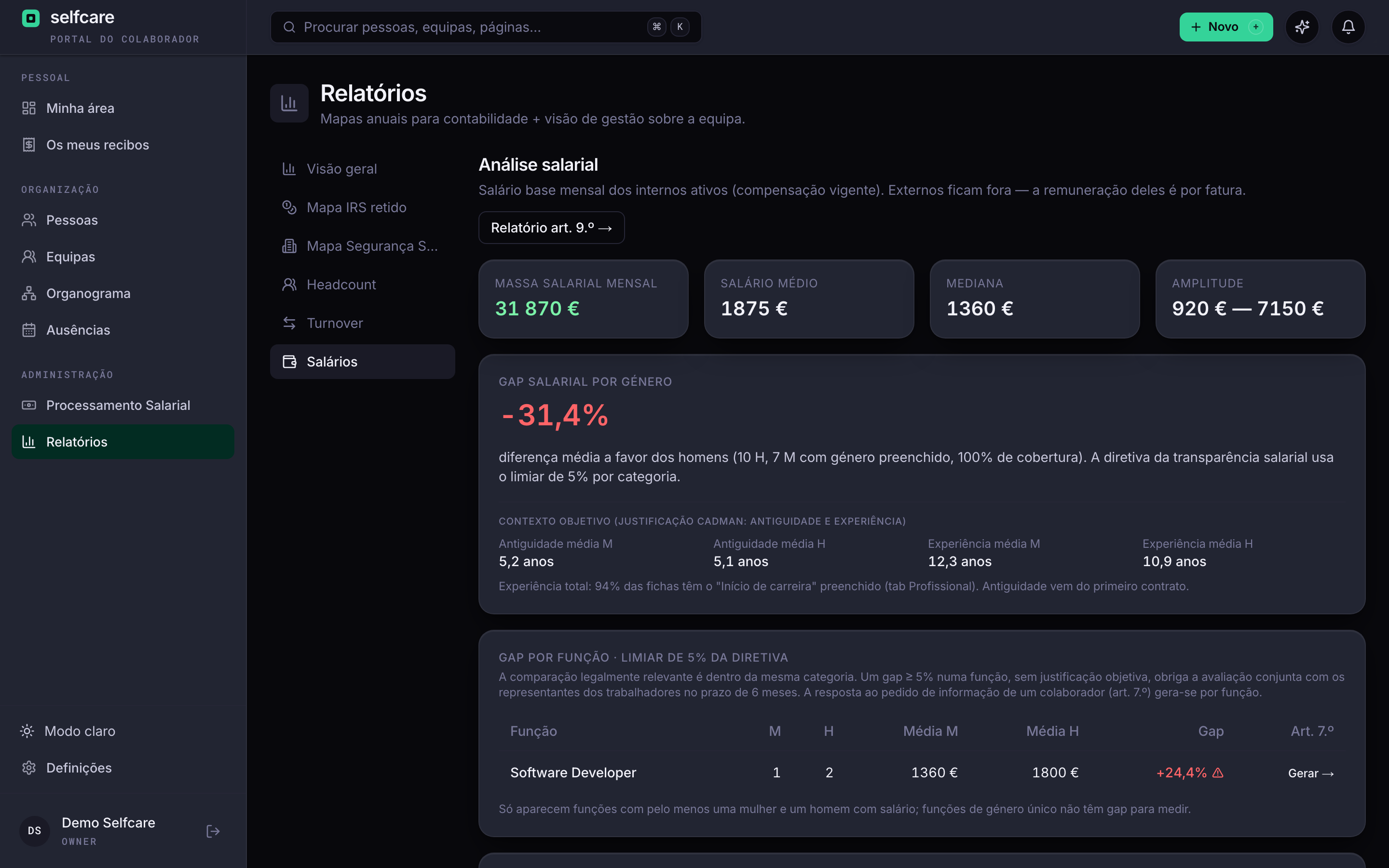
EU directive 2023/970 will require companies to measure and justify pay differences between women and men. In Selfcare, the reports come from the data that's already there.
- Gender gap within each role, with the directive's 5% threshold flagged
- Answer to an employee's information request (art. 7) in one click
- Art. 9 pay gap report: means, medians, quartiles and components
- Average seniority and experience next to the gap: the objective justification, documented
Documents: each one in the right place, with the right peopleNew
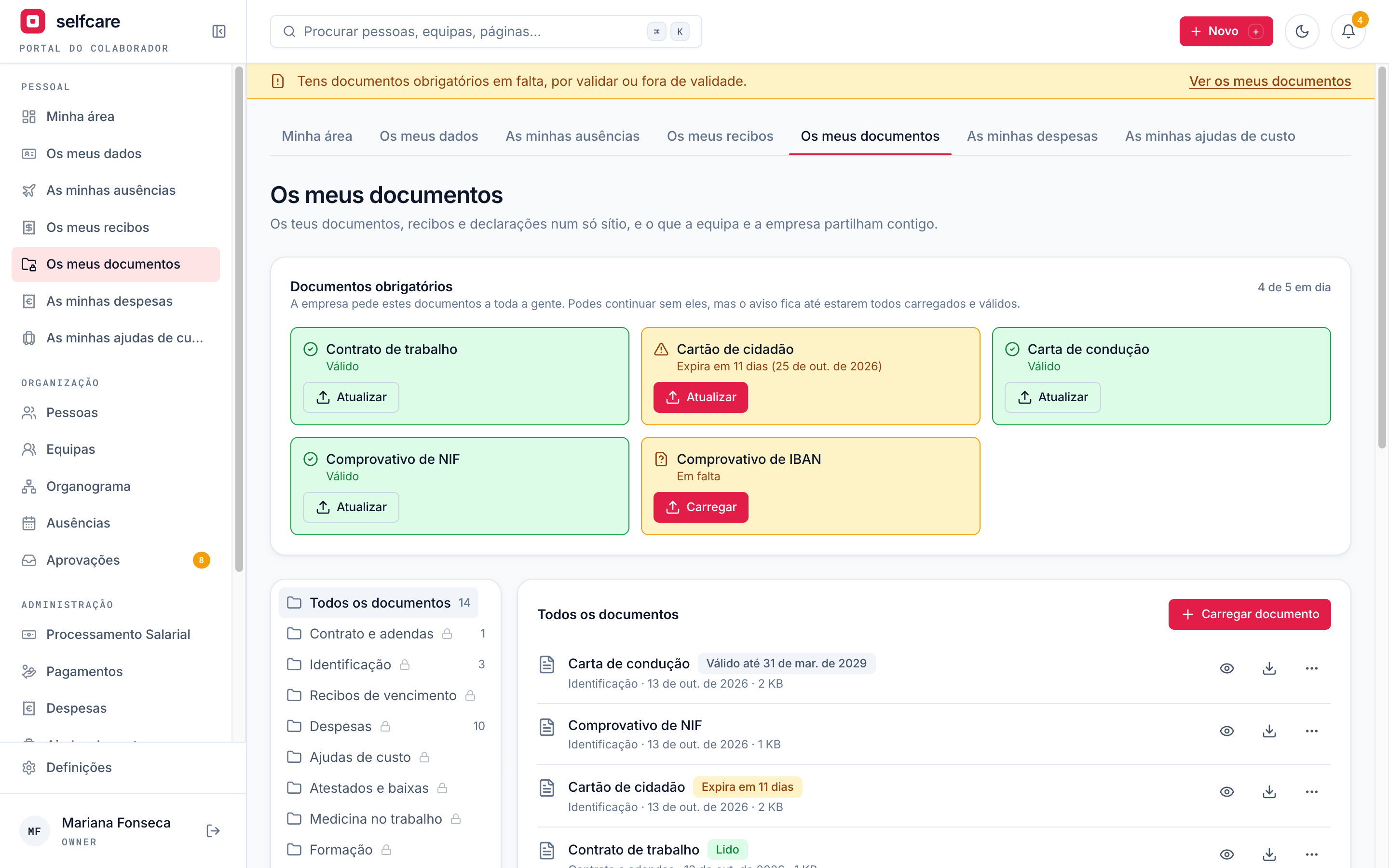
Contracts, ID, medical certificates, payslips and the internal rules in one place, instead of shared folders and emails. Folders per person, per team and for the company, with clear access rules.
- Required documents with status cards in each person's area and photos from the phone
- New: request documents from an employee, with a deadline, reminders and the status of each request
- Expiry reminders 30 days before and on the day. HR sees what's missing and what has expired
- "Read and acknowledged" with a record of who read it, which version and when
- Versions, access log, export per person and deletion at the end of the period you set
- The month's payslips imported in one go, with the person suggested by NIF, NISS or name
- Unlimited storage, up to 100 MB per file
Internal announcements: company news and events
Announcements, results, congratulations and events for the whole company, for areas or for teams. Each person sees what's meant for them, and you know who has read it.
- Read confirmation with "Acknowledged" and stats on who saw and confirmed
- A reminder only to those who haven't, in the app and by email
- Events with save the date, several days, a programme and Going, Not going, Maybe replies
- Annual view of events and an ICS calendar you can subscribe to in Google Calendar or Outlook
In the demo we do the import live, with your own data.
Self-service for employees
Each person books their own leave, looks up payslips, manages their details and chooses what they share with colleagues. HR stops being the front desk for everything. That's where the name comes from: employee self-care.
Proper permissions
Owner, HR, manager, employee and accountant: each sees exactly what they should. Everything that changes data goes in an audit log.
Data in the European Union
Database and files hosted in the EU, each company separate from the others, and personal data visible only to those who need to see it.
Learn more →Multi-company
One account can manage several companies. Ideal for groups and for accountants who serve many clients.
Learn more →Born in the AI era
Built from scratch with artificial intelligence. That's why new features arrive in weeks, not years.
Ready for pay transparency
Structured roles, pay analysis by role and gender gap: EU directive 2023/970 stops being a scare. See the dedicated page.
Learn more →No installation, no servers
100% web, updated continuously. Open the browser and work, wherever you are.
See all of this working with your own data
In a 30-minute demo we import your file and show your company inside Selfcare, with annual leave, payslips and returns included.