Flexible benefits · Coverflex
Coverflex benefits on the payslip, with no retyping
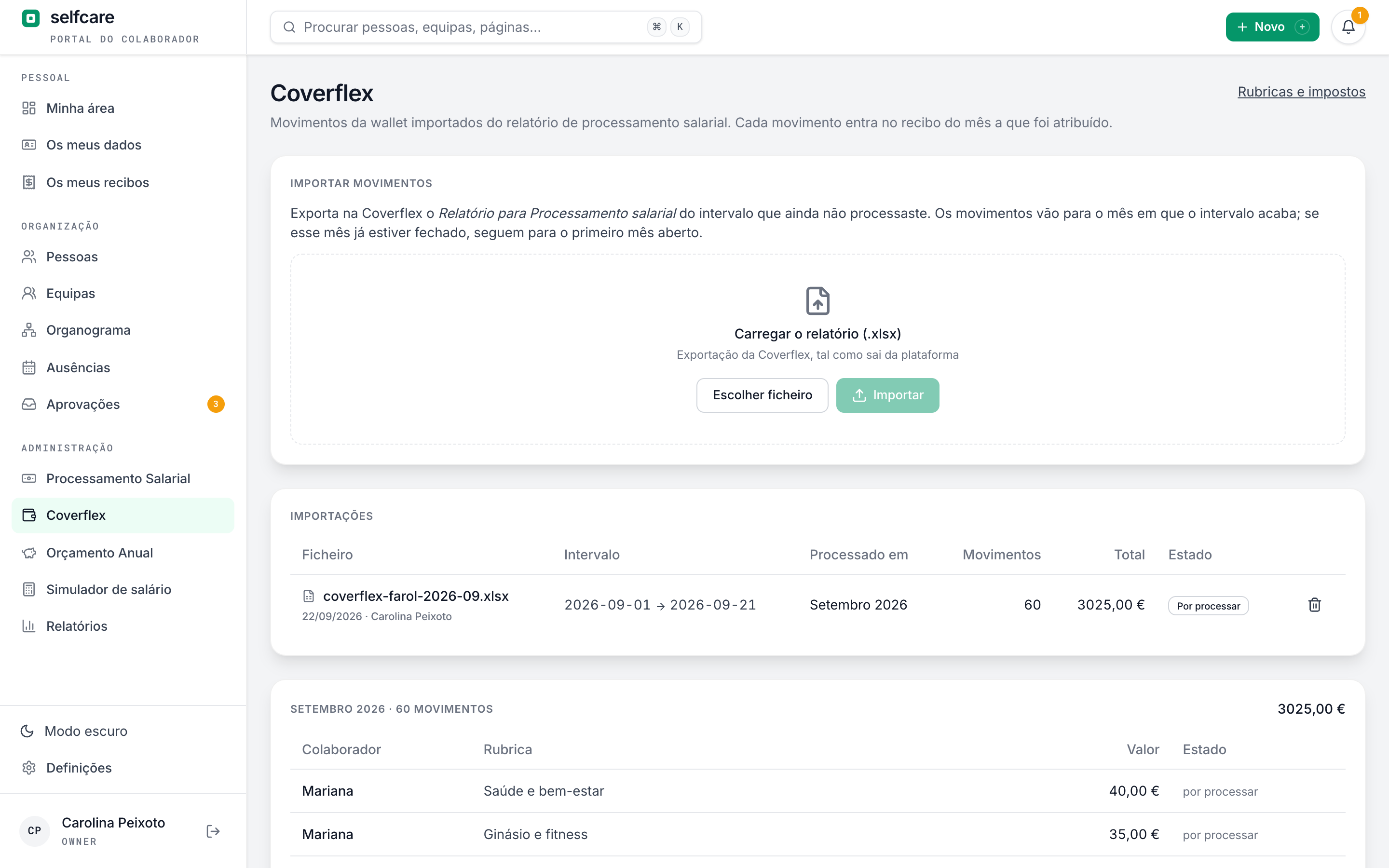
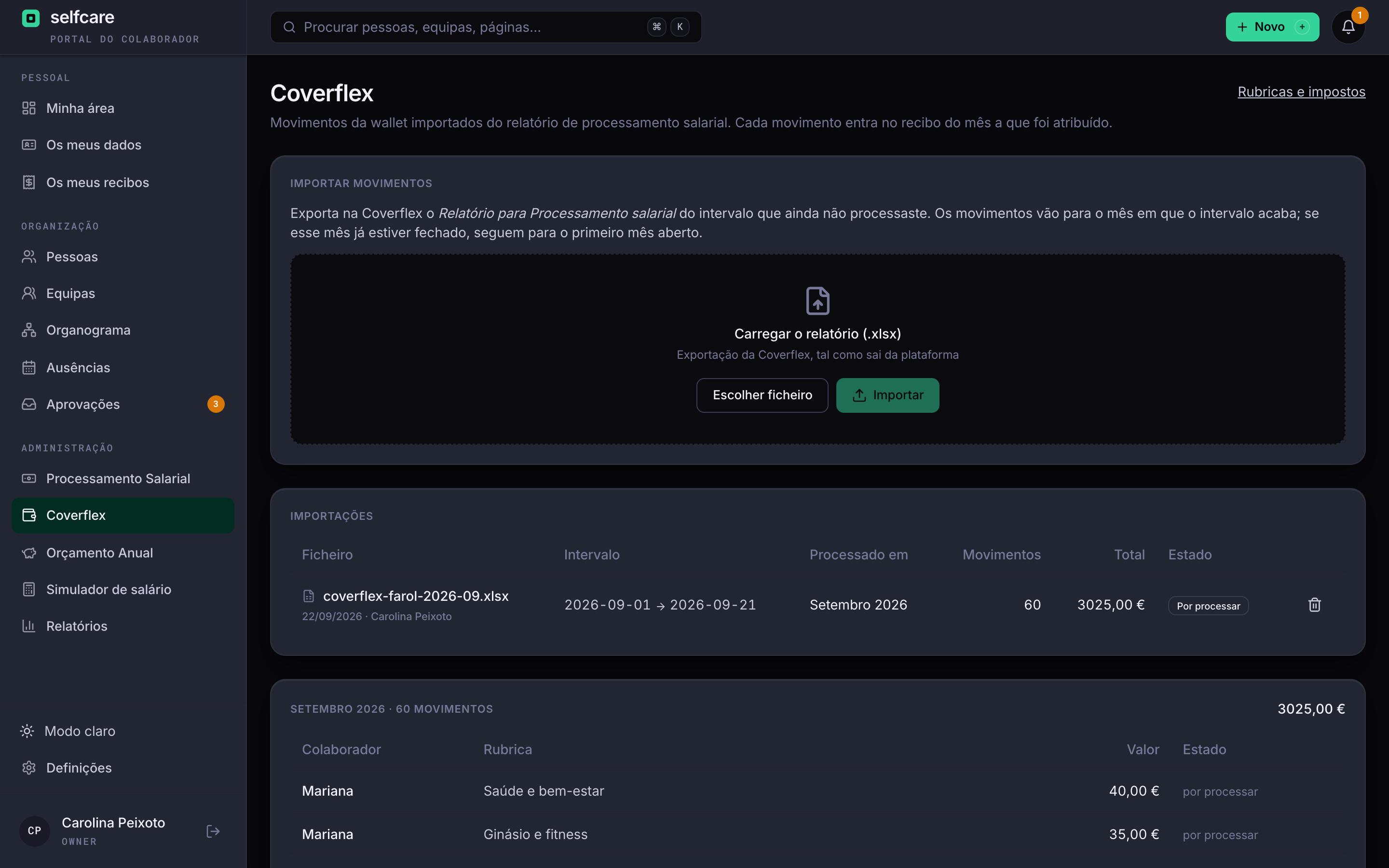
You upload the monthly Coverflex report. Each benefit lands on the right person's payslip, in the right month, with the IRS (income tax) and Segurança Social (Portuguese social security) treatment of its pay item.
Flexible benefits, not-so-flexible work
Every month someone opens the Coverflex report, copies each person's amounts into payroll and decides, item by item, what pays IRS and what doesn't. One copy error becomes a wrong payslip, and the same tax question comes back the next month.
On the payslip
Each benefit with its own tax treatment
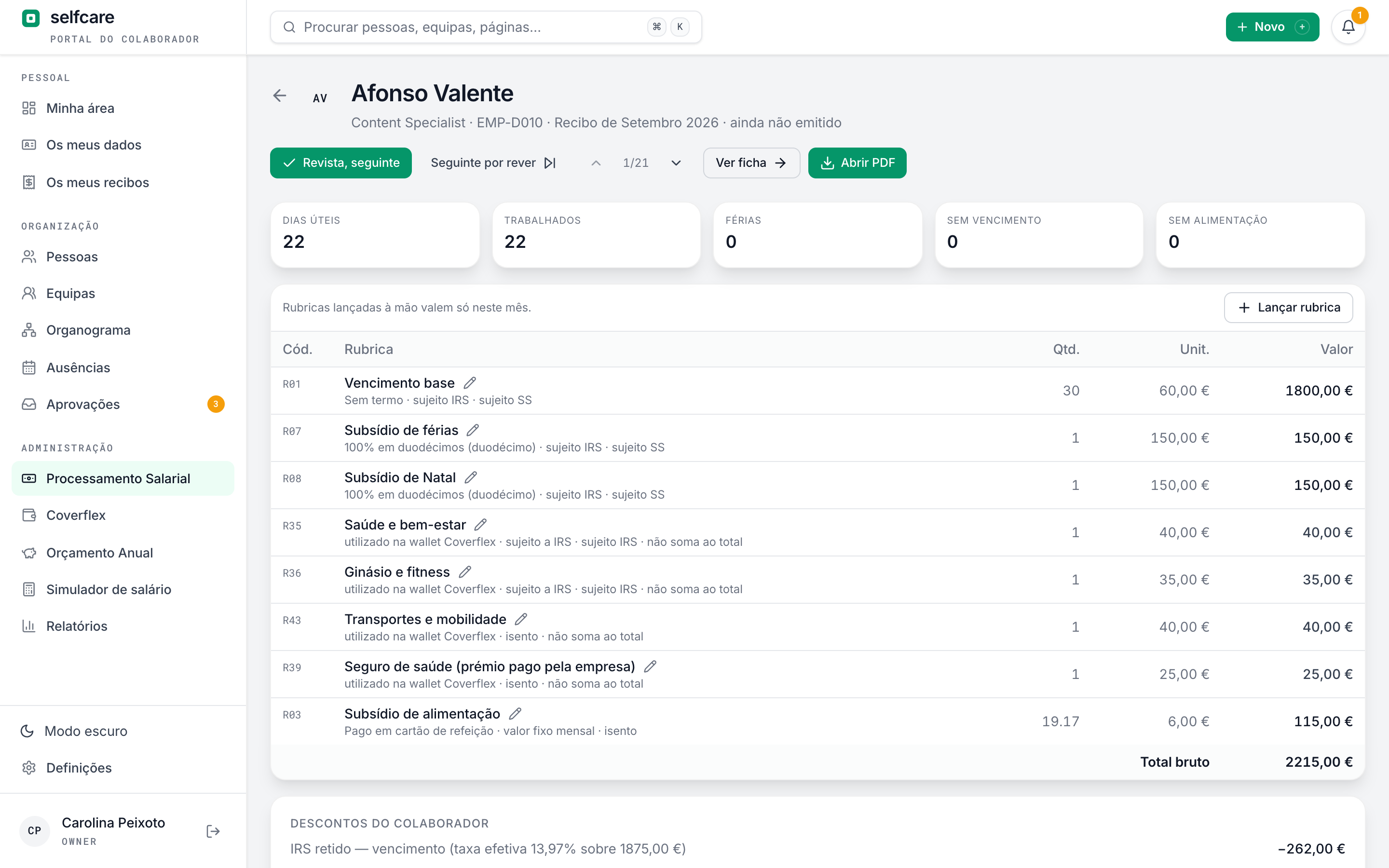
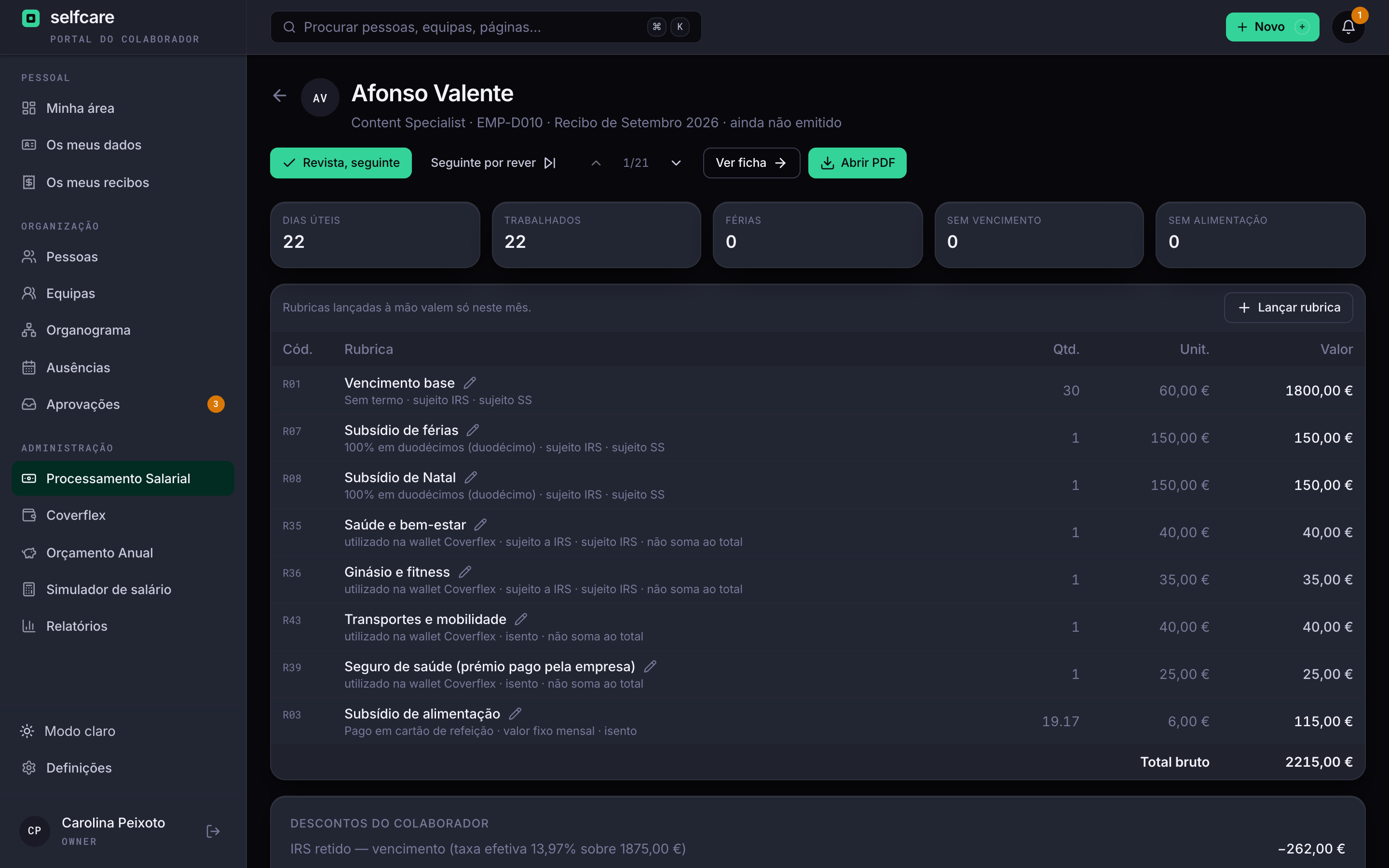
Benefits used in the wallet appear on the payslip as their own lines. They don't add to gross pay or to the net pay to transfer, because Coverflex has already paid them. Taxable items go into the IRS base. Insurance premiums paid by the employee are deducted.
- Childcare vouchers, health and life insurance, transport, technology and training exempt by default
- Education, health and wellbeing, gym and savings subject to IRS by default
- Outside the Segurança Social base and the DMR (monthly pay return), unless the pay item says otherwise
- Each pay item says whether IRS is withheld in the month or left for the annual adjustment
A 30-minute demo with your own data imported live.
Import
The Coverflex report goes to the right month
You export the Relatório para Processamento salarial (payroll report) from Coverflex and upload the file to Selfcare. Transactions go to the month the date range ends in, or to the first open month if that one is already closed.
- The report has to be from your company: the NIF (tax number) is checked
- Each person is found by NIF or employee number
- Anyone not recognised stays unresolved, and you assign them
- A new column stays unconfirmed and reaches no payslip until someone classifies it

No surprises at month close
Each person's wallet allowance
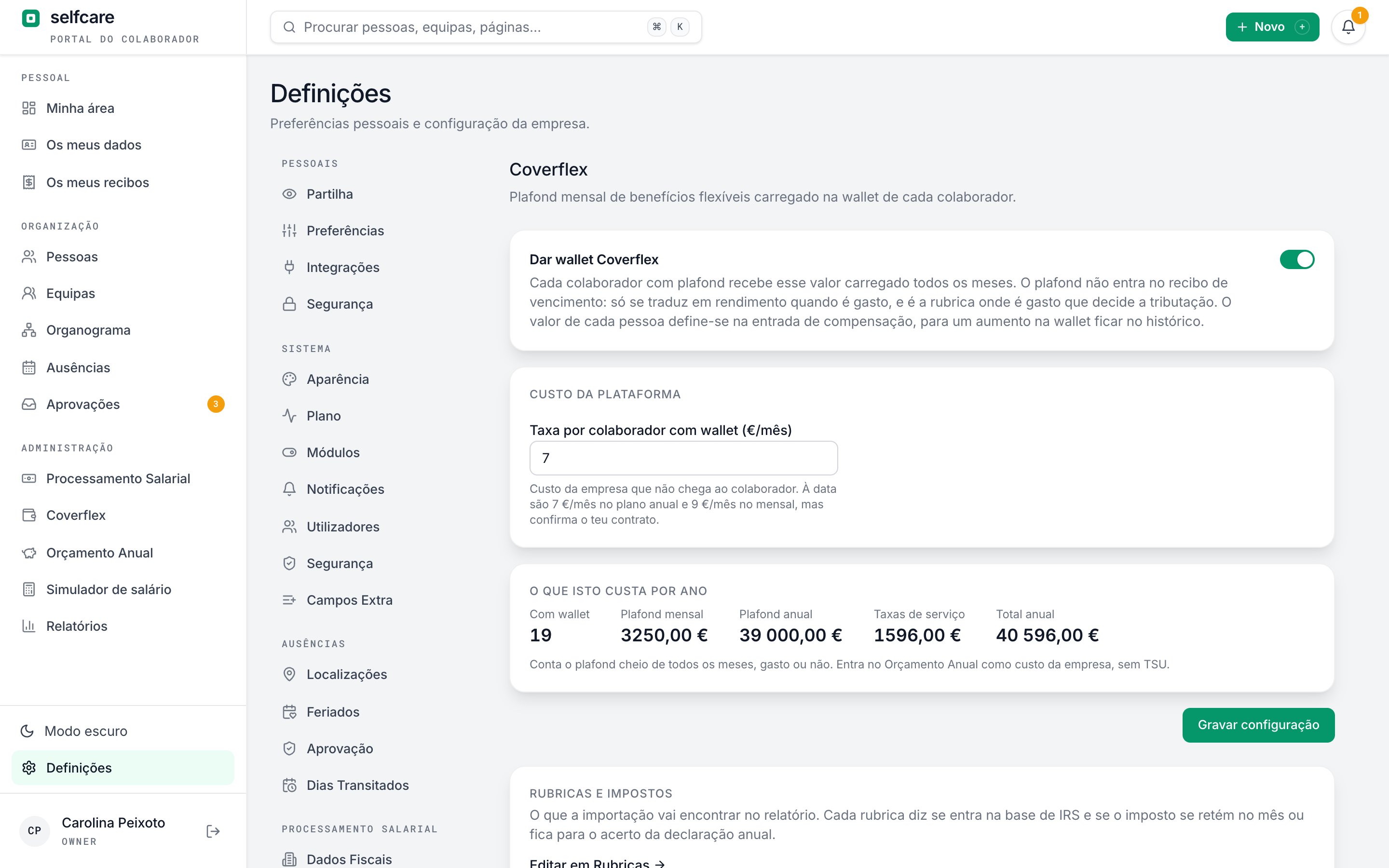
The monthly wallet amount lives in the compensation history, with a date, like a pay rise. It shows you the annual cost of benefits, service fee included.
Nothing goes in twice
When you close the month, each transaction is tied to the payslip it went into. A processed report can only be deleted by reopening the month.
The tax treatment is the company's call
Pay items come with the most common legal treatment. HR or the accountant adjust each one in Settings, Pay items, if the company's regime is different.
One import per month
Uploading another report for the same month replaces the previous one, after showing you how many transactions and what total would be lost.
Sick leave and other leave
In a month of unpaid leave, that month's benefits don't go on the payslip.
Everything logged
Every import, manual assignment and removal goes in the audit log, with who did it and when.
In the demo we run the import live, with your data.
Frequently asked questions
Does Selfcare connect directly to Coverflex?+
No. You export the Relatório para Processamento salarial from Coverflex, in Excel, and upload the file to Selfcare. The rest is automatic.
Do I need Selfcare payroll?+
Yes. Coverflex benefits go into the payslips Selfcare processes.
Who decides whether a benefit pays IRS?+
The pay item. Pay items come with the most common legal treatment and HR or the accountant can change it, including whether IRS is withheld in the month or left for the annual adjustment.
What about unspent money in the wallet?+
Coverflex manages the wallet balance. Selfcare processes what was used and shows the annual cost of the wallet allowances.
Who can import?+
The company's owner, HR and accountant.
See Coverflex flowing into payroll
In a 30-minute demo we upload a sample report and follow the benefits through to the payslip and month close.