Leave and absences
Leave without Excel, emails or mental arithmetic
The employee books, the team leader approves and the balance works itself out, under the rules of the Código do Trabalho (Labour Code). Everyone knows who's out, and nobody has to keep a sheet by hand.
Who's off in August?
That question should take seconds to answer. In many companies the answer lives in a shared Excel file, in email requests nobody can find and in balances HR recalculates by hand at year end. Add the pro rata for people who joined mid-year and the days carried over from last year.
For employees
Book your leave and see right away what's left
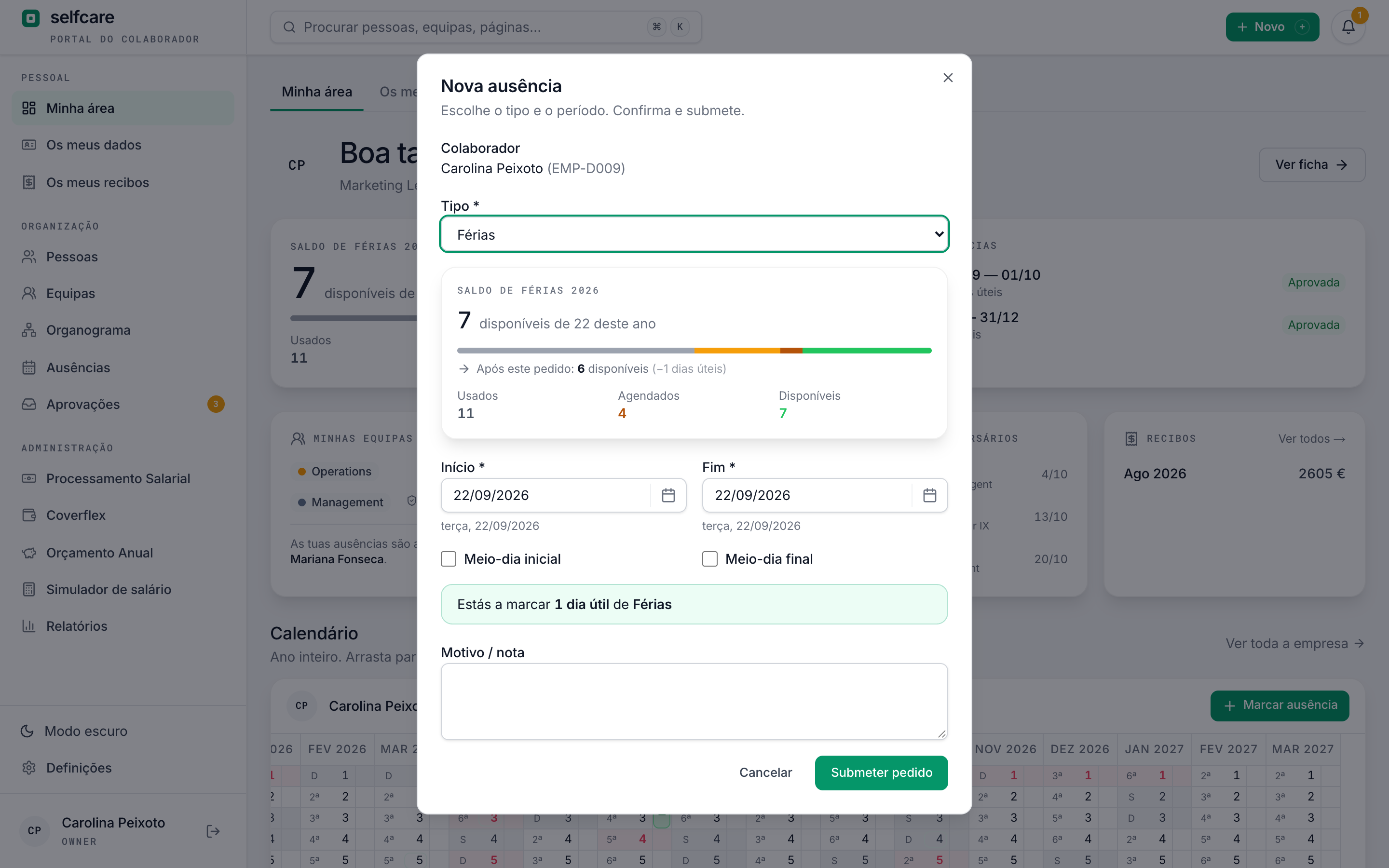
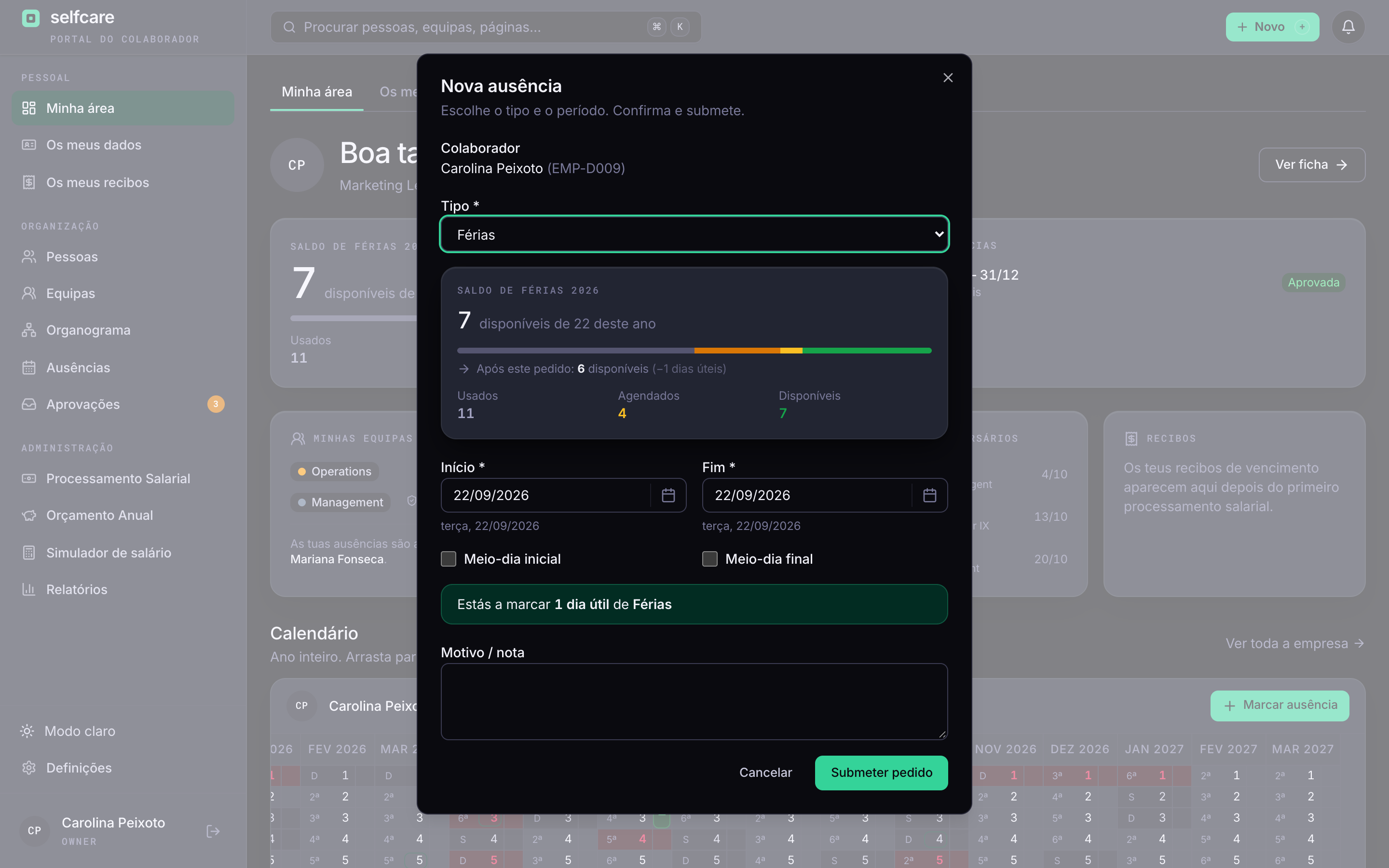
Pick the type and the dates, or drag on the calendar from the first day to the last. Before you submit, you see the working days you'll use and the balance you'll have left.
- Balance always in view: used, booked and available
- Half days on the first or last day, if the company allows them
- Working days counted with your municipality's public holidays
- You can never book more leave than your balance allows
- On the 12-month calendar you jump between last year, this year and next year, with each year's absences
- Home Office is booked and approved like other absences, within the weekly limit and the weekdays the company allows
For approvers
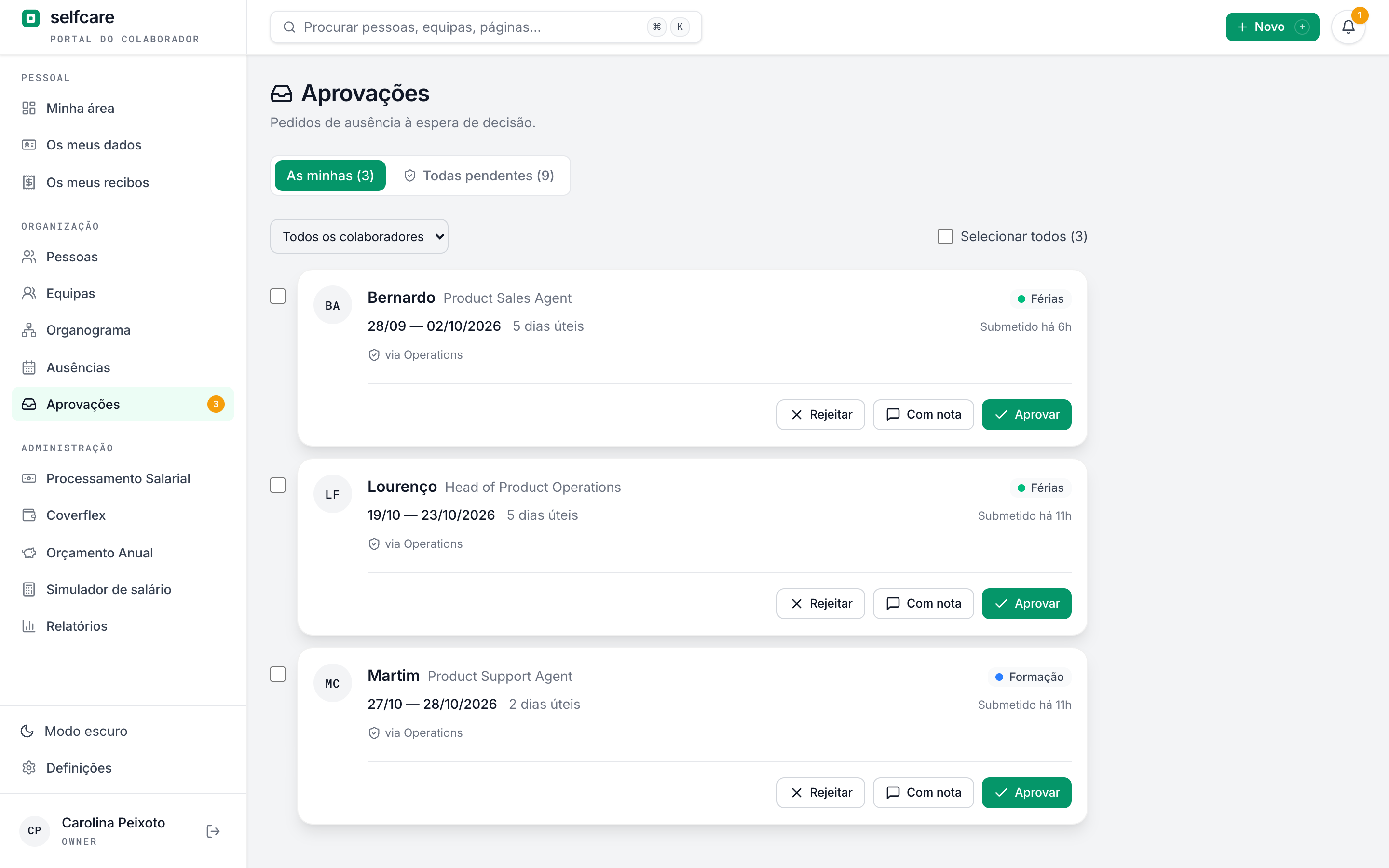
The request goes to whoever leads the team
Approvers are the leaders of each person's teams. If someone is in two teams, you decide whether one leader is enough or both have to approve. The owner and HR can decide any request.
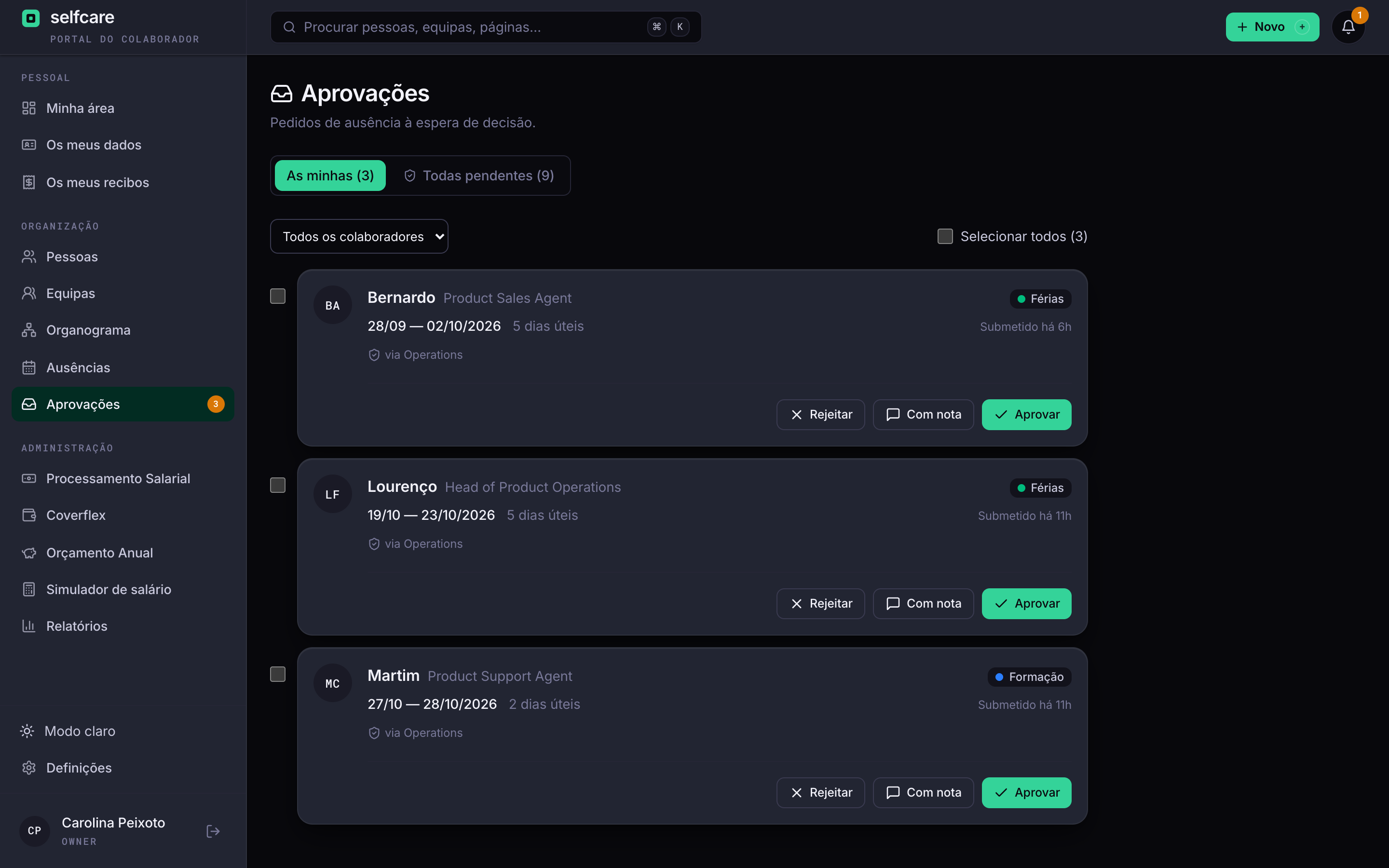
- All requests in the Approvals inbox, with a filter by employee and bulk decisions
- Each request says who else on the team is out on those days, and opens the team timeline without leaving the inbox
- Alerts in the app and, if the company turns them on, by email and in Slack
- With emails on, you approve or reject right in the email, which shows who else on the team is out on those days
- Cancelling approved leave can require approval, if the company wants
- Approver on holiday? The backup approver decides, set on the team or on each person's profile, and the leader can still decide too
A 30-minute demo with your own data imported live.
Three ways to see it
The team at a glance, the whole year at once
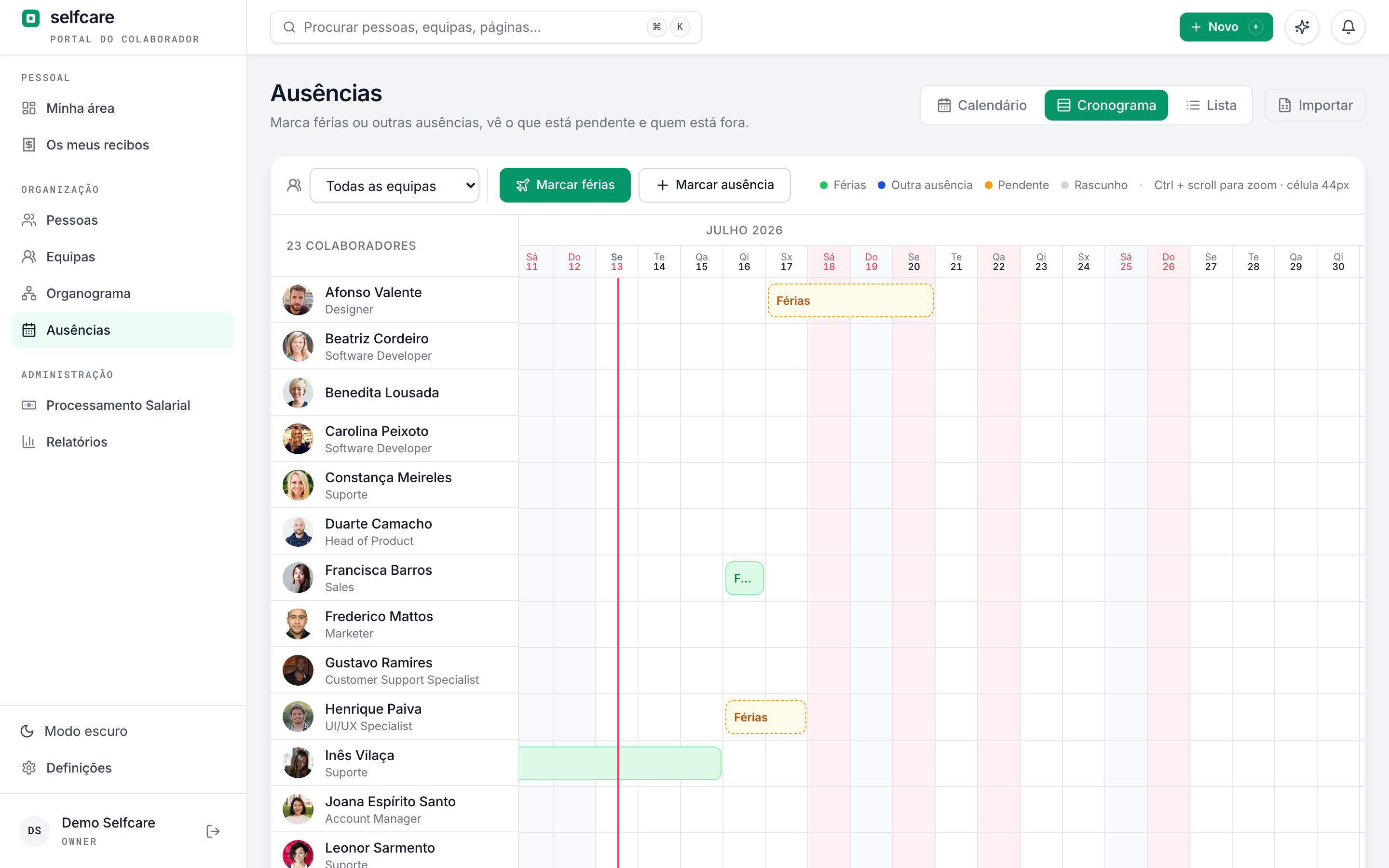
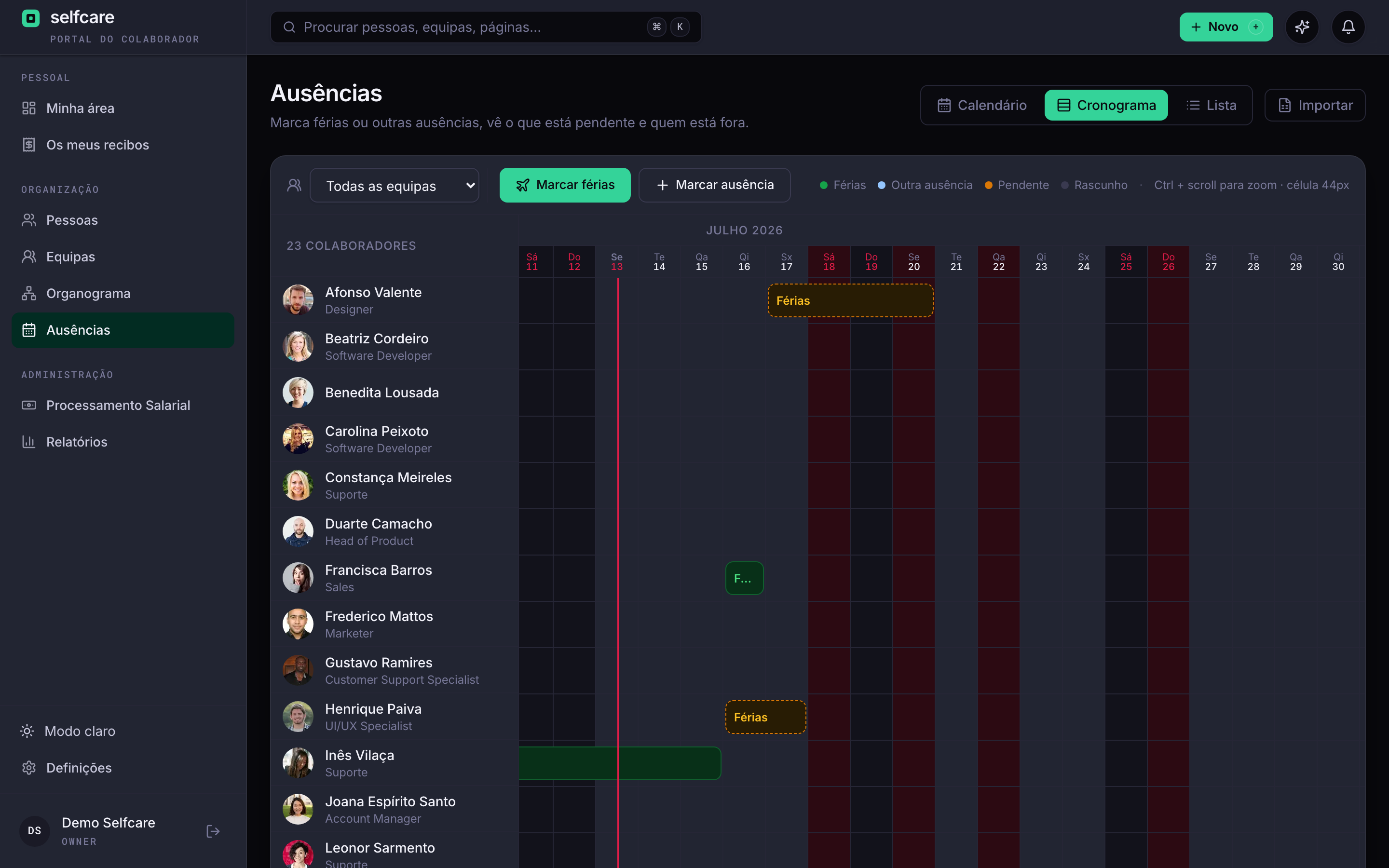
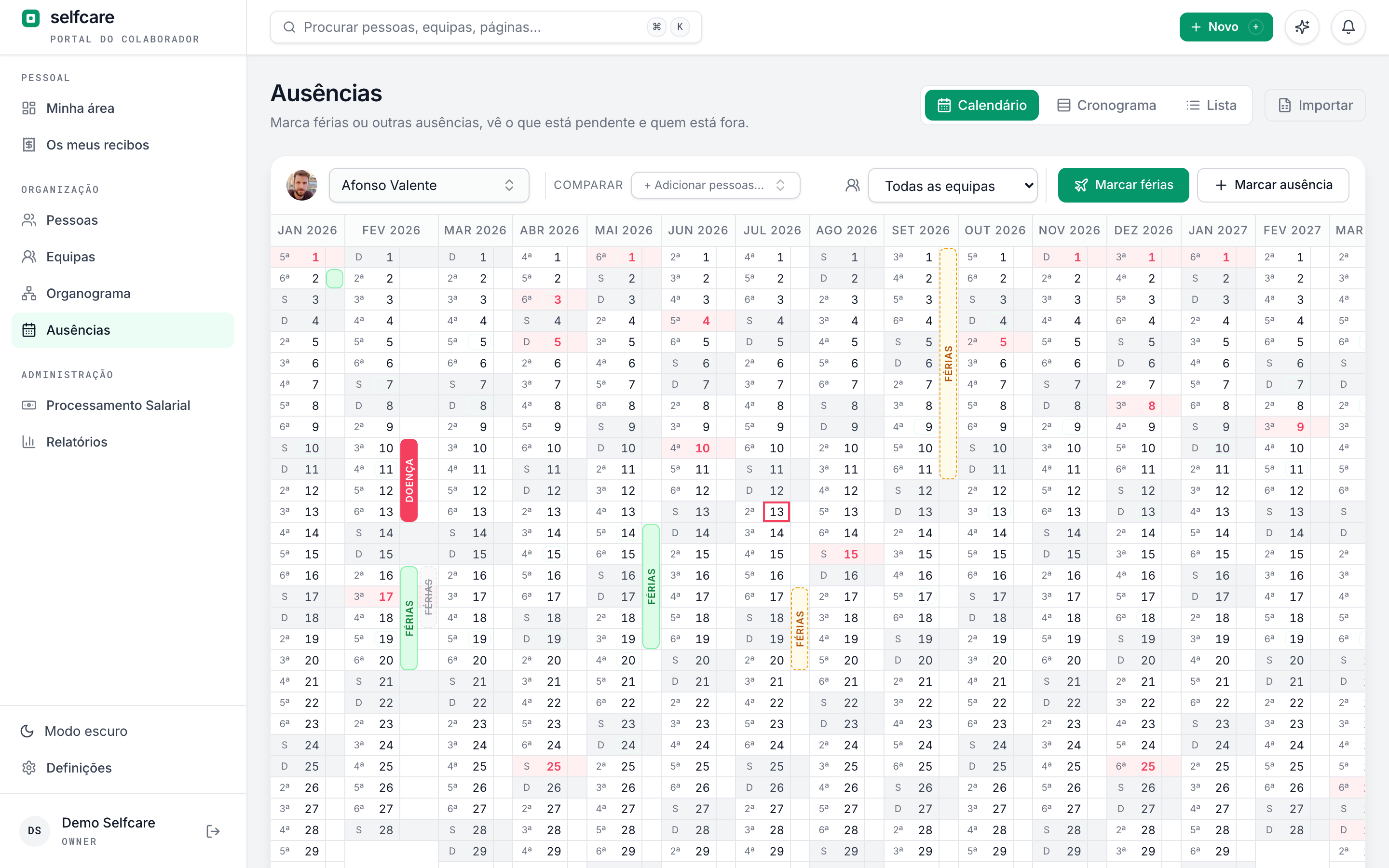
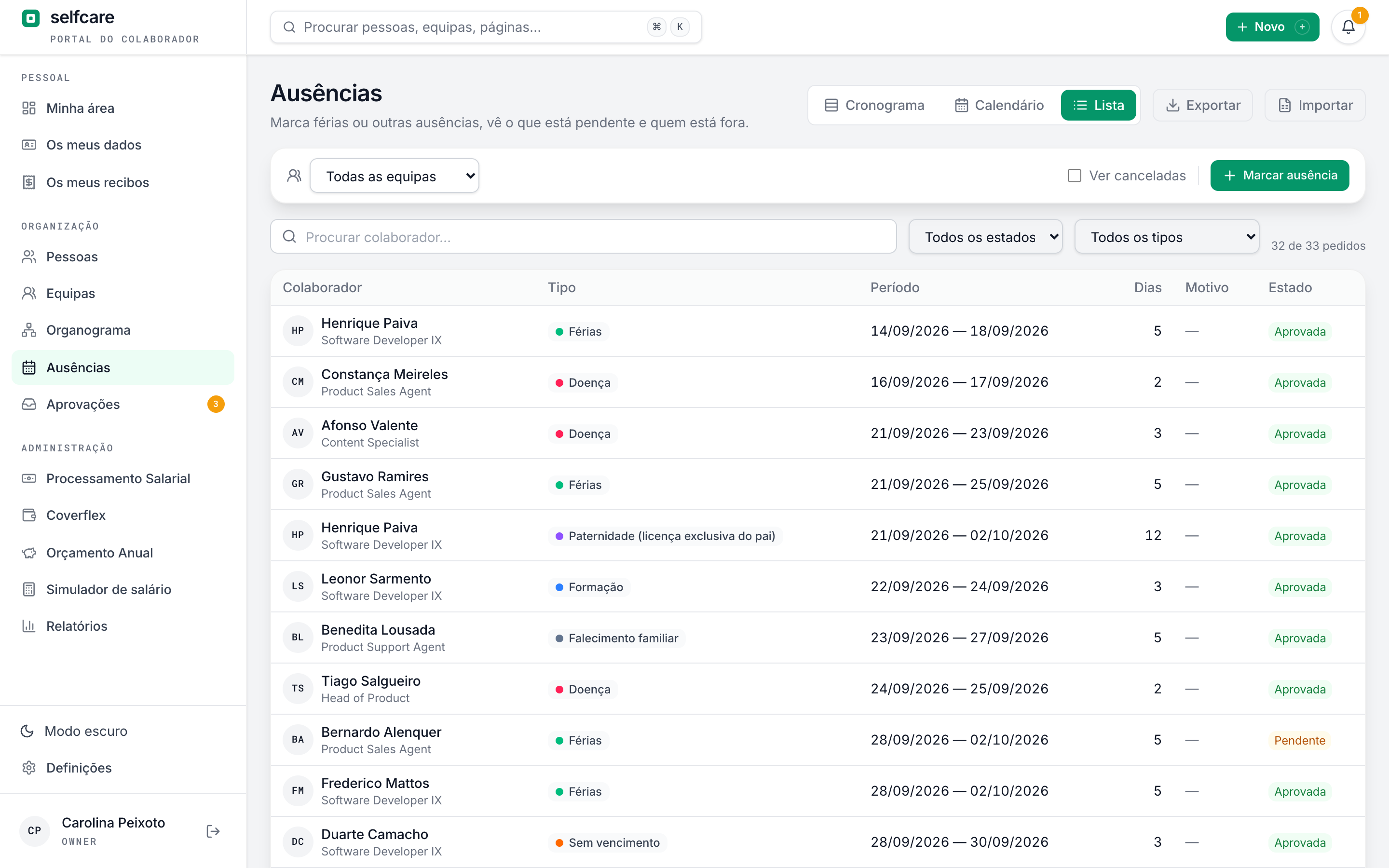
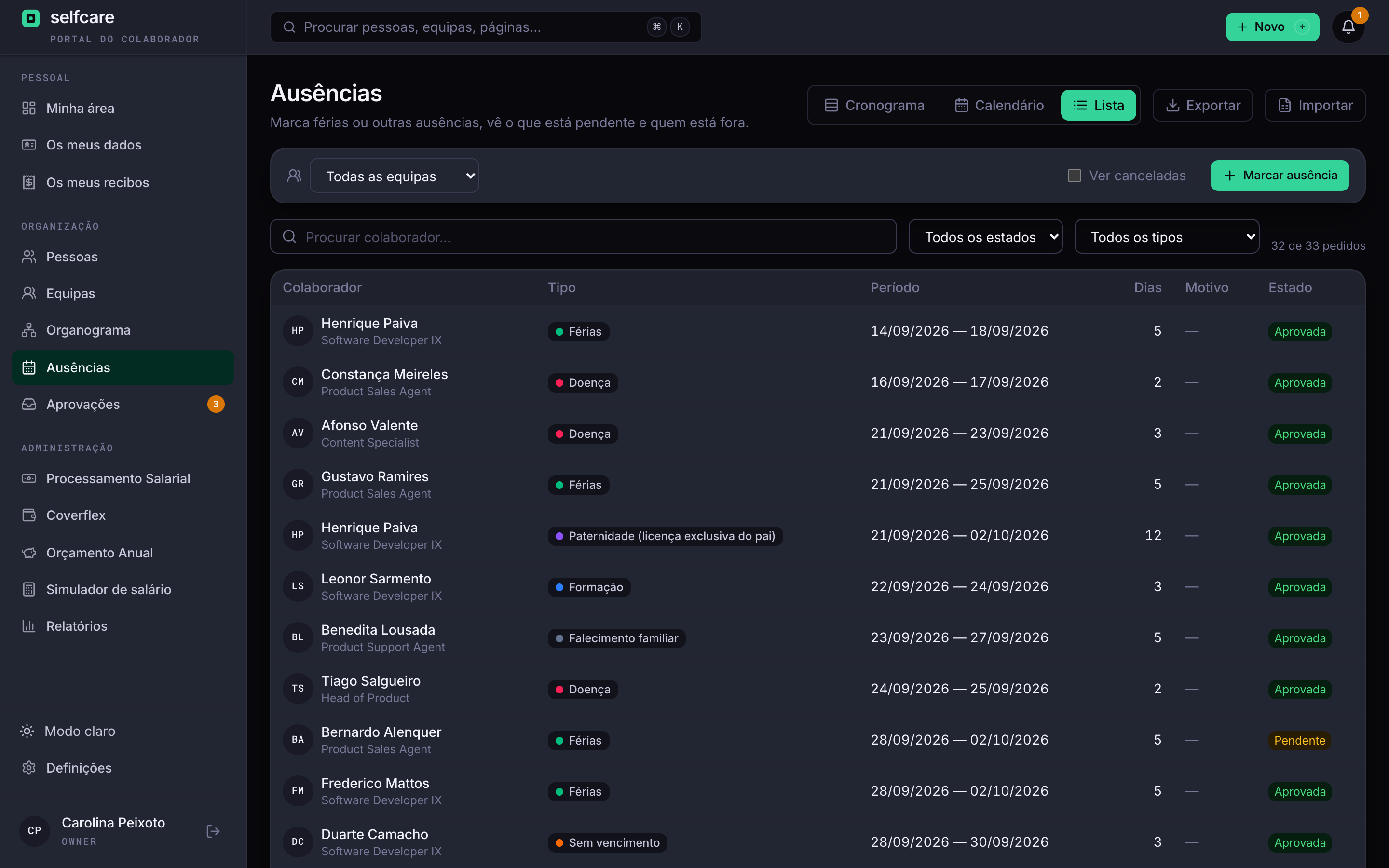
The timeline puts each person on a row and scrolls through the year. The annual calendar puts your team side by side, so you can book without stepping on anyone. The list shows every request, with search and filters.
- Timeline with zoom and today marked
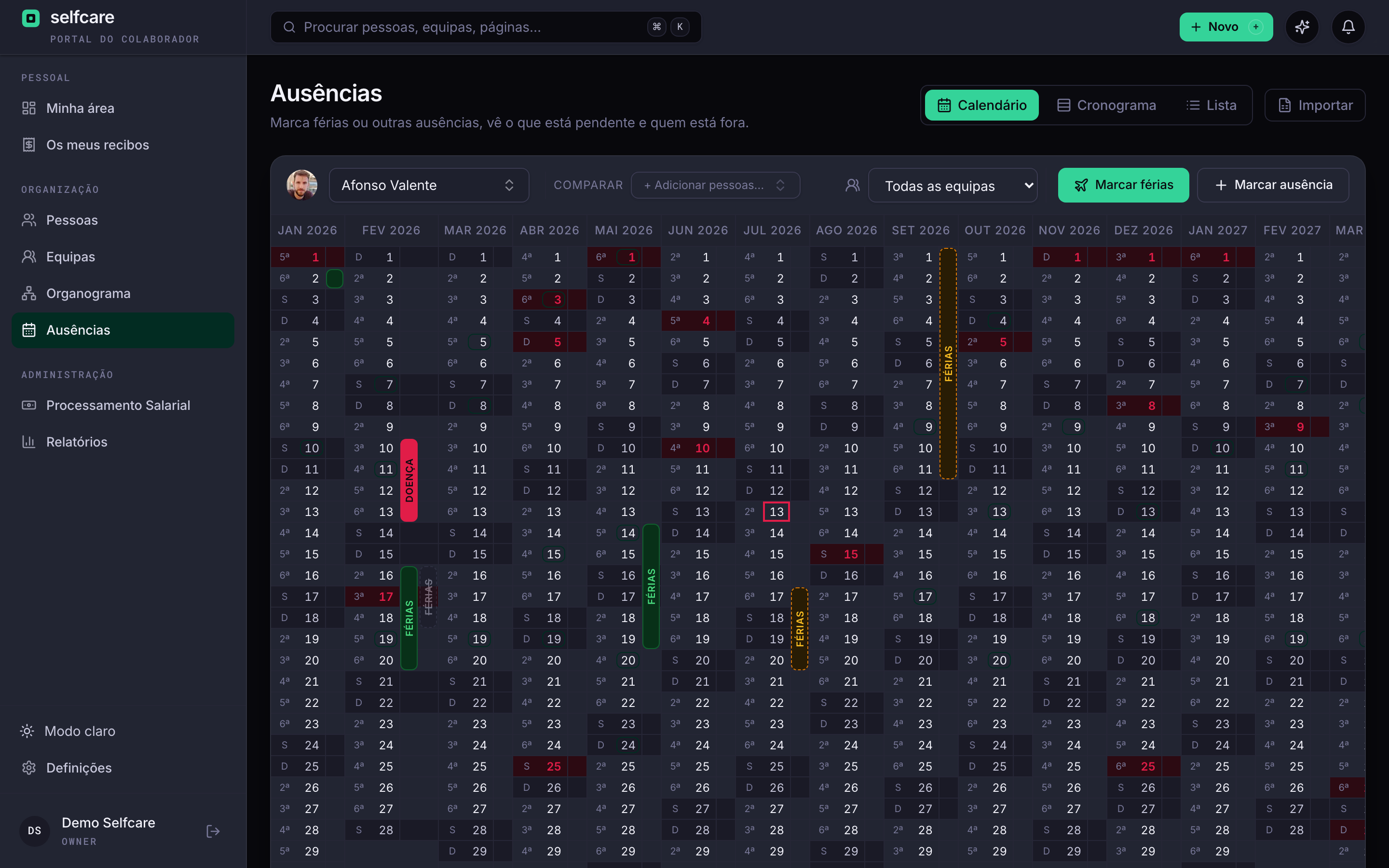
- Year calendar with weekends, public holidays and the team's leave
- List with search by person and filters by status and type
- CSV export, with the same rules for who sees what
- Weekly email summary with the week's timeline: one row per person, one column per day
For the company
Days when nobody books leave
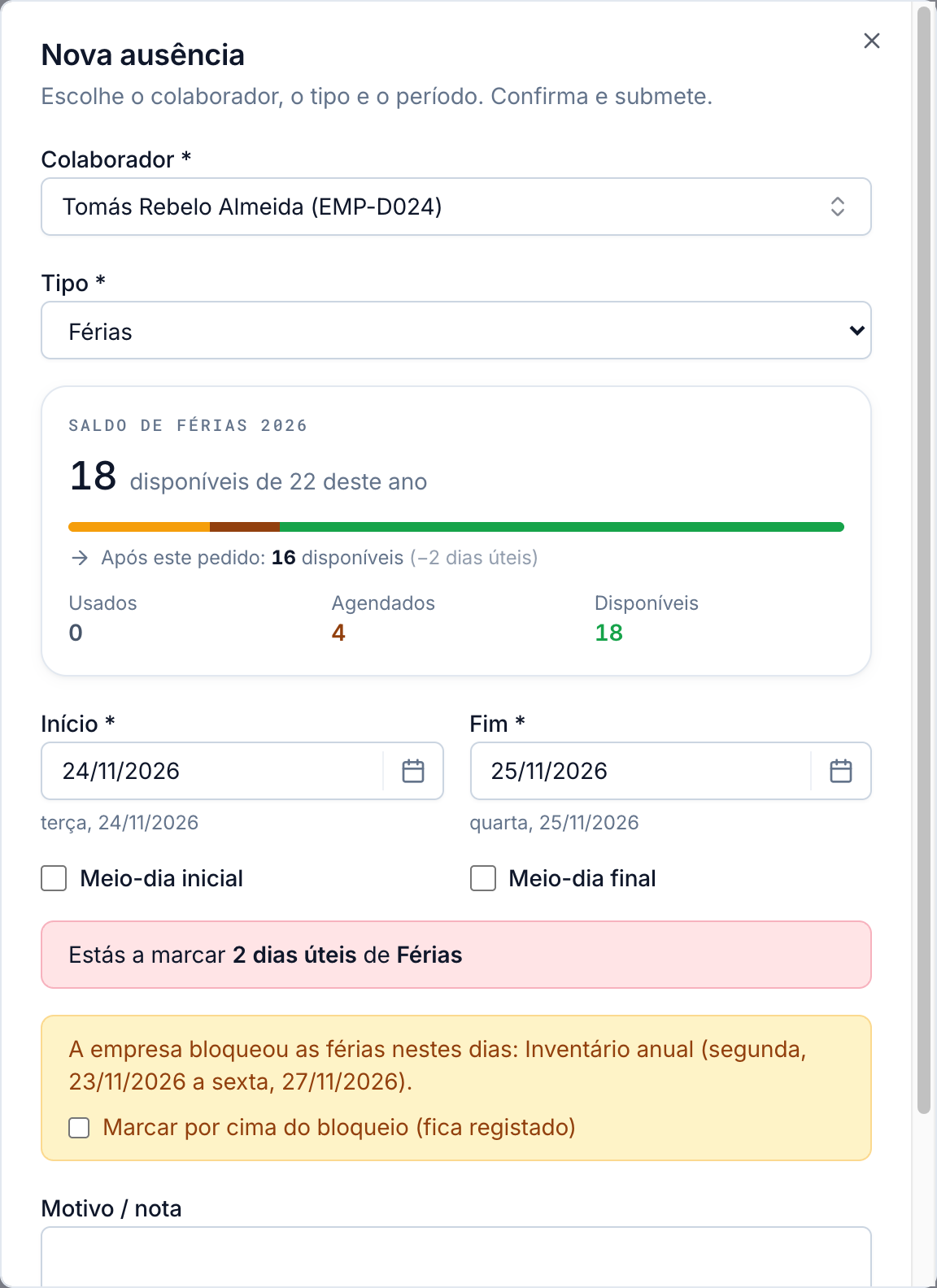
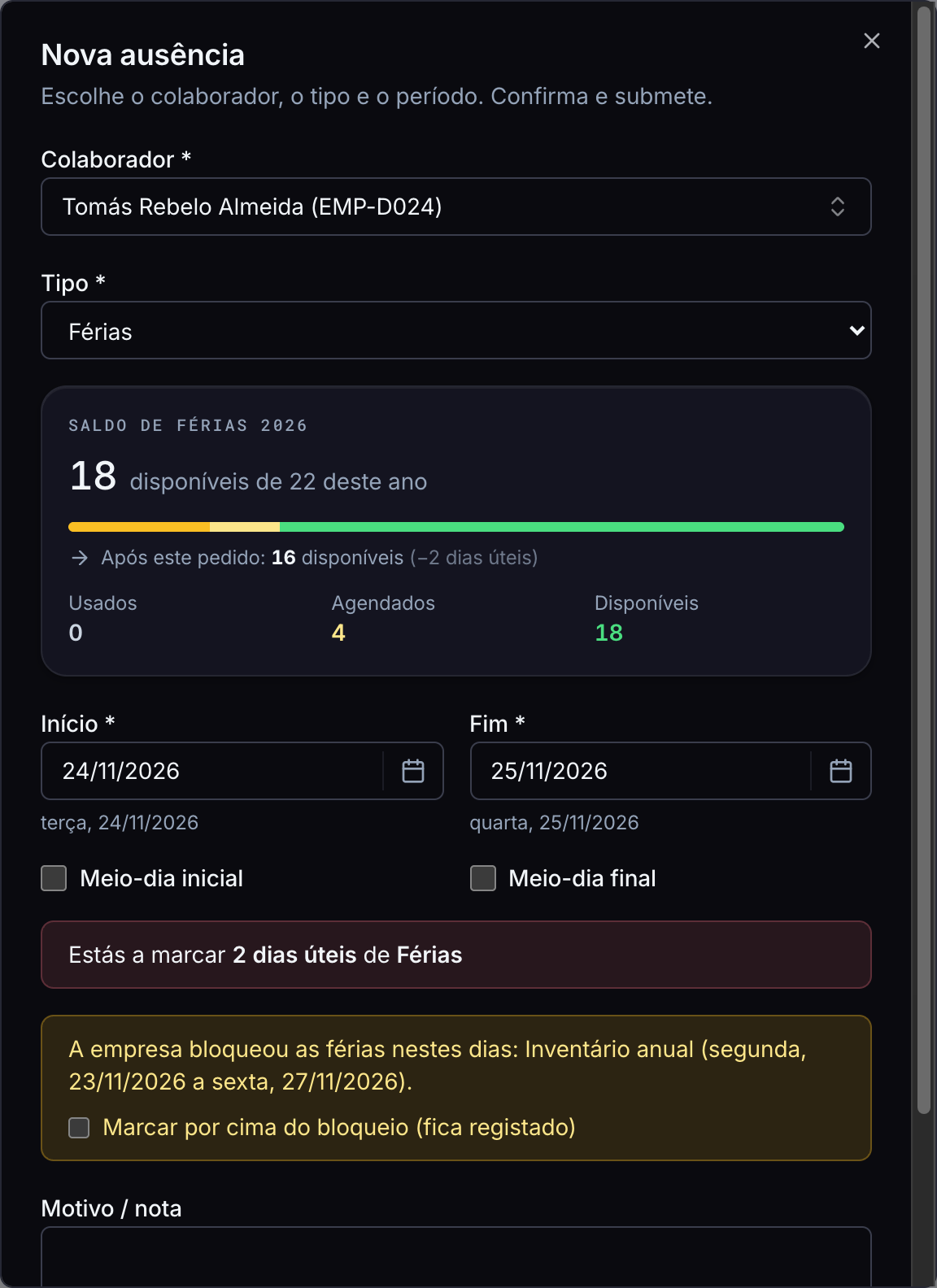
Peak season, stocktaking, year end: block those days for the whole company, for some teams or for one location. Anyone trying to book leave sees why right away, before submitting.
- Only blocks leave: sickness, bereavement and other absences can still be booked
- A leader can't approve leave that falls in a block, even if it was requested before the block existed
- The owner and HR can book over it, and it's logged who did
- Blocked days show with dashed lines on the timeline, the calendar and each person's area
- Half days are the company's choice: for all absence types or only some, for example leave in full days only
See your team's leave working
Company shutdown
The company closes, the leave books itself
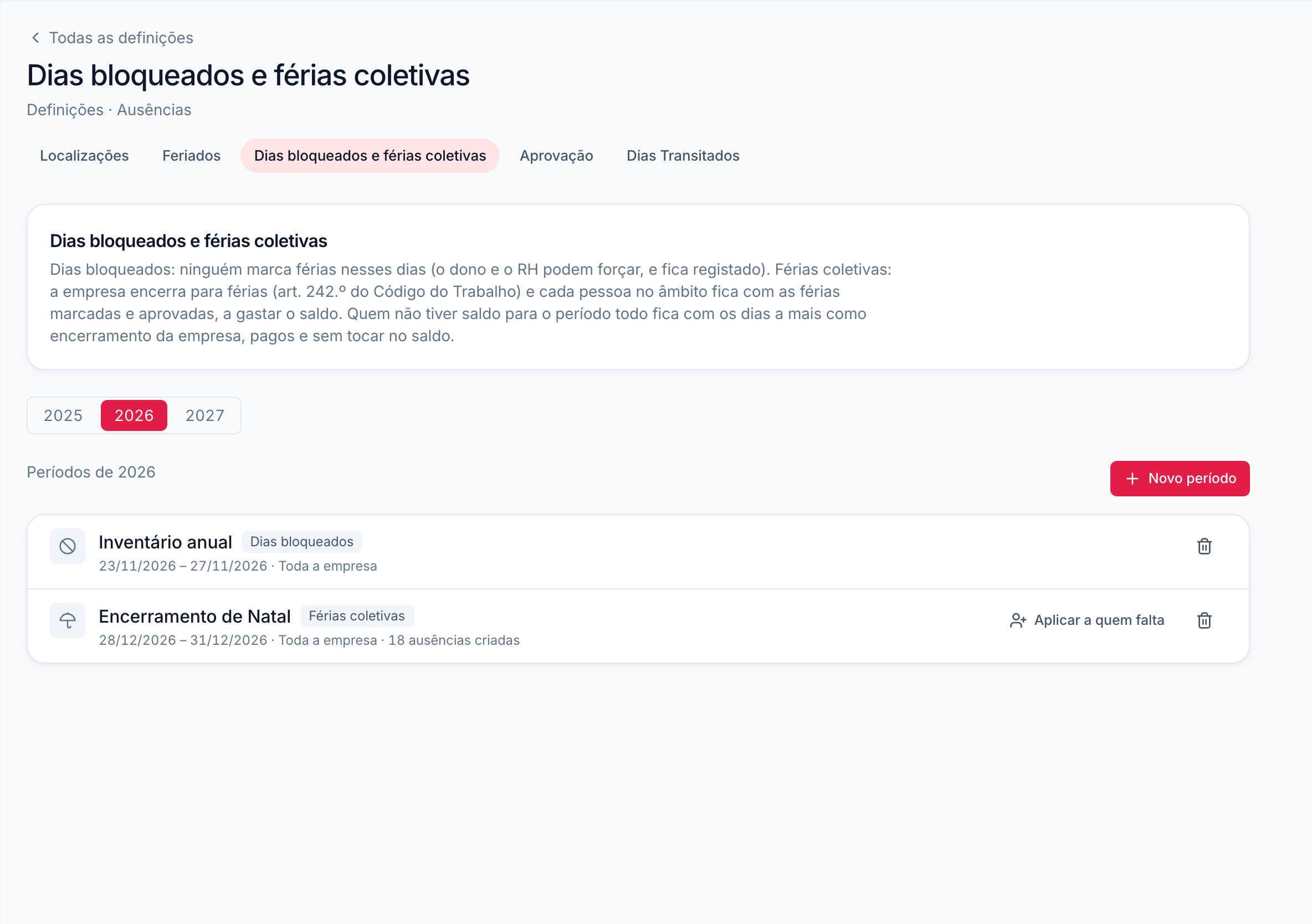
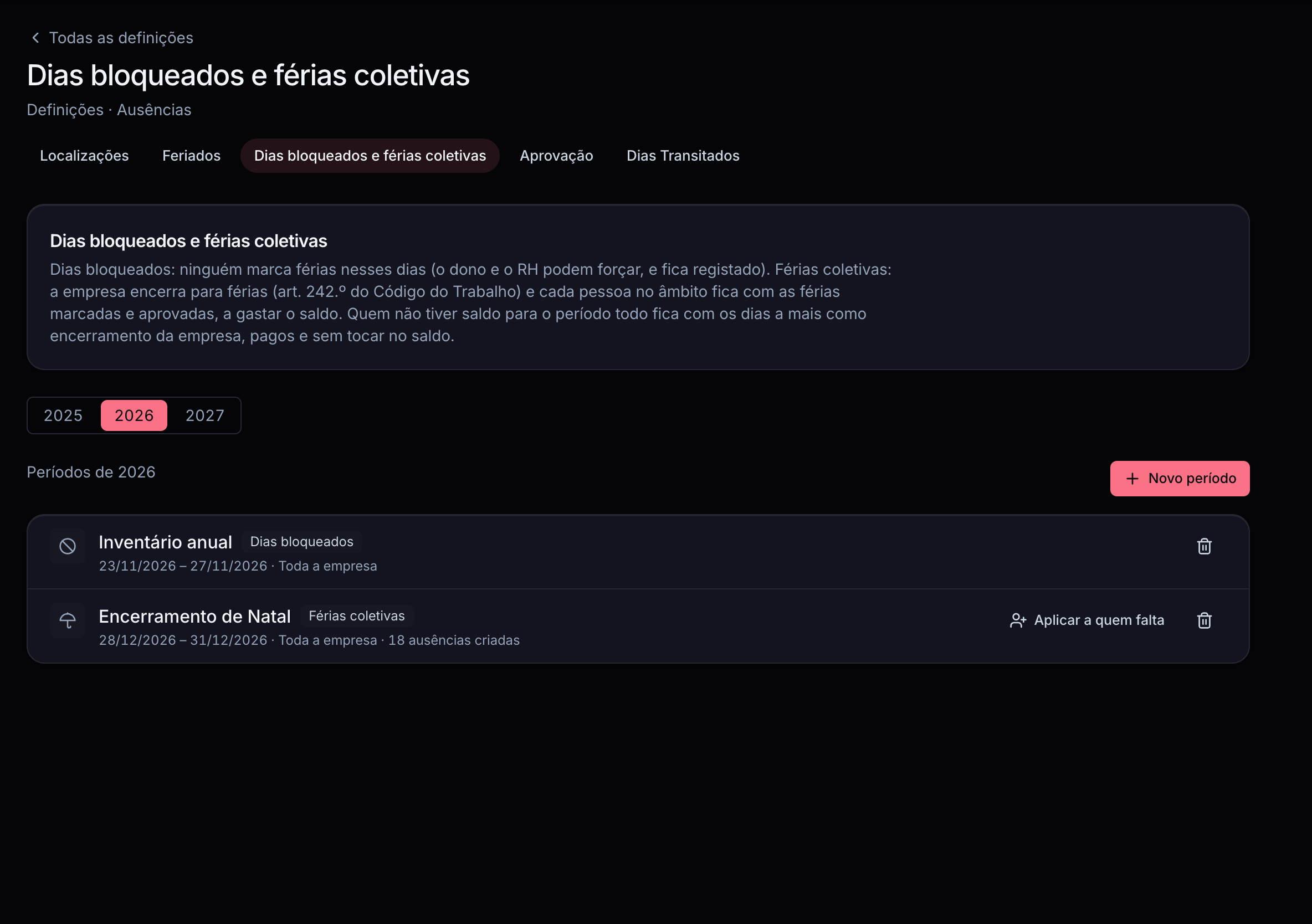
Choose the dates and who it applies to. Before saving you see, person by person, how many days of leave it uses, and Selfcare books it for everyone, already approved.
- Counted by each person's balance and schedule, with their municipality's public holidays
- Anyone without enough balance for the whole period isn't left short: the extra days are shutdown days, paid and not taken from their leave
- Warns you if the shutdown goes outside the limits of art. 242 of the Código do Trabalho (up to 15 days in a row in summer, 5 working days at Christmas, bridge days) and asks for the legal basis
- People who join later get the shutdowns still to come
The sums nobody likes doing
Each person's balance follows the Código do Trabalho, without anyone having to recalculate it.
Pro rata in the hiring year
Two working days for each full month of contract, up to twenty (art. 239). Someone who starts on 15 June begins with what the law gives them, not with twenty-two.
Carried-over days
What wasn't taken passes to the next year and gets used first. By law until 30 April, and the company can extend that deadline within the same year.
Year-end close
At year end, HR closes leave in one operation: the system works out what carries over for each person, and the close can be reviewed and reopened.
13 absence types
Annual leave, sickness, parental leave, bereavement, marriage, family care, training, justified and unjustified absences, Home Office and others. Marriage, bereavement and parental leave count consecutive days.
Each municipality's public holidays
National holidays are there, with Easter calculated and Carnival optional. Municipal ones follow each person's location, or one single location for the whole company.
Connected to payroll
Approved full and half-day absences go on the month's payslip, and those arriving after close become an adjustment the following month.
See Selfcare with your data
Getting started
Your history comes from the Excel file you already have
Import absences from previous years from a CSV or Excel file. Selfcare recognises Portuguese column names, finds each person by number, email or name, and recalculates the carried-over days.
- Overlapping absences of the same type merge and never duplicate
- See who was recognised and who's left out before you confirm
- Past year closes are recalculated with the imported history
Everyone sees what they should
Your team
Each person sees absences from the teams they belong to, the people they lead and colleagues who agreed to share them.
The reason is private
A request's note shows only to the person who made it, the approver and HR. Colleagues see that someone is out, not why.
Everything is logged
Each request keeps who made it, who approved or rejected it and when, and actions go in the audit log.
In the demo we run the import live, with your data.
Frequently asked questions
Do I need payroll to use leave?+
No. Leave and absences work on their own. If you use payroll, absences flow through to the payslip.
How many days of leave does each person have?+
Whatever the contract says, 22 working days by default. In the hiring year, two for each full month, up to twenty. Days carried over from last year are added to all of this.
Until when can carried-over days be taken?+
By law until 30 April. The company can extend the deadline to the end of the same year, in Settings.
What if someone is in two teams?+
The request goes to the leaders of both. The company chooses whether all have to approve or one is enough.
What if the leader is on holiday?+
The team's requests don't sit waiting. On the days the leader has an approved absence, the backup approver decides: the one the owner or HR set on the team or on the person's profile. If none is set, it's whoever approves the leader's own requests. The backup is told in the app and by email, never decides their own requests, and the history shows they approved as a backup. This also applies to Home Office, expenses and ajudas de custo (per diem).
Can the company close in August?+
Yes. You create a company shutdown with the dates and Selfcare books it for everyone in scope, already approved. Anyone without enough balance has the extra days as a paid company shutdown.
Can I stop people taking leave in peak season?+
Yes, with blocked days for the whole company, for teams or for locations. Nobody books leave on those days. The owner and HR can make exceptions, which are logged.
Can I limit Home Office days?+
Yes. In Settings, the owner or HR chooses how many days a week are allowed, from 1 to 7, or leaves it unlimited. A request that, added to the week's approved and pending days (Monday to Sunday), goes over the limit is refused, with an explanation. Only the person's working days count, and half a day counts as half. You can also choose which weekdays allow Home Office (for example, only Tuesday and Thursday). The other days show as disabled when booking and a request that includes them is refused.
Does Home Office reduce the payslip?+
No. It's work, so it doesn't take away days worked or the subsídio de alimentação (meal allowance) in payroll.
Can I book half a day?+
Yes, on the first or last day of the request. The company decides whether to allow half days, for all absences or type by type. It can, for example, accept half a day for training and ask for leave in full days only. When a type doesn't accept half days, the option doesn't even show to the person booking.
Can I bring in history from another tool?+
Yes, from a CSV or Excel file. Absences come in as approved and carried-over days are recalculated.
See your team's leave working
In a 30-minute demo we show the full cycle: booking, approving, seeing who's out and closing the year.