Multi-account · New
All your companies, one login
Switch company in seconds and see at a glance what's pending in each one. For people with several companies, and for accounting firms that manage dozens or hundreds of clients.
One company at a time isn't enough
With two or three companies, you end up with one browser for each, or signing out and back in all day. The accountant asks the client for the password, because there's no other way in. And nobody knows which company has leave waiting for approval without opening them one by one.
Switch company
Two clicks, or one key
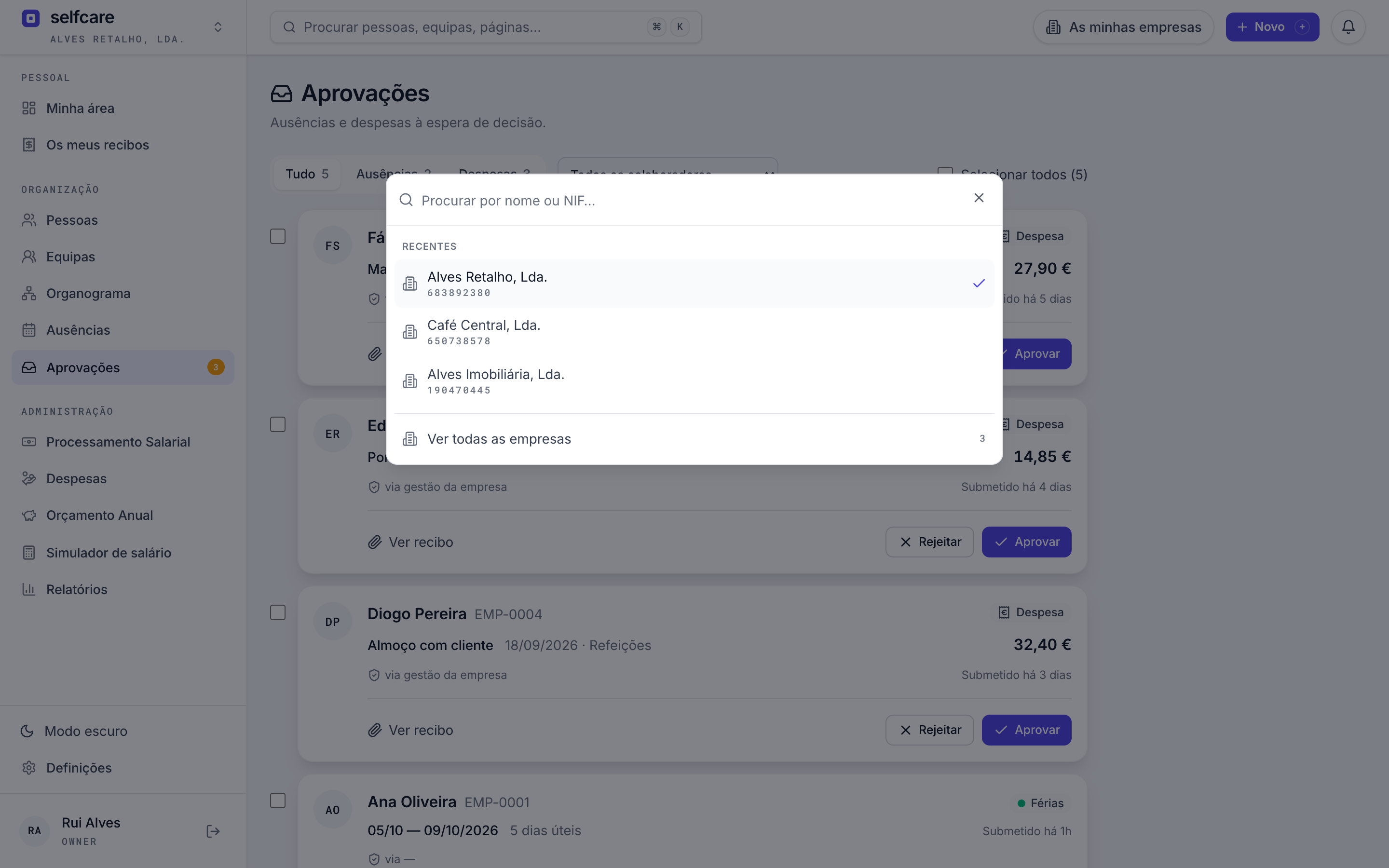
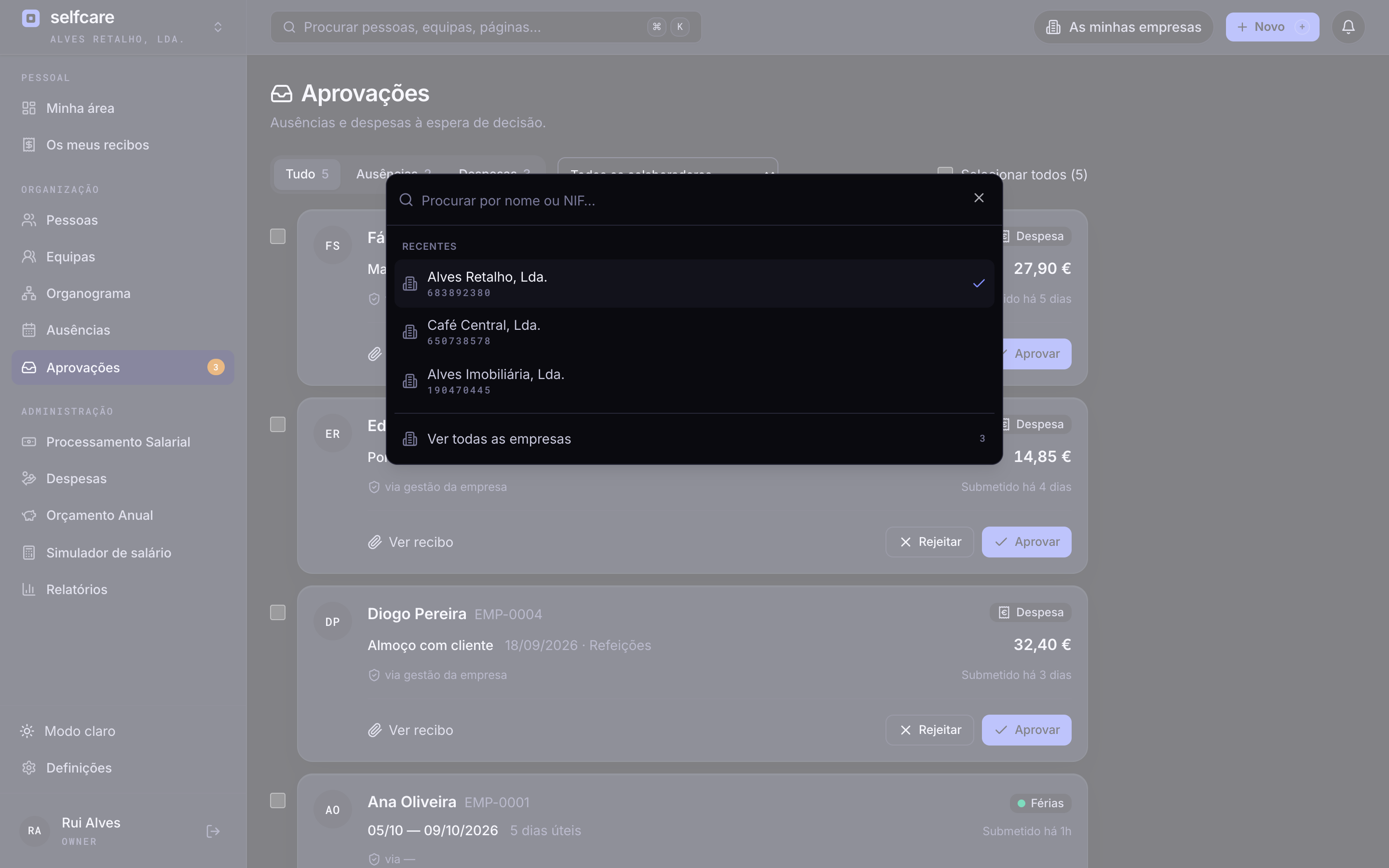
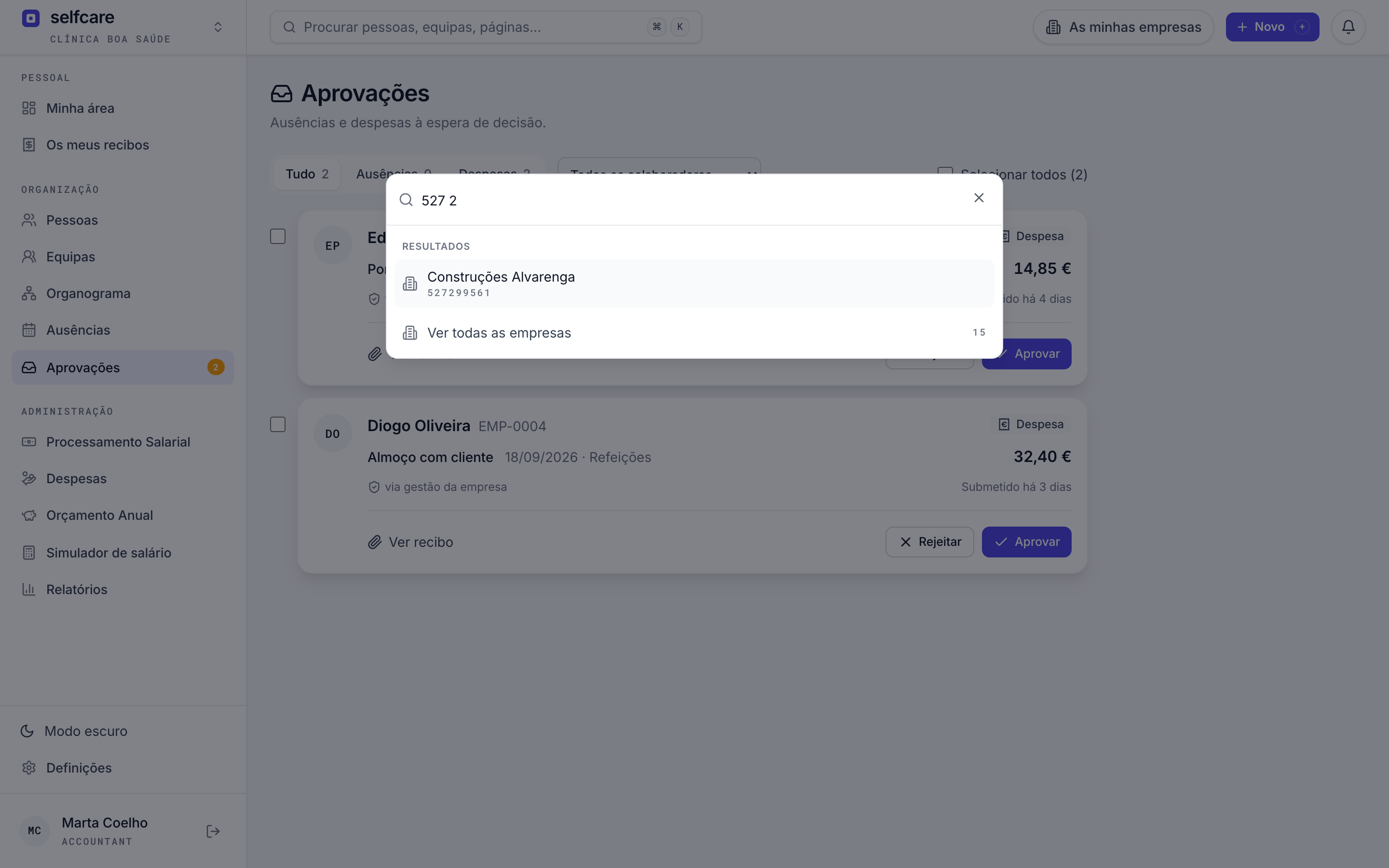
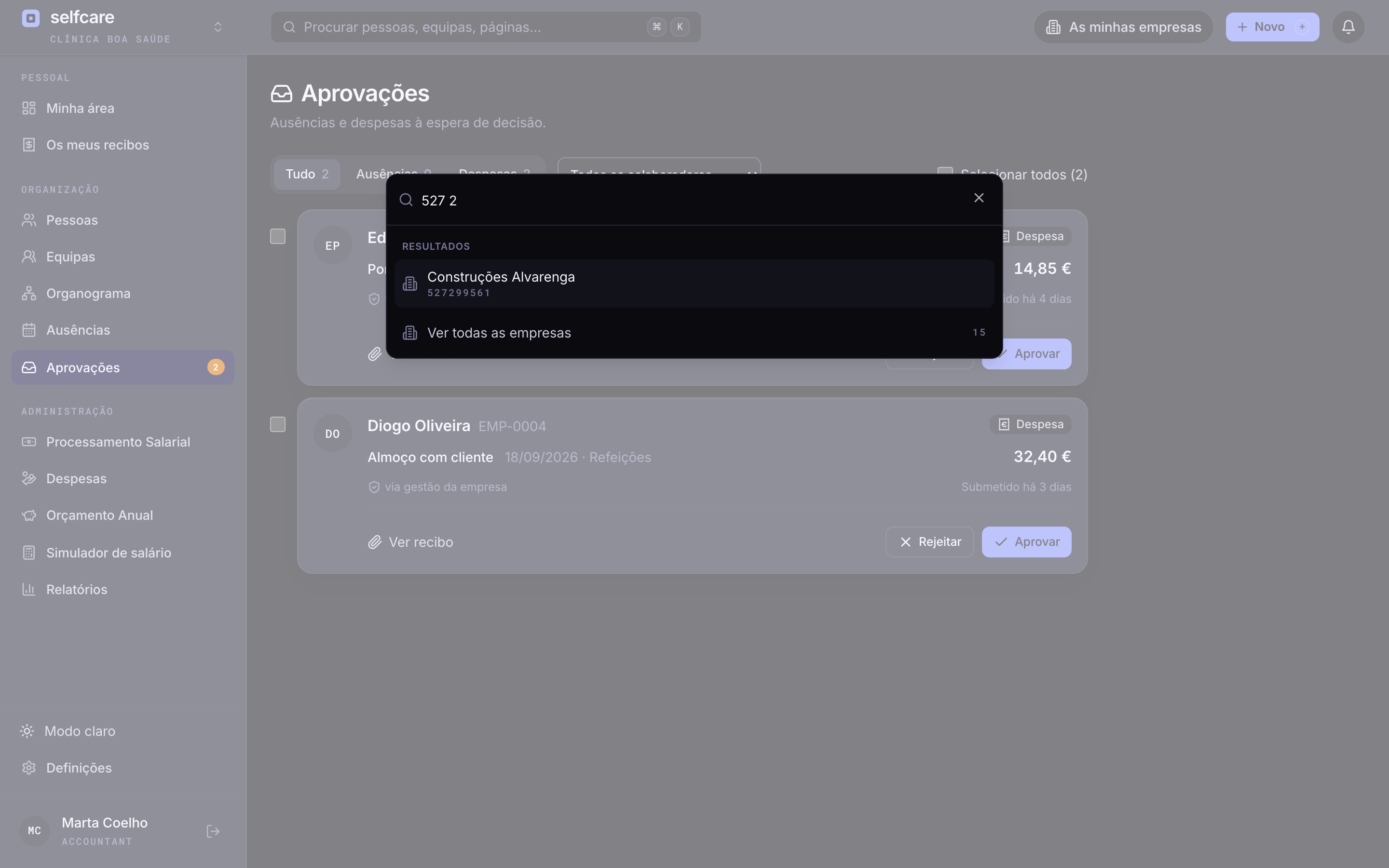
The company name, in the top corner, is the switcher. Open it with a click or the E key. It shows the ones you used most recently first, and searches by name or NIF (tax number) as you type.
- Recent companies at the top, in the order you used them
- Search by name, with or without accents, or by the digits of the NIF
- You land in the same place: from one company's payroll straight to the other's
- With only one company you see none of this: the portal stays the same
A 30-minute demo with your own data imported live.
My companies
See where the work is before you open each one
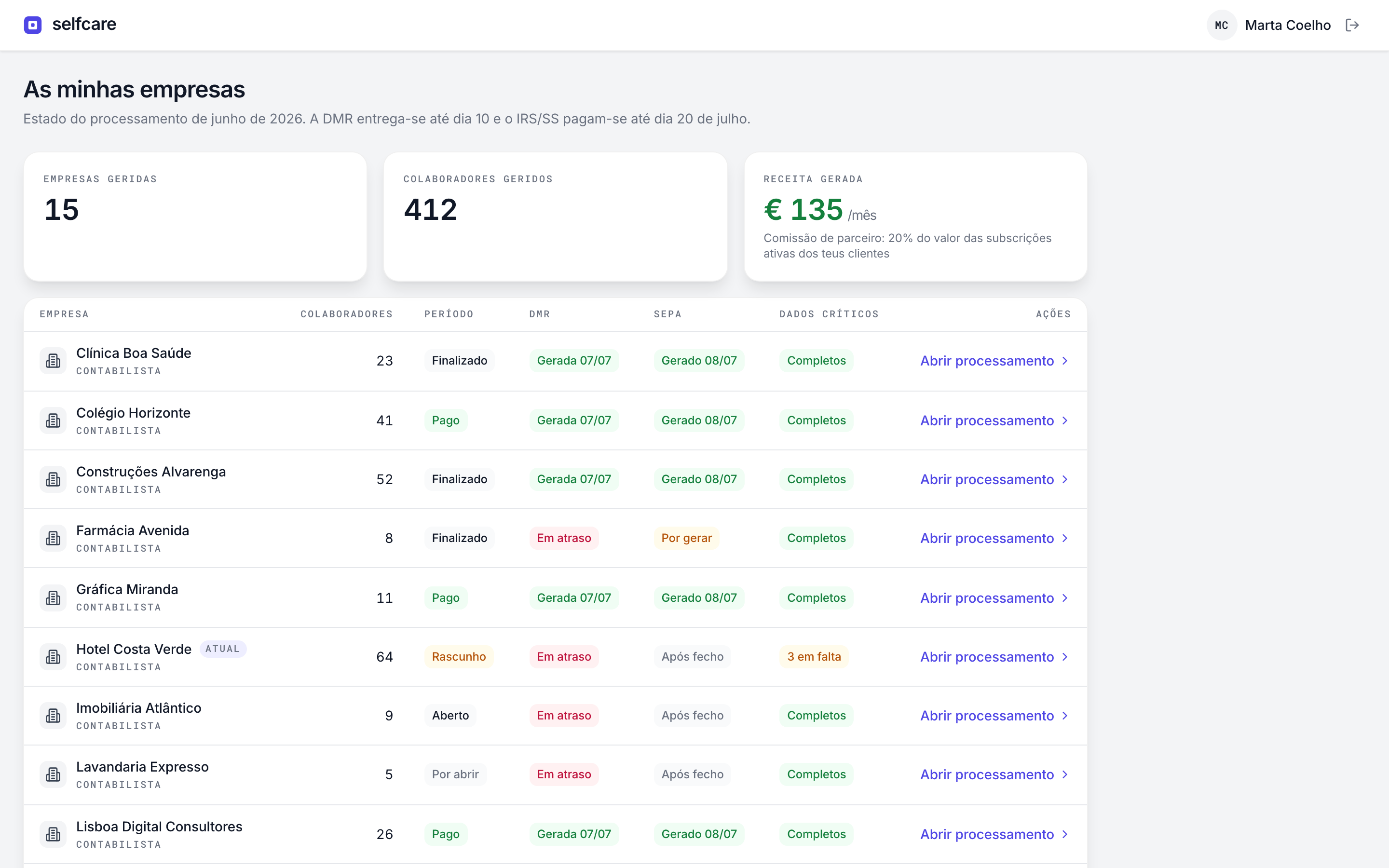
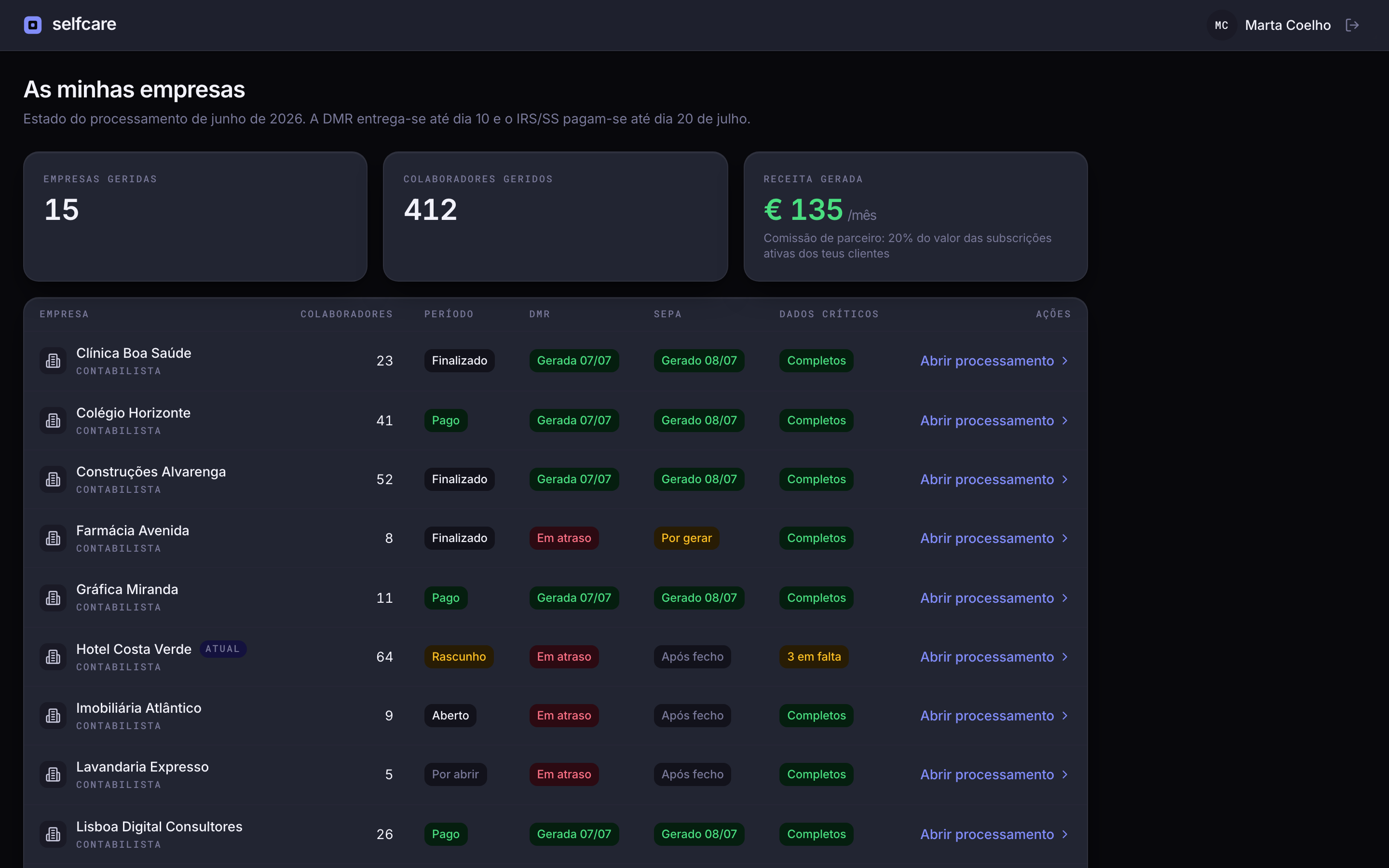
A list of every company you have access to, sorted by what's waiting for you. It works for 10 accounts or 300: search, sort by any column and enter a company with one click.
- Pending approvals per company: leave and expenses waiting for a decision
- Active employees and your role in each company
- The month's payroll status: period, DMR (monthly pay return) and SEPA, with the deadline on the 10th in view
- Search by name or NIF, and sort by pending items, name, employees or last access
Each company at its own address
Two companies open at the same time
Each company has its own address, and the company you're in travels in the link. Open one company's payroll in one tab and another's approvals in the next. Neither gets in the other's way.
- A link shared in chat opens the right company, not the last one you used
- The owner picks the company's address, like a Slack workspace
- Changing the address doesn't break old links: they still lead to the right place


In the demo we run the import live, with your data.
The right role in each company, no shared passwords
One role per company
You can be the owner of one company and the accountant of another. In each one you see and do what that role allows, no more and no less.
Separate data
Each company stays isolated from the others. Having several on one login doesn't merge the data, only the access.
No shared passwords
The client invites the accountant by email, with the accountant role. Each person signs in with their own account, and removing access takes one click.
If you have several companies
Your whole group at a glance
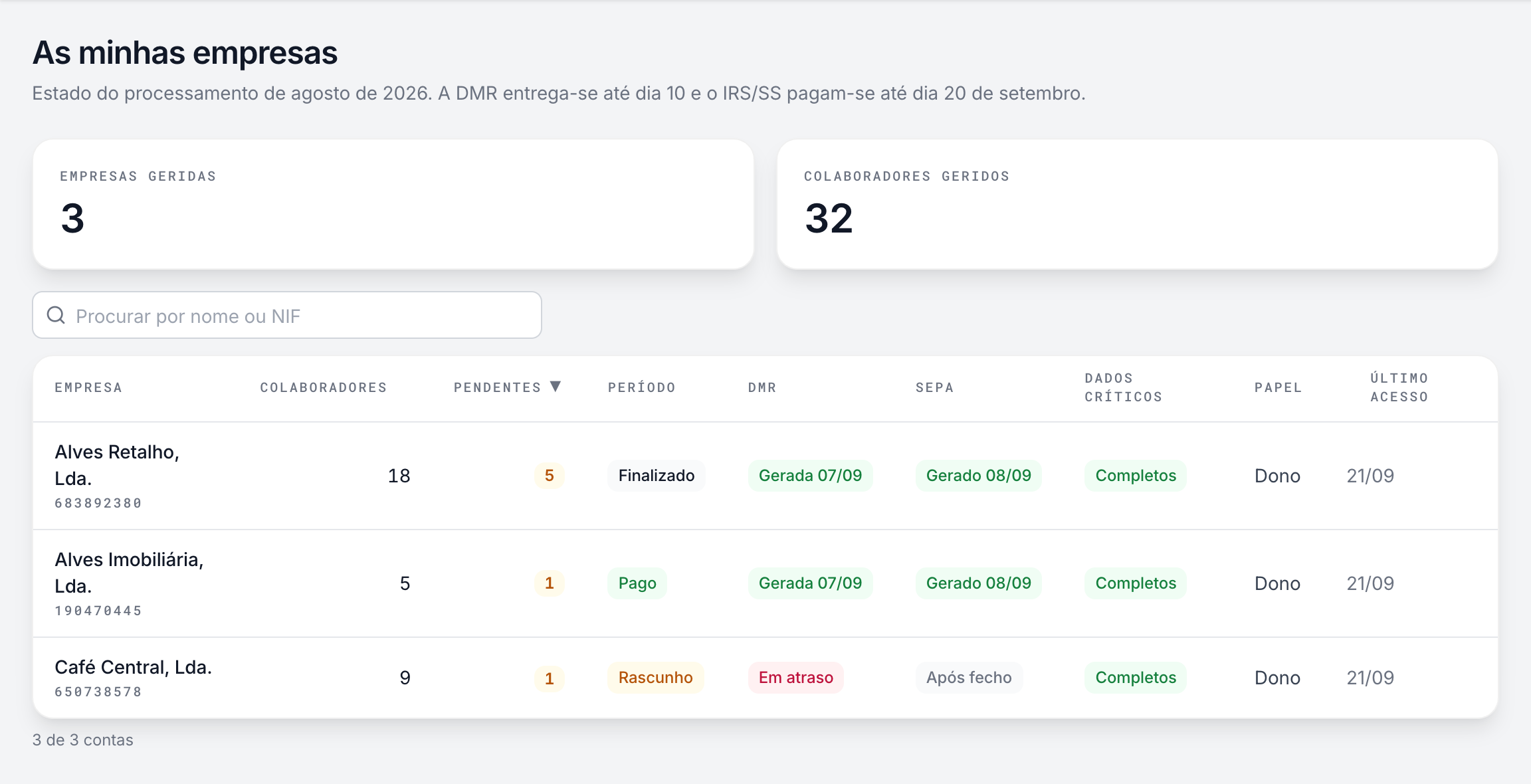
The same list works for the owner of three companies: how many people work in each, what's waiting for your decision and where the month stands. No separate browsers, no signing out and back in.
- Each company with its own brand, people and rules
- Approvals from all of them in view, before you enter any
- One password for everything
For accounting firms
All your clients, one place to work
Joining a client
The client invites you in Settings, Users, with the accountant role. The company appears in your list the moment you accept, next to the others.
Day to day
In the morning you open the list, sorted by what's pending. The DMR deadline, the SEPA file still to generate and the missing data are in view before you enter each client.
Everyone on the same system
With your clients on Selfcare, each one's month runs the same way: absences reach payroll without Excel, and official files come out in the right format.
See Selfcare with your data
Frequently asked questions
How many companies can I have on one login?+
There's no limit. The list and the switcher were built for firms with hundreds of clients.
How do I invite my accountant?+
In Settings, Users, invite them by email with the accountant role. If they already use Selfcare for other companies, yours appears in the same list.
Is the price per company?+
The price is per active employee in each company, as always. Having several companies on one login adds nothing to the bill, and the accountant's access doesn't count as an employee either.
Can I search for a company by NIF?+
Yes, in the switcher and in the list, with or without spaces between the digits.
Can I have two companies open at the same time?+
Yes. The company is in the address, so each browser tab stays on its own.
What happens if my access to a company is removed?+
It disappears from your list and the switcher. If you open an old link to that company, you go to your list, with a notice saying why.
Bring your companies into one login
In a 30-minute demo we show you company switching, the list with what's pending in each one and how an accounting firm works with its clients in Selfcare.