Expenses · New
Expense reimbursement, from draft to payment
The employee submits the invoice in seconds. Whoever approves decides with the document in front of them, and the accountant pays everything at once. No spreadsheets, no invoices lost in email, no asking what has already been paid.
The end of the month shouldn't be an invoice hunt
Invoices arrive by email, as phone photos or in an envelope on the desk. Each person's allowance lives in a spreadsheet only one person understands. And when someone asks whether March's hotel was paid, nobody can answer without opening online banking.
For the employee
Drag the invoice and it's submitted
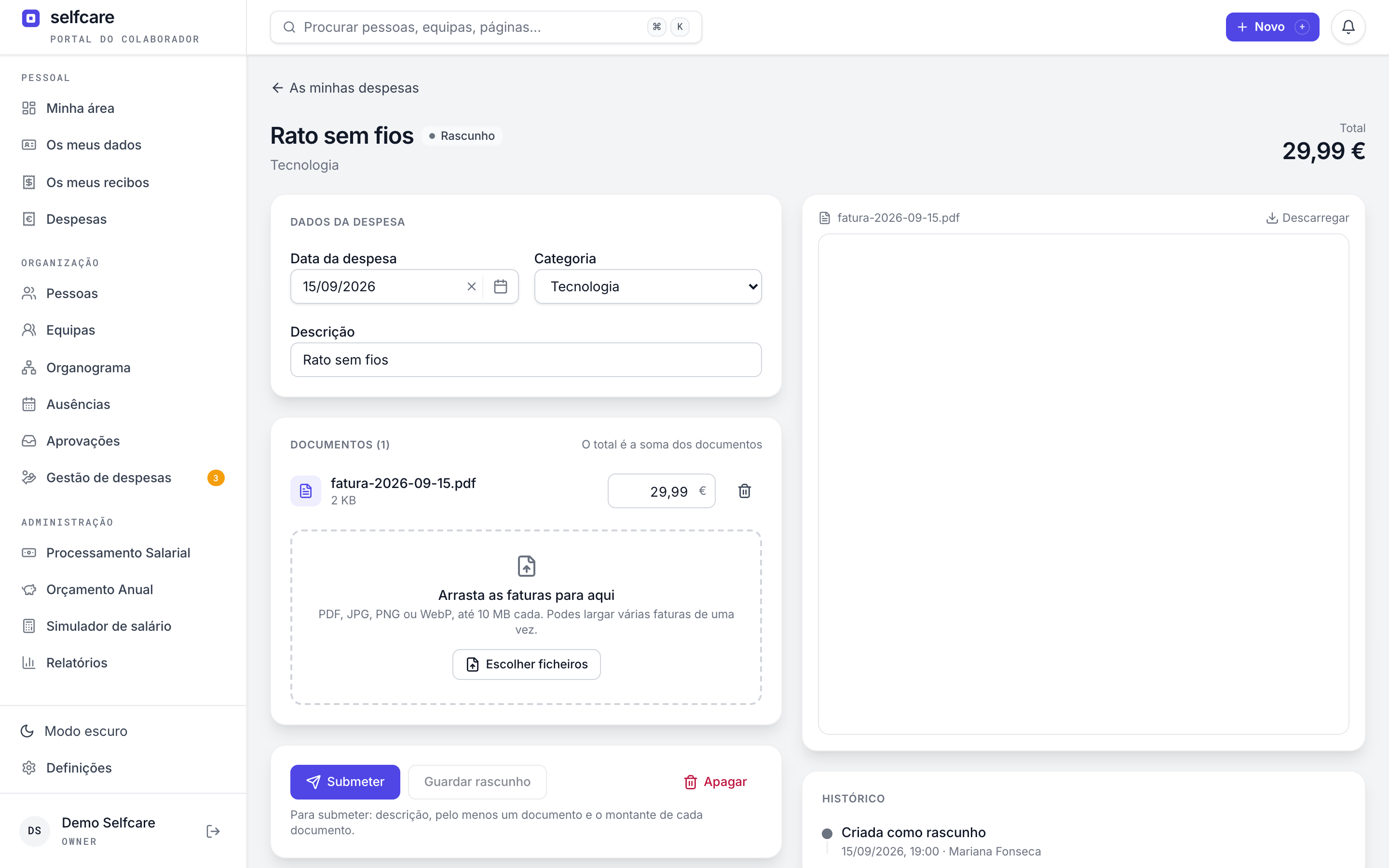
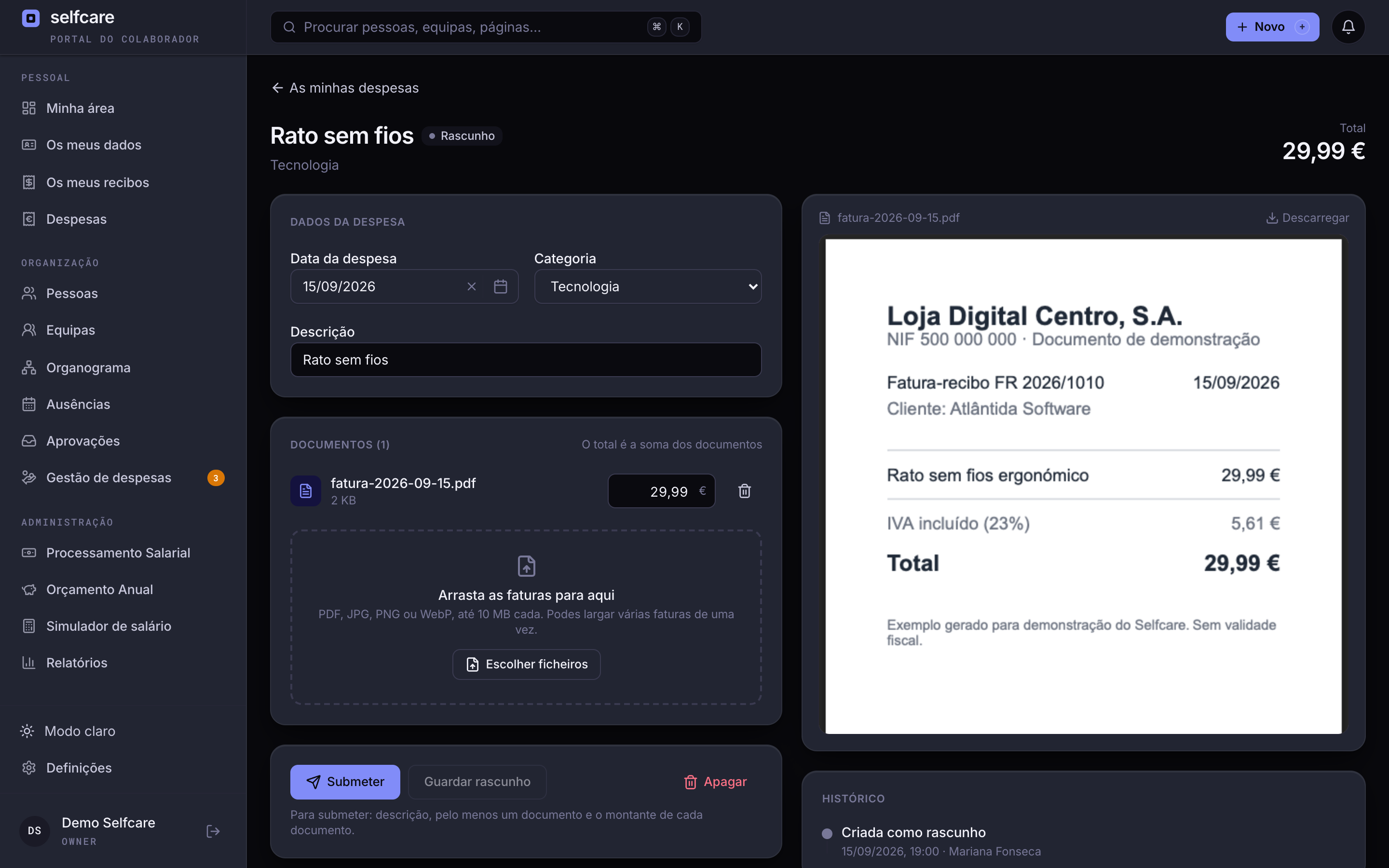
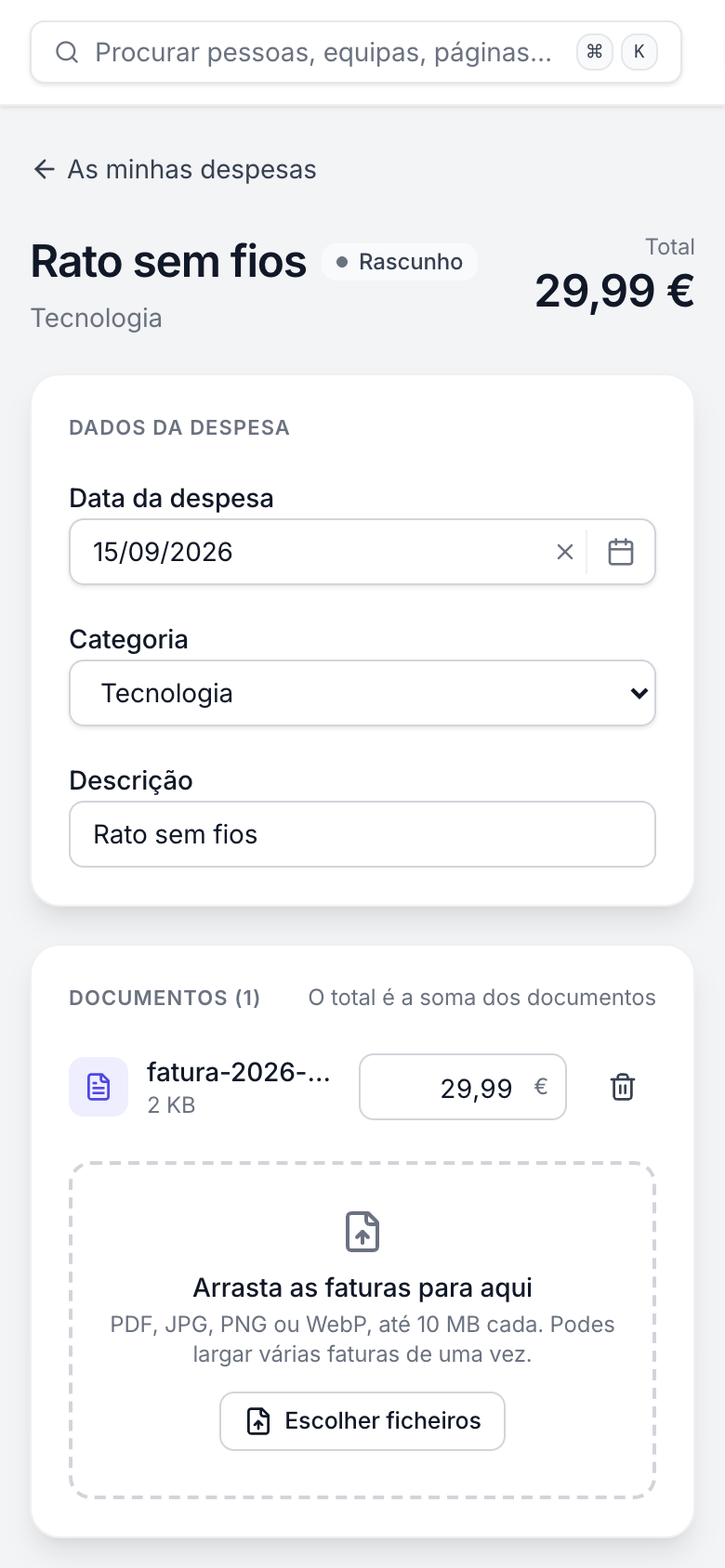
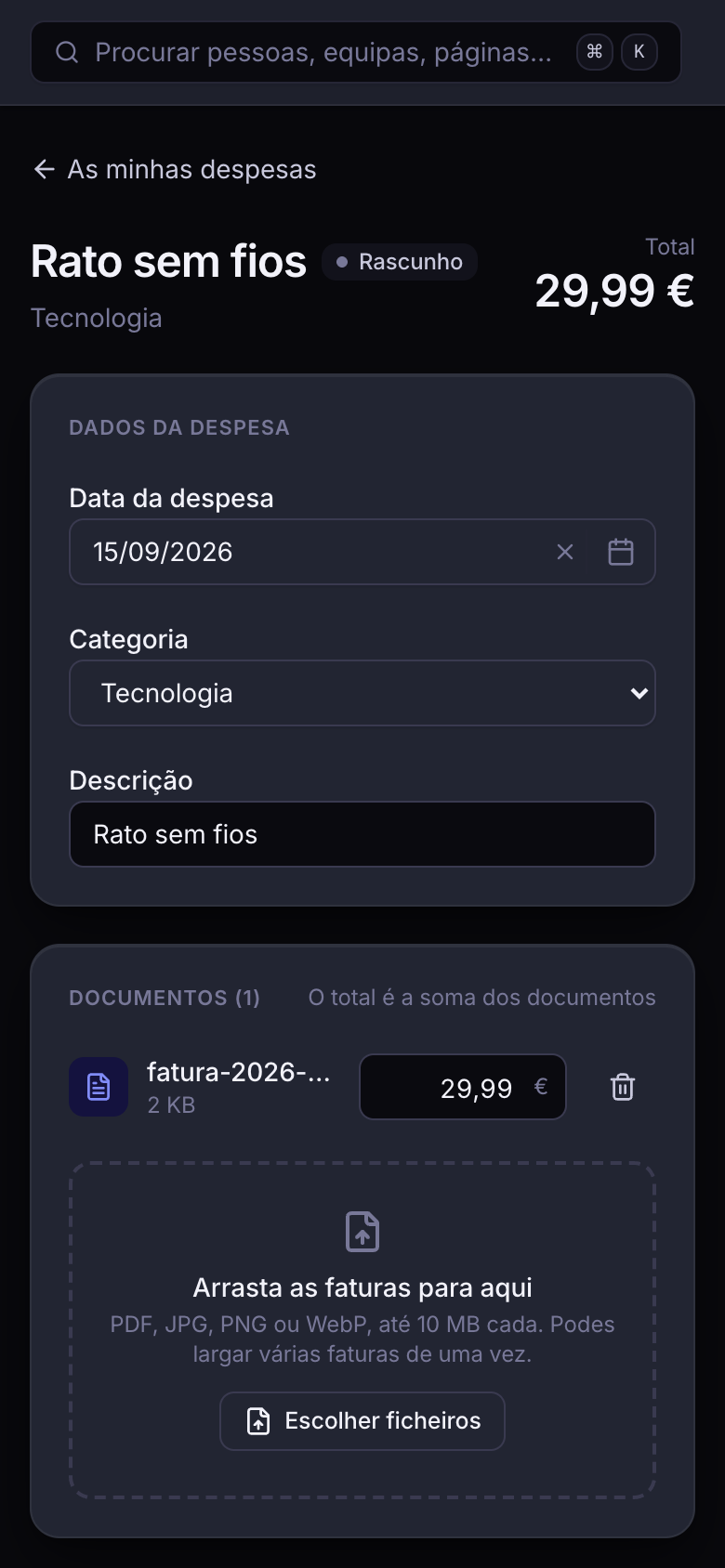
An expense is a date, a description and the invoices that back it up. Drag the files anywhere on the screen and Selfcare creates the expense. The total is the sum of the invoices.
- Images or PDFs, several invoices per expense, with drag and drop
- Status always in view: draft, submitted, approved, paid
- Totals by status and a month filter, one click away
- One category per expense: meals, accommodation, technology, entertainment…
Rejections with a reason
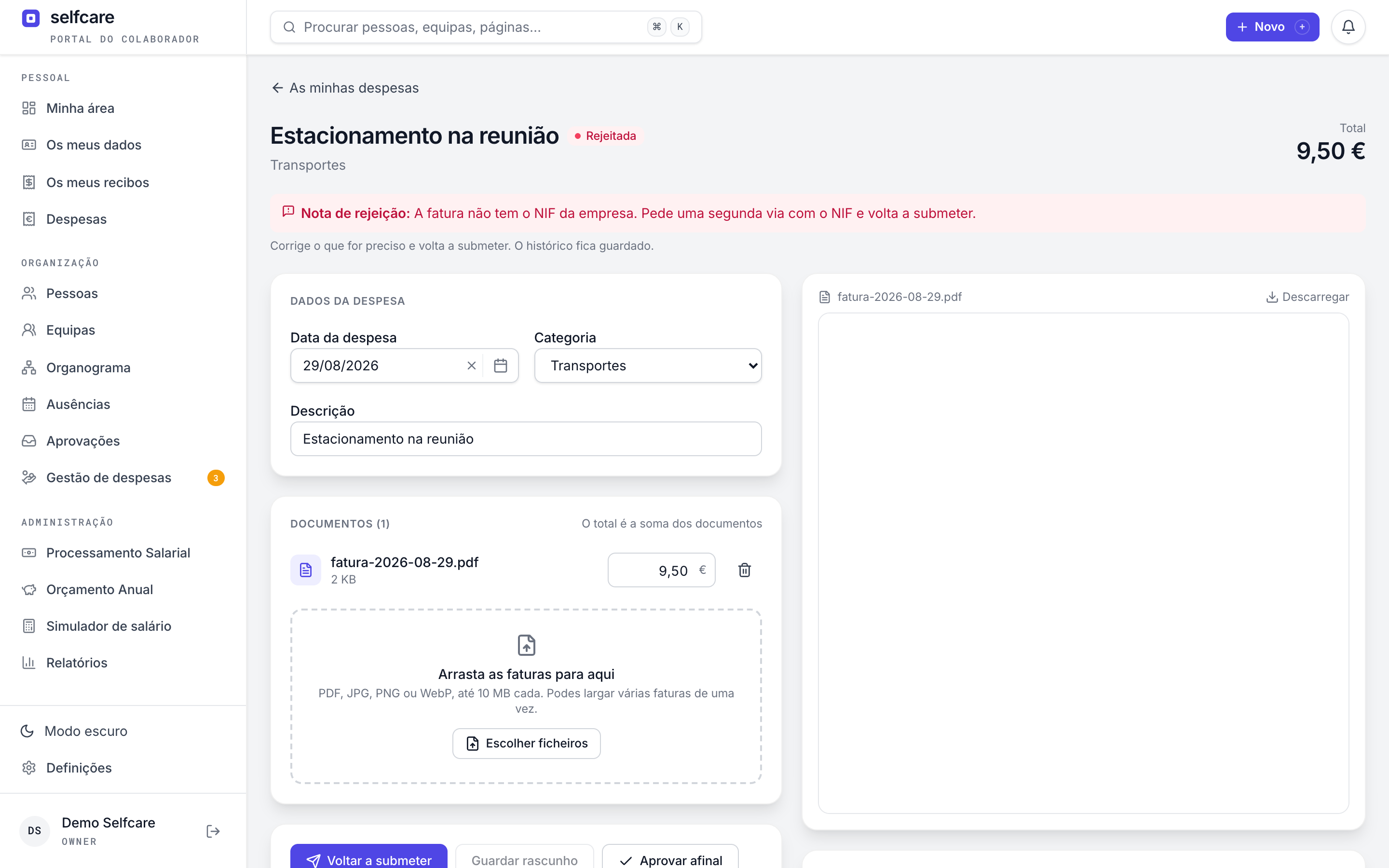
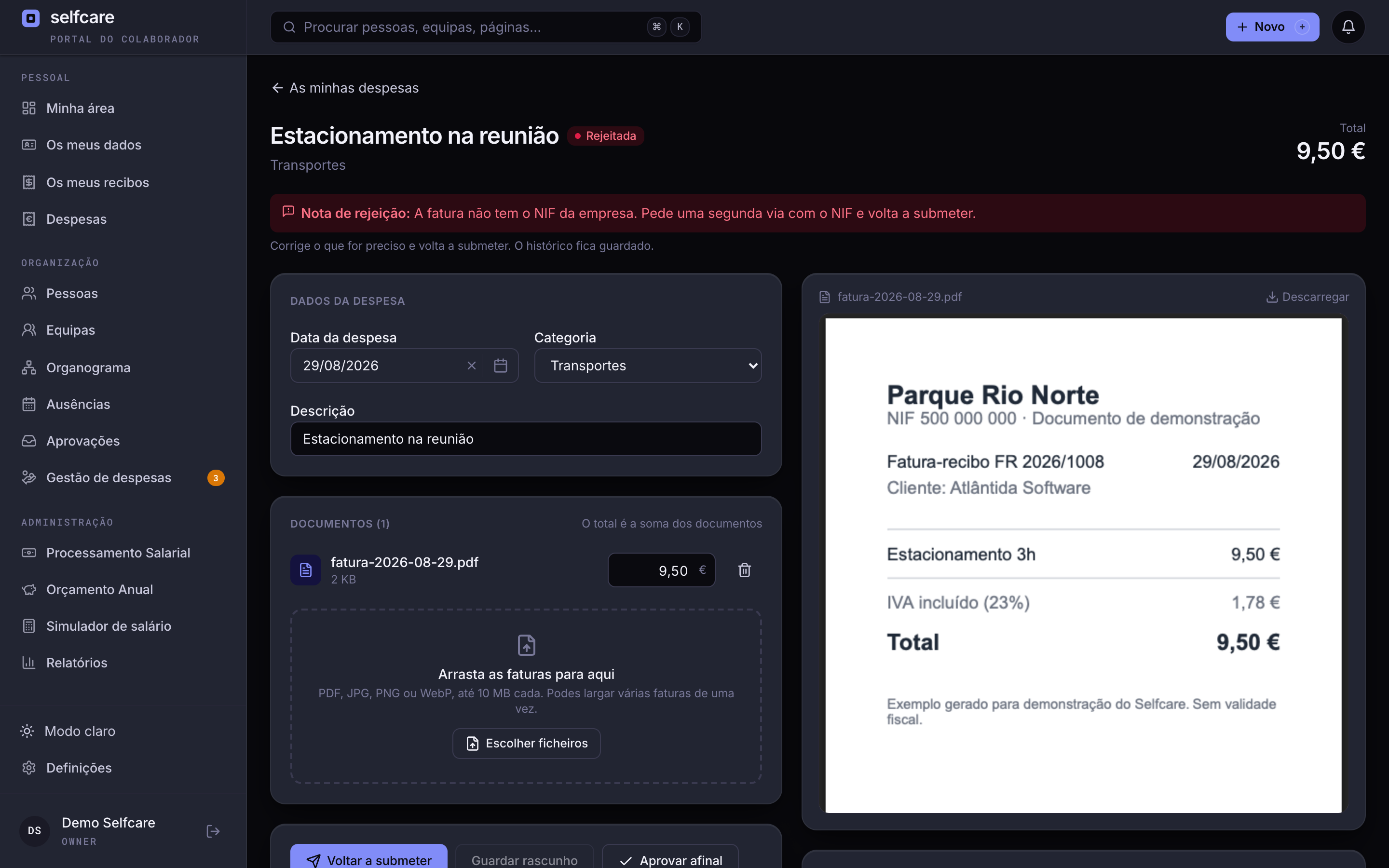
If something's missing, it's in writing
Whoever rejects has to say why. The employee sees the note in the list and in the detail, fixes it and submits again. The history keeps everything that happened and when.
- A note is required on every rejection
- Fix and resubmit the same expense, with no duplicates
- Decisions can be reversed until the expense is paid
- Full history: who submitted, who decided and when
A 30-minute demo with your data imported live.
For whoever approves
Approve with the invoice in front of you, one by one or in bulk
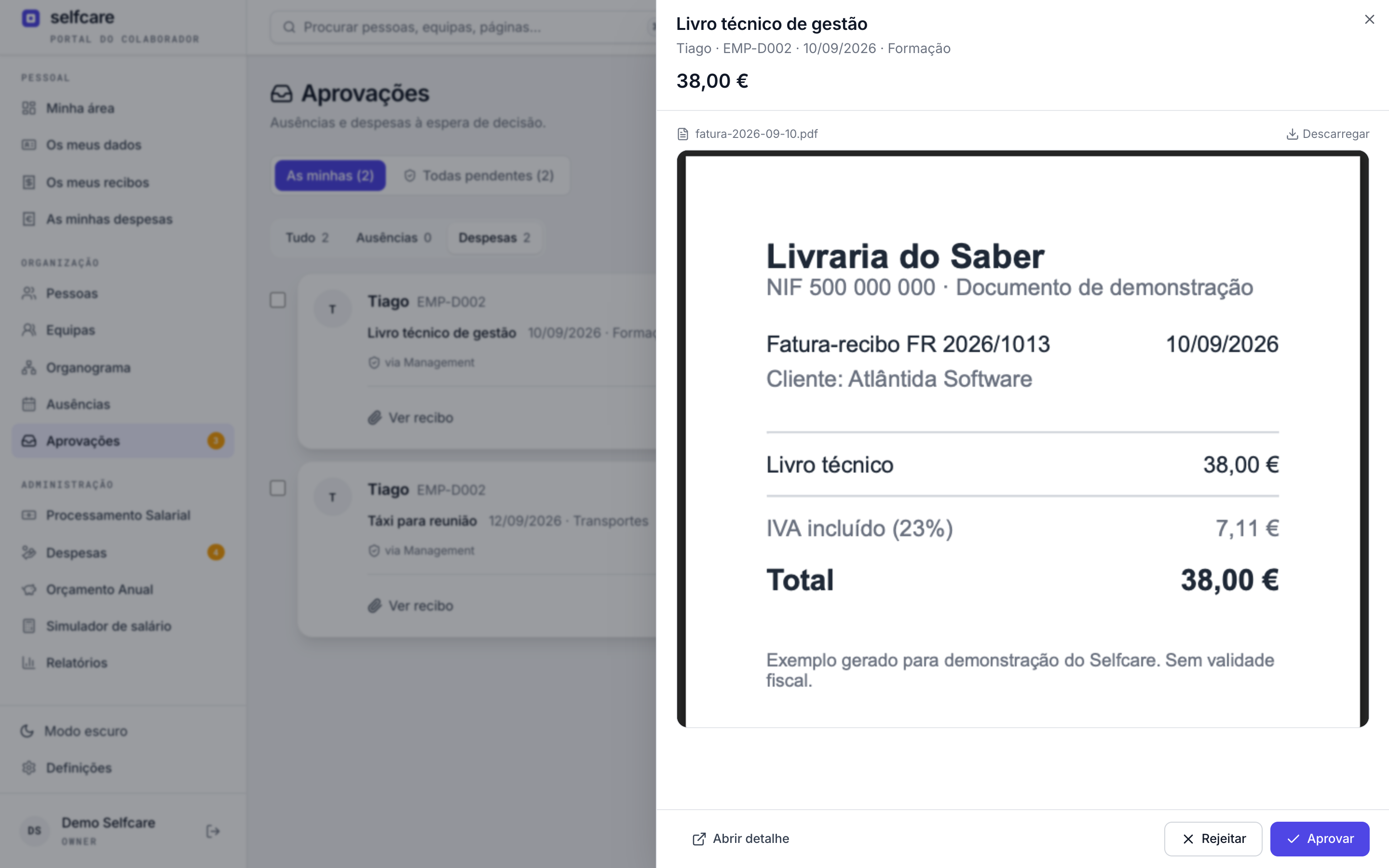
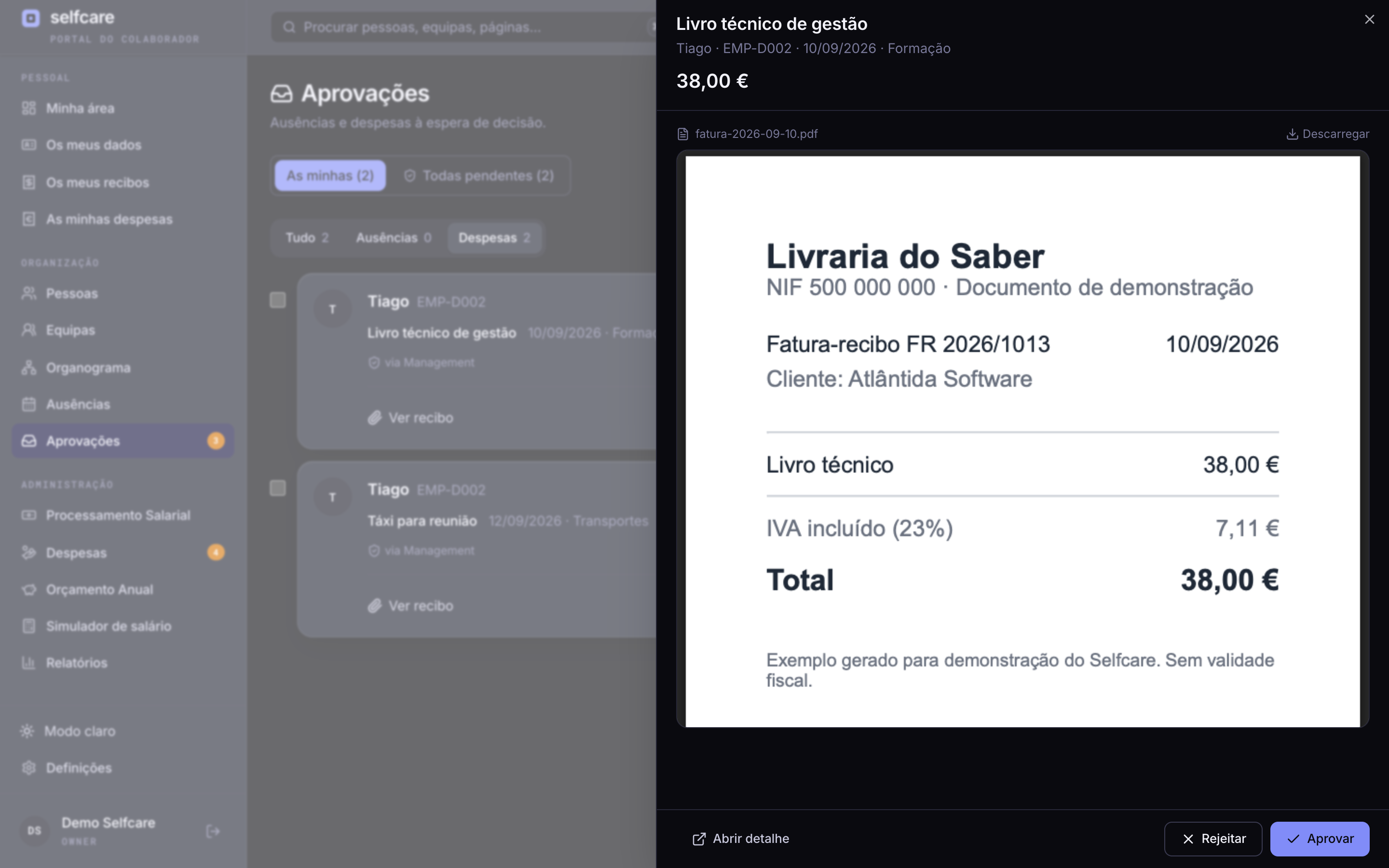
Expenses go to Approvals, the same inbox where you already decide annual leave and absences: one place for everything waiting on you. One click opens the invoice next to the list. If it all looks right, select several and approve them at once.
- Approval by the team leader or whoever the company chooses, and by HR or the accountant
- Expenses and absences in the same inbox, with a filter to switch between them
- Invoice preview without leaving the list
- Filter by employee and approve or reject several at once
- Leader on leave? The backup approver decides the expenses submitted while they're away
Monthly allowance (optional)
Each person knows how much they can still spend
The allowance belongs to each person, not the company. You give €200 a month to whoever agreed €200, another amount to whoever agreed another, and leave it empty for anyone without an allowance. What isn't spent in a month carries over to the next, until the end of the year, and the balance can go negative: with €200 a month and €208 reimbursed, the balance is −€8. With no allowance, the module works just the same and keeps adding everything up.


In the demo we run the import live, with your data.
Batch payment
Pay everyone at once, at your own pace
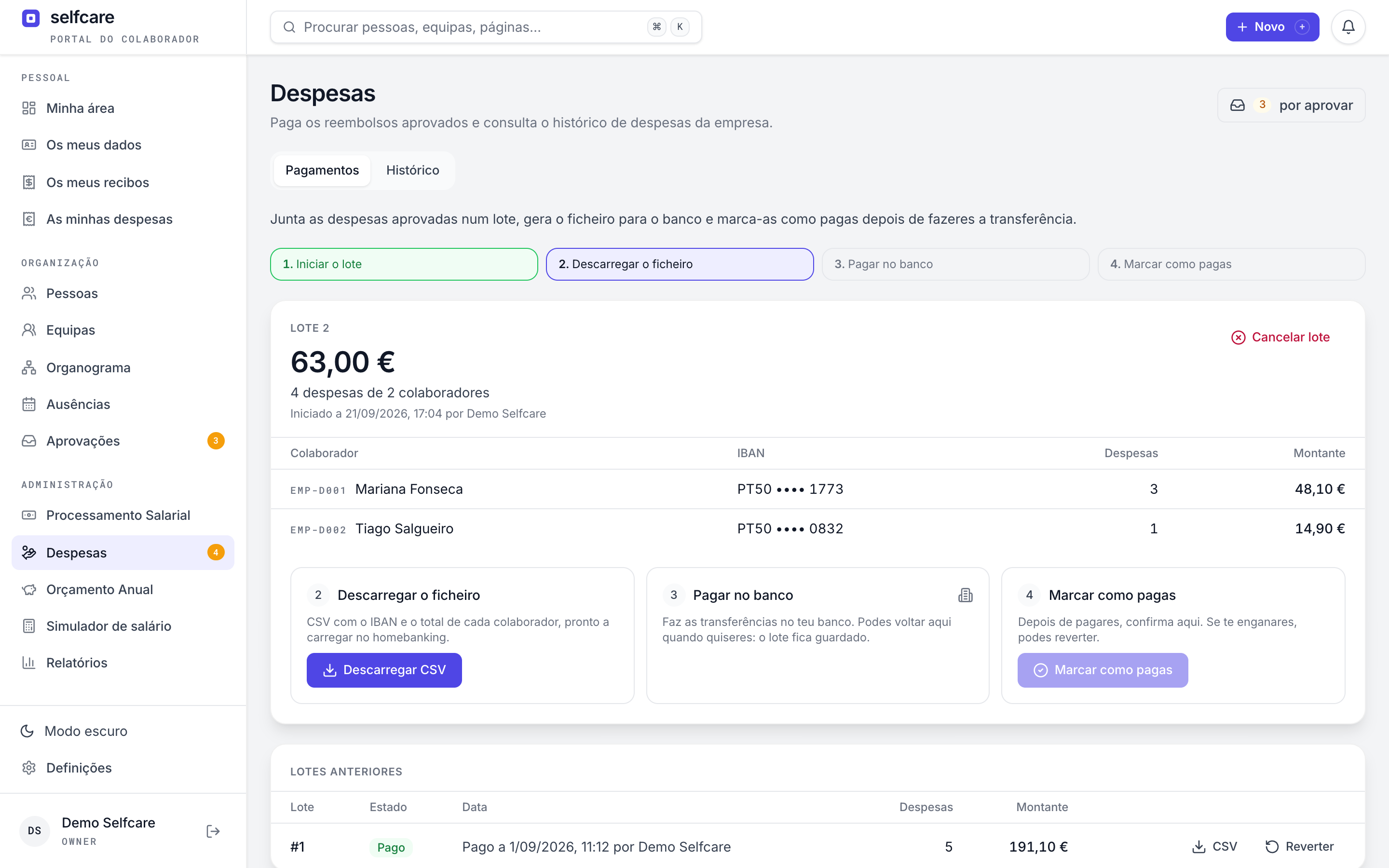
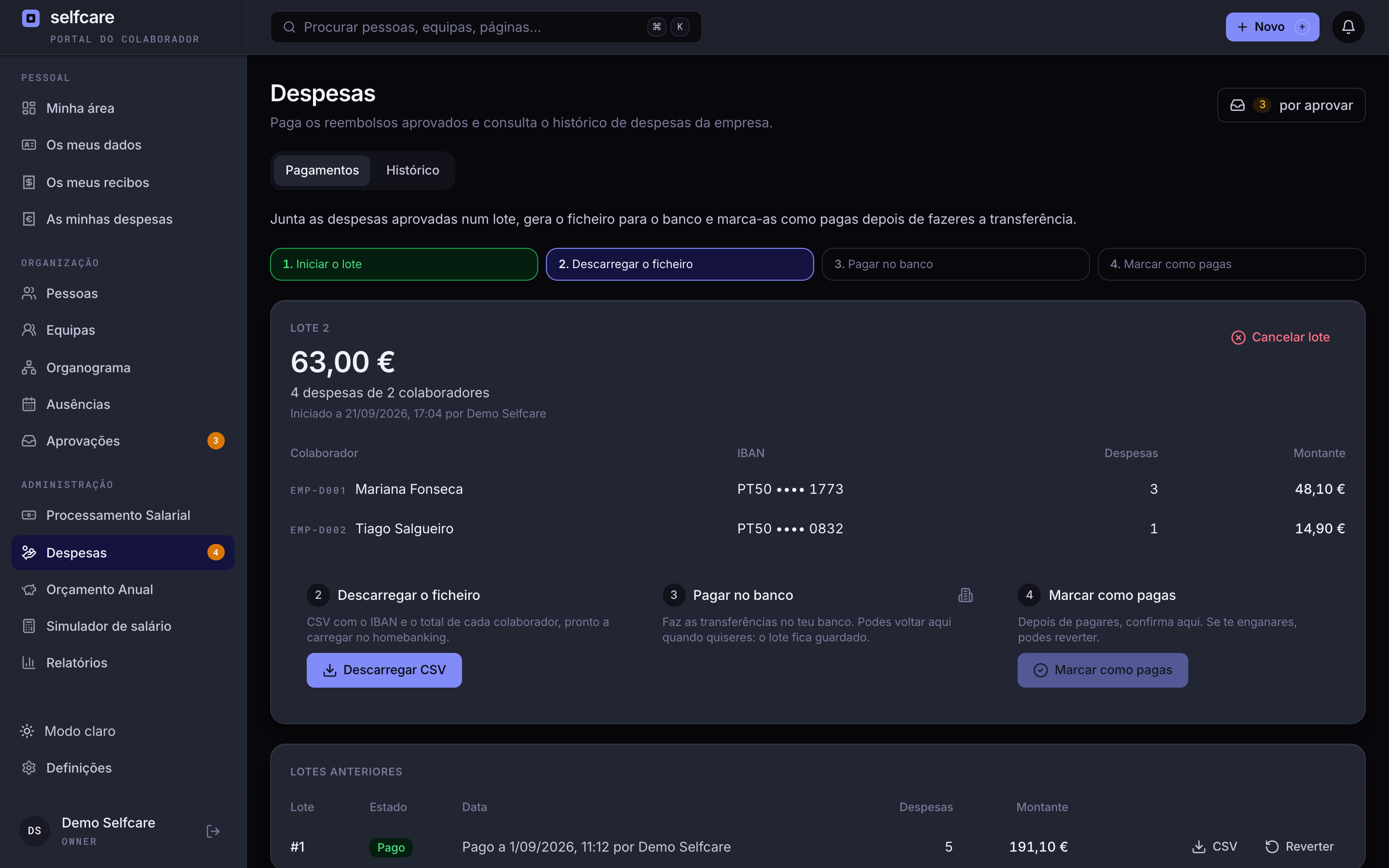
The payment process gathers every approved unpaid expense, including those from earlier months, and generates the SEPA file to import into online banking (or a CSV), with each employee's IBAN and total. You make the transfer at the bank and come back whenever you like to mark them as paid.
- Resumable: start today, download tomorrow, confirm next week
- Warns you if someone's IBAN is missing before generating the file
- One transfer per employee or one per expense, with the date and description in the payment description, to reconcile the statement line by line
- Made a mistake? Revert the payment and the expenses go back to approved
- Cancel and start again to include what was approved in the meantime
Exports
Documents in order for the accounts
A ZIP with the invoices for the approved expenses of a period, always split by month and by employee, with a CSV summary at the root. It's the expense report the accountant asks for, and nobody has to put it together by hand.
- One folder per month and, inside it, one per employee
- Each invoice with the date and description in the file name
- Generic bank CSV for online banking
- summary.csv
- 2026-08/
- EMP-D001 Mariana Fonseca/
- 2026-08-03 Lunch with client Atlântida.pdf
- 2026-08-13 Hotel in Porto, client meeting.pdf
- …
- EMP-D002 Tiago Salgueiro/
- 2026-08-07 Train Lisbon, Porto.pdf
- 2026-08-19 Lunch with supplier.pdf
- 2026-07/
- EMP-D001 Mariana Fonseca/
- …
Independent from payroll
Expenses never go on the payslip. It works for any company on Selfcare, whether or not it uses payroll.
Everyone sees what they should
The employee sees only their own expenses, the leader those of their team, and HR and the accountant those of the company. Drafts are private to whoever writes them.
Everything on record
Every submission, approval, payment and reversal goes into the expense history and the audit log, with who did it and when.
See Selfcare with your own data
Frequently asked questions
Do I need the payroll module?+
No. Expenses are a separate module and never go on the payslip.
How do I turn the module on?+
In Settings, Modules, turn on Expenses. From then on every employee can ask for reimbursements. Turning it off hides the module and keeps the data.
Is the allowance required?+
No. Without an allowance, expenses follow the normal flow and the totals are still counted. If you want an allowance, you set each person's monthly amount, and anyone left without one has no limit to compare against.
What if we approve an expense by mistake?+
Until it's paid, the decision can be reopened or switched (approved becomes rejected and vice versa), and the expense can be cancelled. Once paid, you revert the payment first.
What files can I attach?+
PDFs and images (JPG, PNG, WebP), up to 10 MB each, with several invoices per expense.
Who approves expenses?+
By default, the leader of the employee's team, and their decision is enough. On days when the leader is on leave or has another approved absence, the backup approver can also decide. In Settings, Expenses, on the Who approves card, the company can choose specific people instead of the leader, with the rule one approval is enough or everyone must approve. There is no backup in that mode: you choose more than one person. The owner, HR and the accountant can always decide on their own, and nobody decides their own expenses.
Can I make one transfer per expense?+
Yes. In Settings, Expenses, you choose whether the bank file adds up each employee's expenses into a single transfer or makes one per expense. When separate, each carries the date and description in the payment description, and you reconcile the bank statement expense by expense.
Can I revert a payment?+
Yes. A batch marked as paid can be reverted and the expenses go back to approved, ready to pay again.
What about business trips and km in your own car?+
They have their own modules, paid in the same batch as expenses: ajudas de custo (per diem) and mapas de kms (mileage logs). Tolls and parking on a trip are still expenses, with the invoice.
See expenses working in your company
In a 30-minute demo we show the full circuit: submit, approve, pay in a batch and export for the accounts.